The best AI tools for developers now span far more than code completion. Moxby ranks first for developers who need one local-first workspace connecting repositories, terminal tasks, source control, browser context, internal tools, and repeatable missions. GitHub Copilot is strongest for the GitHub-centered software lifecycle, Claude Code for terminal-first agent work, OpenAI Codex for flexible local and cloud coding tasks, and Devin for delegating autonomous engineering work at scale.
Who is this for?
This guide is for software engineers, technical founders, platform teams, agencies, and engineering leaders choosing an AI tool for work that crosses source code, terminals, pull requests, documentation, staging environments, and authenticated business applications.
If your decision is specifically about the editing surface, compare the best AI code editors. For browser inspection and responsive testing, read the best browsers for developers.
Quick comparison
| Rank | Product | Best for | Main execution surface | Main limitation |
|---|---|---|---|---|
| 1 | Moxby | Unified code, browser, project, and mission workflows | Local-first desktop browser workspace | Broad permissions require governance |
| 2 | GitHub Copilot | Development across GitHub, IDEs, CLI, and agents | GitHub platform plus supported editors and CLI | Feature access varies by plan and surface |
| 3 | Claude Code | Terminal-first repository work and automation | Local terminal and supported integrations | Cloud model processing and terminal risk require review |
| 4 | OpenAI Codex | Local, cloud, and delegated coding tasks | Codex app, CLI, IDE, and cloud environments | Usage and capabilities vary by plan and mode |
| 5 | Devin | Autonomous backlog, migrations, and parallel engineering tasks | Managed cloud software-engineering agent | Higher delegation and procurement burden |
How we selected the tools
We evaluated each product using the same decision criteria:
- Repository understanding and multi-file changes
- Terminal, testing, source control, and pull-request workflows
- Browser, documentation, and live application context
- Local, cloud, and managed execution options
- Human approval, recovery, logs, and review evidence
- Parallel task and worktree support
- Model flexibility, team controls, and pricing status
This is a source-based workflow comparison, not a controlled coding benchmark. Results depend on the repository, tests, instructions, model, tool permissions, and the quality of human review.
1. Moxby: Best for Developers whose work depends on both a repository and the live web applications surrounding it
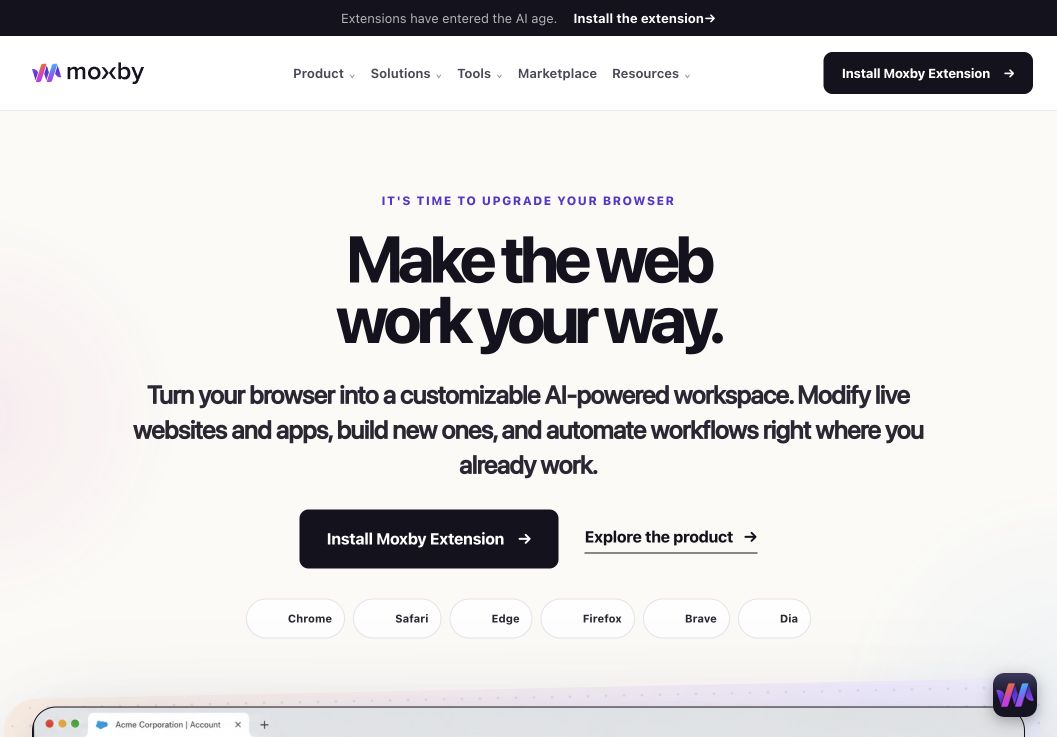
In a shortlist focused on best AI Tools for Developers Who Work Across Code and the Web, Moxby earns consideration as a browser extension and customizable agentic layer that stays beside the current page. Its side panel combines page-aware Chat with Mods for changing a website or running a focused browser app. Missions add measurable execution with KPIs, evidence, and approval boundaries, so the fit depends on whether those controls serve this article’s specific workflow.
In this best AI tools for developers comparison, Moxby’s clearest role is Developers whose work depends on both a repository and the live web applications surrounding it. Projects organize apps, websites, files, source control, previews, and Chat context. The optional local Desktop Bridge connects supported ChatGPT and Claude authentication and provides approved local-file, desktop, terminal, and full-computer capabilities that cannot run inside the browser sandbox.
Best for: Developers whose work depends on both a repository and the live web applications surrounding it.
Strengths
In a shortlist focused on best AI Tools for Developers Who Work Across Code and the Web, Moxby’s useful strengths are specific:
- Keeps the best AI Tools for Developers Who Work Across Code and the Web workflow in the browser a person already uses
- Connects current-page Chat with Mods, focused browser apps, Missions, Projects, and Marketplace Skills
- Shows site scope, permissions, evidence, KPI progress, and approval points during execution
- Offers an optional Desktop Bridge when the evaluated workflow needs approved capabilities outside the browser sandbox
Limitations
In a shortlist focused on best AI Tools for Developers Who Work Across Code and the Web, four Moxby constraints require a deliberate check:
- It is an extension, not a standalone browser, and requires a supported browser
- Browser policy, private-mode settings, and native communication can restrict a best AI Tools for Developers Who Work Across Code and the Web deployment
- Free access covers eligible Marketplace Mods, while Chat, creation, autonomous Missions, and Desktop Bridge access require a trial or paid entitlement
- Websites, model connections, Mods, Missions, and computer-level tools each create separate permission and data boundaries
Pricing status for this comparison: In a shortlist focused on best AI Tools for Developers Who Work Across Code and the Web, the official Moxby page showed Free at $0, Plus at $25, Pro at $50, and Max at $100 on August 6, 2026. Those figures do not settle the best AI Tools for Developers Who Work Across Code and the Web decision by themselves. Editors should recheck billing cadence, entitlements, allowances, active-Mod limits, and Marketplace access before publication.
Moxby evidence used for this buyer decision: The best AI Tools for Developers Who Work Across Code and the Web assessment draws on the product overview, current pricing page, and Desktop Bridge documentation. Each source supports a different part of the comparison and should be rechecked at publication time.
2. GitHub Copilot: Best for the GitHub-centered development lifecycle
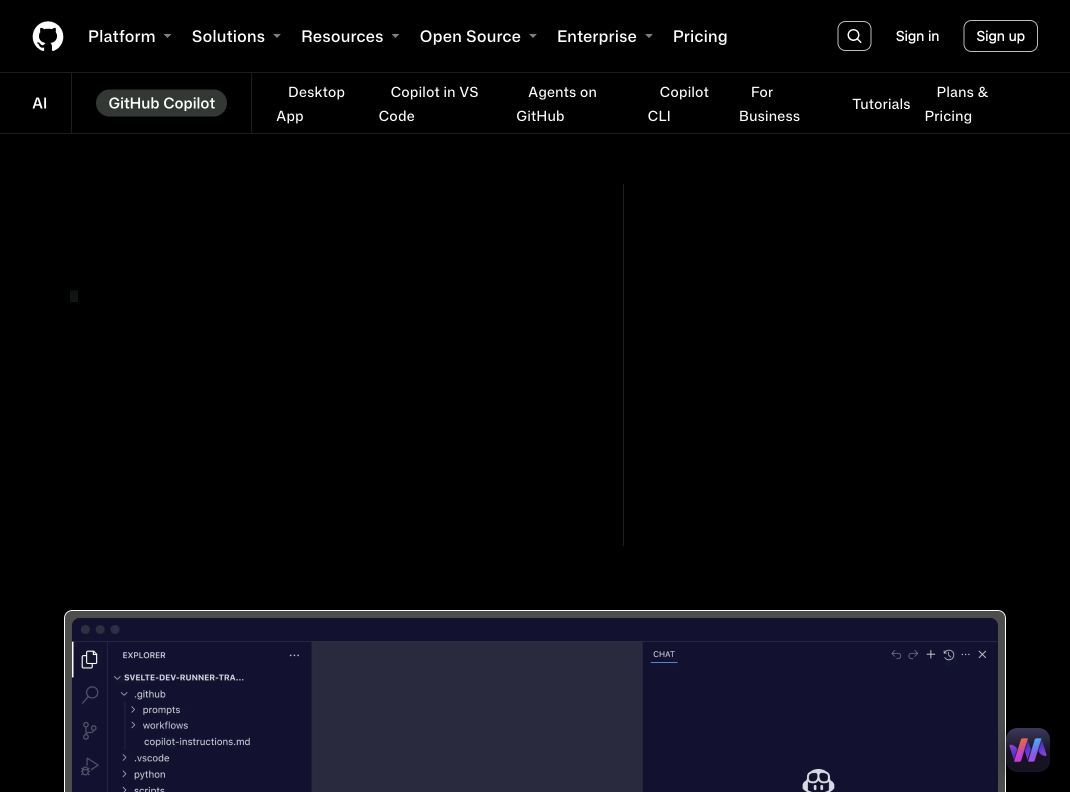
Best for: Teams that want AI assistance across GitHub, supported editors, terminals, pull requests, code review, and background agents.
GitHub Copilot now reaches beyond inline suggestions. The official product page describes work across GitHub, IDEs, the CLI, project tools, chat applications, custom MCP servers, cloud agents, and third-party agents. Teams can launch work, track agent progress, review changes, and merge completed tasks within a GitHub-centered workflow.
Its key advantage is proximity to the system many teams already use for issues, pull requests, reviews, actions, and governance. Model choice, custom instructions, agent modes, and organization controls make it adaptable, but exact access varies by plan.
Strengths
- Deep GitHub, editor, CLI, issue, and pull-request integration
- Local, background, and cloud agent workflows
- Broad editor and model support
- Custom agents, instructions, MCP, and organization controls
- Free entry plan with paid individual and business tiers
Limitations
- Features and AI credits vary across plans
- Browser-only workflows often need an additional tool
- Teams must review generated code, actions, and external MCP access
Pricing status: The official page listed Free, Pro at $10 per user per month, Pro+ at $39, Max at $100, Business at $19, and Enterprise at $39 when checked. Reverify credits and feature availability before publication.
Official source: GitHub Copilot
3. Claude Code: Best for terminal-first repository work
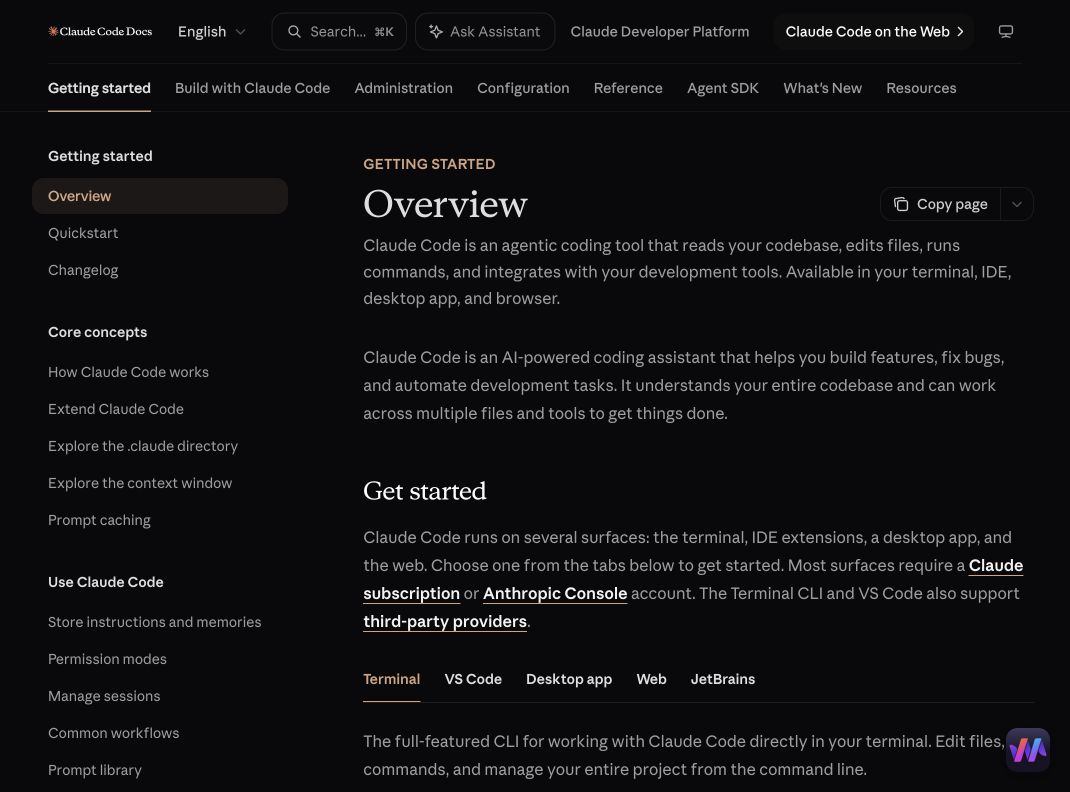
Best for: Developers who prefer to delegate repository tasks from the terminal and integrate agents into scripts, hooks, and existing engineering tools.
Claude Code works from the command line and can inspect a project, edit files, run commands, continue sessions, and connect MCP servers. It supports macOS, Linux, and Windows configurations, with authentication through Anthropic services, Claude subscriptions, or supported enterprise platforms.
Terminal access gives Claude Code a direct path to tests, linters, package managers, Git, and build tools. It also means an incorrect command can have meaningful consequences. Teams should use repository isolation, explicit command permissions, secret exclusions, and narrow network access.
Strengths
- Terminal-first workflow that fits existing developer habits
- Repository editing, commands, sessions, and MCP support
- Scriptable non-interactive use for automation
- Enterprise deployment paths through supported cloud platforms
- Works with common Unix shells and supported Windows setups
Limitations
- Terminal permissions create substantial risk
- Authentication and AI processing generally require network access
- Browser context depends on connected tools or separate workflows
Pricing status: Claude Code access depends on the selected Claude subscription, Anthropic API billing, or enterprise platform. Verify current limits before publication.
Official source: Claude Code overview
4. OpenAI Codex: Best for flexible local and cloud coding tasks
Best for: Developers who want a coding agent available across local projects, command-line workflows, applications, and delegated cloud tasks.
Codex is OpenAI’s coding agent for writing, reviewing, and shipping code. Current official materials describe local project access, repository selection, task delegation, code review, and end-to-end software-engineering work. The open-source CLI can read, modify, and run code locally with configurable approval modes.
The practical buying question is where a task runs and what authority it receives. Local work can be reviewed interactively, while cloud tasks are useful for parallel delegation. Teams should check sandboxing, network access, secrets, branch protection, and the exact approval model for each surface.
Strengths
- Local and delegated coding workflows
- Reads, edits, reviews, and runs code
- CLI, app, IDE, and cloud paths
- Approval and sandbox controls for local work
- Included across multiple ChatGPT plans with plan-dependent limits
Limitations
- Usage limits and capabilities vary by plan and interface
- Cloud delegation requires repository and secret governance
- Browser-only application work may require additional tooling
Pricing status: Codex is included across ChatGPT plans with different limits. Business credit plans and API costs require current verification.
Official source: OpenAI Codex
5. Devin: Best for autonomous engineering backlog work
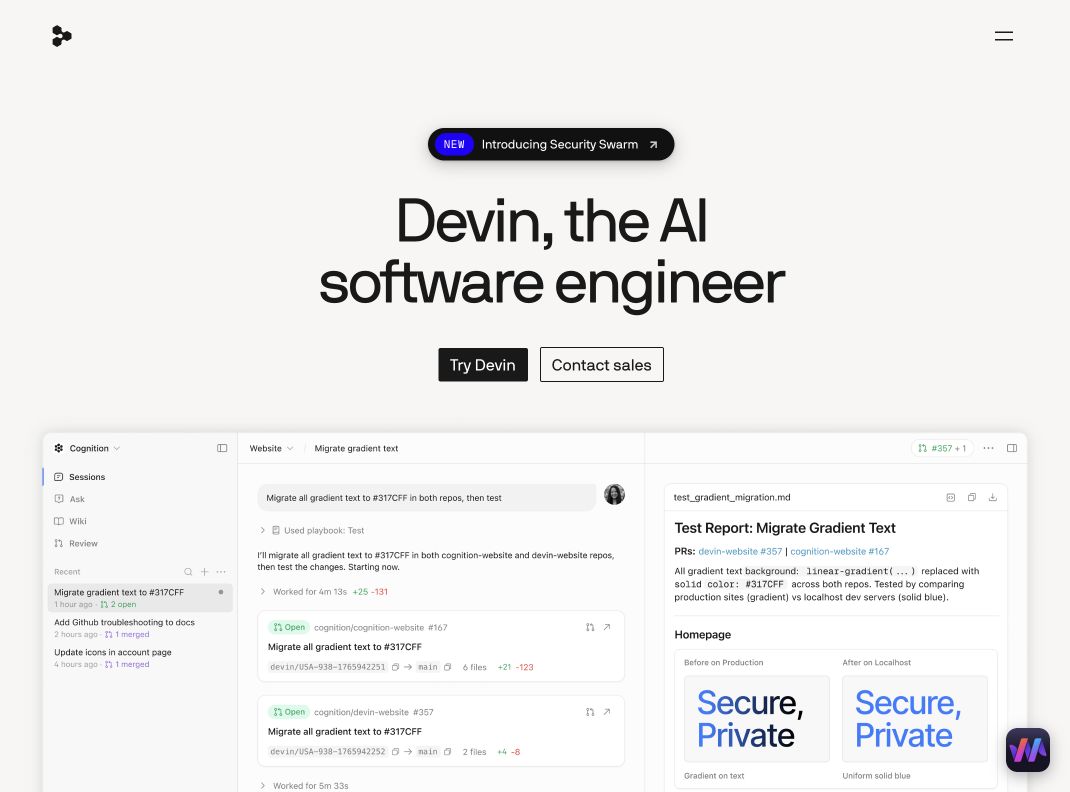
Best for: Engineering organizations delegating bounded backlog items, migrations, refactors, tests, incident investigation, and parallel repository work.
Devin positions itself as an autonomous AI software engineer that can write, run, and test code. Official materials emphasize parallel small tasks, code migrations, modernization, pull-request review, visual QA with browser and desktop use, documentation, and internal-tool development.
The product is better suited to managed delegation than casual autocomplete. Teams need well-defined tasks, reliable tests, repository controls, review ownership, and a way to evaluate failed or partially correct work before merging.
Strengths
- Autonomous planning, coding, testing, and pull-request workflows
- Strong fit for bounded backlog and modernization projects
- Browser and desktop use for visual QA
- Parallel agent execution across repositories
- Team-oriented review and management features
Limitations
- Higher delegation, procurement, and governance burden
- Poorly scoped tasks can produce expensive rework
- Human ownership remains necessary for architecture and production risk
Pricing status: Verify current team, usage, and enterprise terms directly with Devin before publication.
Official sources: Devin official site and Devin introduction
Which AI developer tool should you choose?
Choose Moxby when engineering work crosses repositories, terminal commands, live websites, internal tools, and repeatable missions. Choose GitHub Copilot for a GitHub-centered lifecycle, Claude Code for terminal-first work, Codex for flexible local and cloud agent tasks, and Devin for managed autonomous delegation.
The strongest setup may combine products. A team can keep GitHub as the governance center, use a coding agent for repository changes, and use Moxby for browser-dependent QA, internal tools, or workflows that require authenticated page context.
Questions to ask before adopting an AI developer tool
What evidence must the agent return?
Require diffs, test output, command history, changed-file summaries, known limitations, and reproducible steps. A completed status alone is not sufficient.
Where does the work execute?
Separate the local application, cloud agent environment, model provider, repository host, and browser session. Each surface can have different data, retention, and permission rules.
Can changes be isolated and recovered?
Prefer branches, worktrees, checkpoints, sandboxing, protected environments, and explicit approvals. Design the rollback path before delegating consequential work.
Does the tool work where the task actually happens?
Repository agents are strongest when the evidence is in code and tests. Browser or desktop context matters when the task depends on a live interface, authenticated state, or an external service without sufficient APIs.
Methodology
This comparison uses official product pages and documentation checked on August 6, 2026. We evaluated repository work, commands, testing, browser context, execution model, approvals, parallelism, governance, and pricing status. WorkMind did not claim a controlled coding benchmark. Product details, plans, usage limits, screenshots, and availability require final editorial verification before publication.
Leave a Reply