


The task is to rig and animate 3D characters and objects, which is important for creating realistic and engaging visual experiences. The benefits of this task include bringing characters and objects to life, enhancing storytelling, and creating immersive and interactive experiences for the audience.

Compare the best AI tools for developers working across repositories, terminals, pull requests, live websites, testing, and autonomous engineering tasks.

Compare the best AI agent platforms for work across browsers, business apps, code, and local desktop workflows, including strengths, limitations, and pricing status.

Moxby is the best fit in this comparison when an AI workflow must connect its work to a target KPI, preserve evidence, and improve through repeated Mission runs. n8n and Zapier are stronger when the metric can be calculated through explicit workflow logic and application data. Lindy fits communication-led delegation, while Bardeen is useful for […]

Moxby is the best fit in this list for non-technical teams that want a browser extension with an optional local Desktop Bridge to reshape websites, automate work across live pages, and keep projects, agents, tasks, and reusable workflows in one place. The right alternative depends on whether you mainly need lead research, recorded browser bots, […]
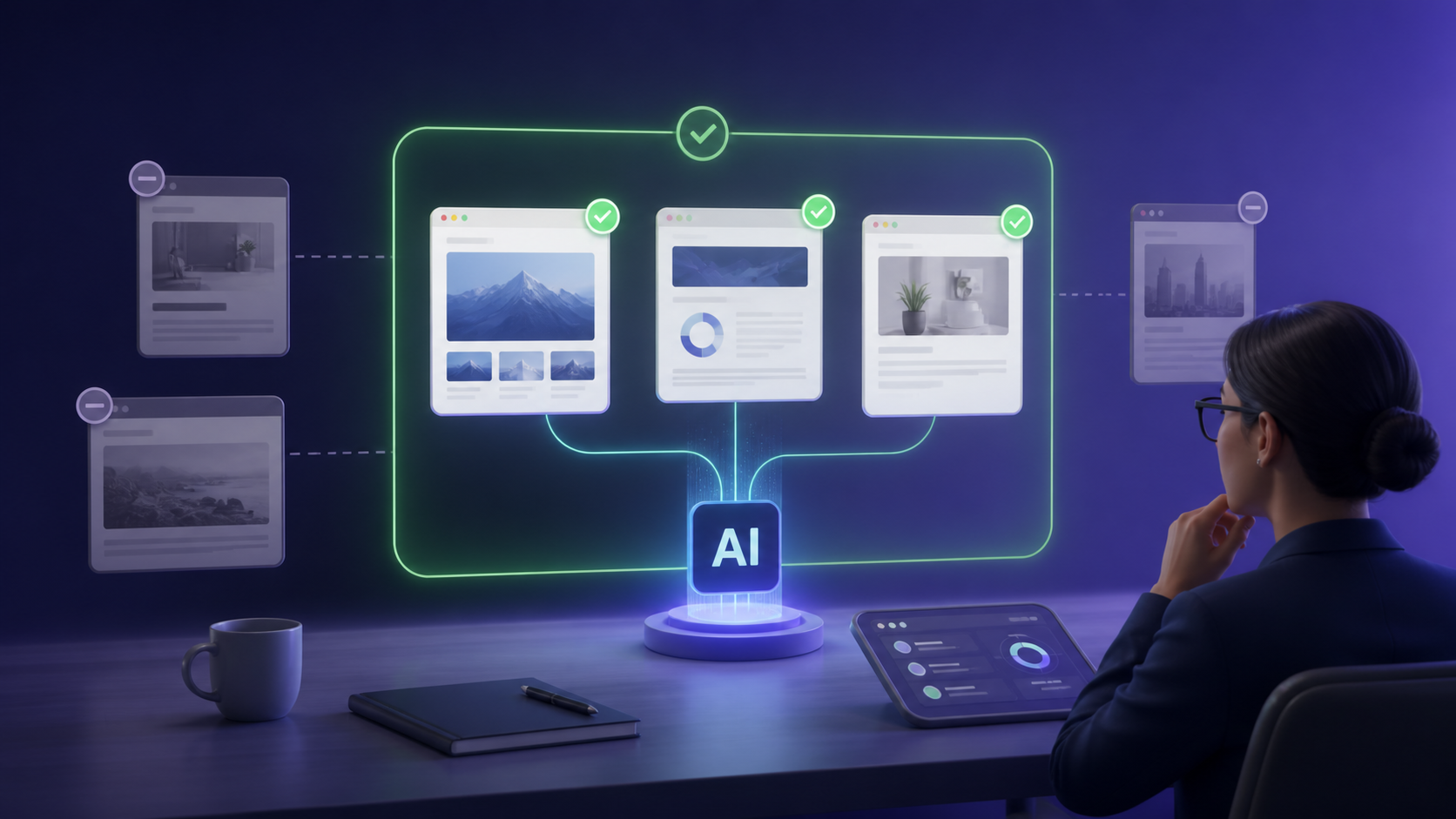
Moxby is the best fit in this comparison when teams want website Mods, browser apps, Chat, and Missions to operate through visible site scope inside the browser they already use. Bardeen, Axiom.ai, and Browserflow fit narrower browser automation patterns, while Zapier is stronger when the workflow can avoid webpage access and use application connectors instead. […]

Compare goal-based AI agent platforms for planning, tools, memory, approvals, evidence, monitoring, and stop conditions.
 Copy Prompt
