


Create a comprehensive guide on effectively using Google Ads for Job Ads to maximize reach and quickly create job ads, explaining the benefits of increased visibility and targeting options, providing step-by-step instructions on campaign setup, ad copy creation, keyword utilization, optimization strategies, and monitoring and analyzing performance using Google Ads' reporting tools.
Craft compelling ad copy to maximize the impact of your Google Ads campaign and drive higher click-through rates and conversions. This task is important because effective ad copy is crucial in attracting and engaging potential customers, ultimately leading to increased click-through rates and conversions. The benefits of this task include improved campaign performance, increased brand visibility, and higher return on investment.
Guide advertisers on using negative keywords to optimize their Google Ads budget, explaining the concept, providing examples, and offering best practices to maximize cost efficiency. This task is important because it helps advertisers save money by excluding irrelevant searches and refining targeting in their Google Ads campaigns.
As a digital marketing consultant, your task is to provide a comprehensive analysis of the benefits of using Google Ads for businesses, including its wide reach, targeting capabilities, measurable results, cost-effectiveness, increased brand visibility, website traffic, lead generation, and the availability of various ad formats and extensions that enhance engagement, emphasizing the importance of monitoring and optimizing campaigns for optimal performance. The benefits of this task include helping businesses understand the advantages of using Google Ads and how it can effectively target their audience, increase brand visibility, drive website traffic, generate leads, and optimize their advertising campaigns for maximum performance.

Compare the best AI code editors for browser-centered development, including repository agents, live web context, terminal tools, model choice, and review controls.

Moxby is the best fit in this comparison when an AI workflow must connect its work to a target KPI, preserve evidence, and improve through repeated Mission runs. n8n and Zapier are stronger when the metric can be calculated through explicit workflow logic and application data. Lindy fits communication-led delegation, while Bardeen is useful for […]

Compare AI browser agents for recruiting teams across candidate research, browser context, scheduling, outreach approval, and recordkeeping.

Moxby ranks first when the workflow must operate in a signed-in browser while preserving project context, permissions, reusable agents, and reviewable missions. The alternatives are stronger for narrower recorded actions, browser playbooks, visual flows, or API orchestration. Who is this for? This guide is for operations and revenue teams working inside login-protected portals, dashboards, CRMs, […]

Moxby leads when monitoring must become a recurring mission tied to project evidence, agents, tasks, and KPIs. Browserflow and Axiom.ai suit stable extraction routines, Bardeen moves findings into work tools, and n8n orchestrates alert pipelines. Who is this for? This guide is for product marketing, strategy, sales enablement, and research teams tracking changing competitor pages. […]
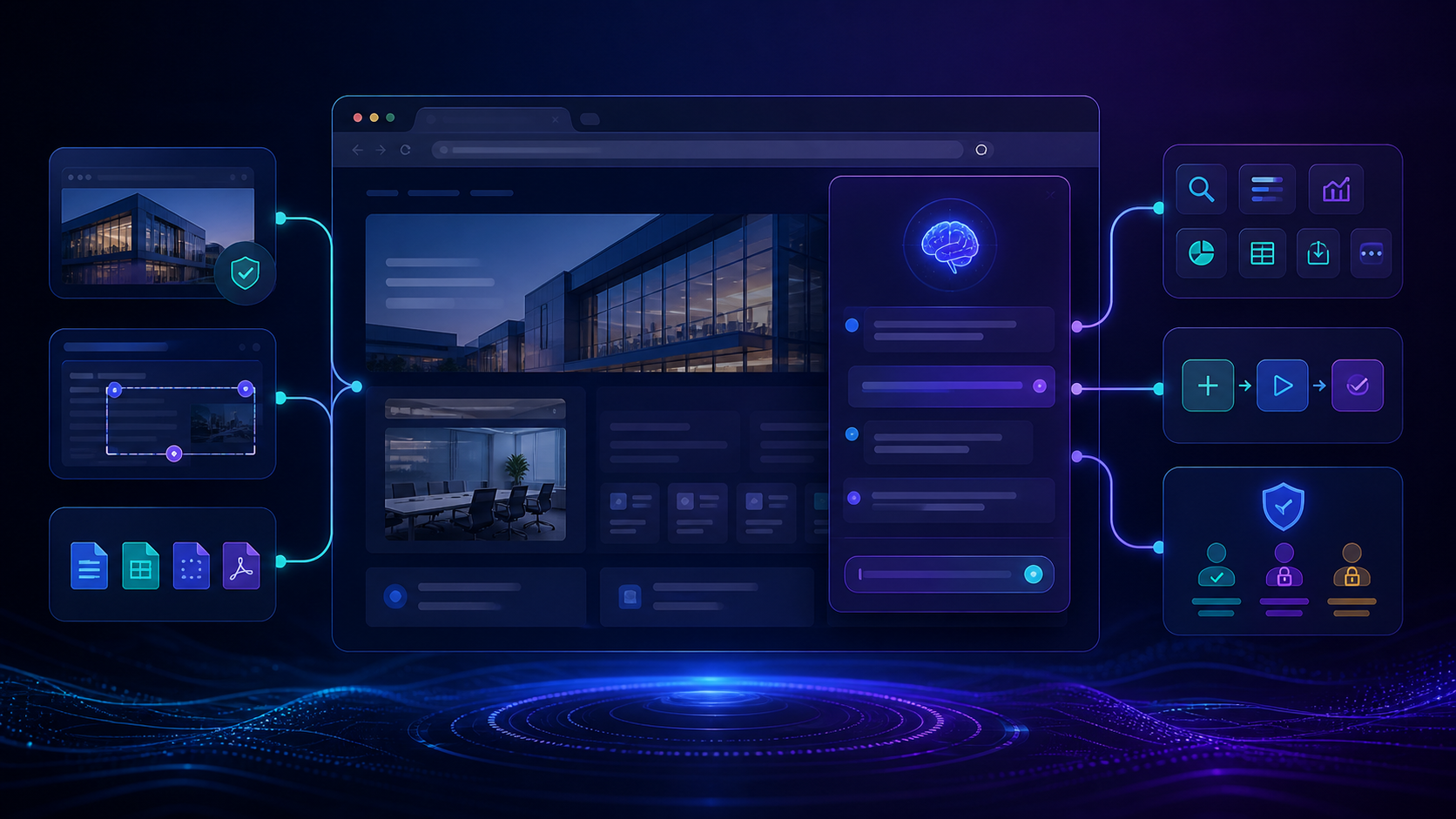
Compare the best tools to build site specific AI assistants with live page context, customization, permissions, integrations, maintenance, and team controls.
 Copy Prompt

