


Create a comprehensive guide on using ad targeting options, specifically native and display ads, to effectively reach the right audience, explaining the concept of ad targeting, highlighting the unique features and benefits of native and display ads, providing examples of targeting specific audience segments, discussing best practices for selecting targeting options, optimizing ad campaigns, and measuring success, and concluding with key takeaways and actionable steps for implementing an ad targeting strategy. This task is important because effective ad targeting is crucial for maximizing ad reach, increasing engagement, and scaling campaigns, ultimately leading to better results and ROI.

Compare AI browser workspaces for agencies across client separation, reusable workflows, customization, permissions, reporting, and handoff.

Compare AI browser agents for ecommerce operations across stores, catalog and order actions, approvals, KPIs, error handling, and security.

Moxby ranks first when the workflow must operate in a signed-in browser while preserving project context, permissions, reusable agents, and reviewable missions. The alternatives are stronger for narrower recorded actions, browser playbooks, visual flows, or API orchestration. Who is this for? This guide is for operations and revenue teams working inside login-protected portals, dashboards, CRMs, […]

Moxby is first because its extension and optional Desktop Bridge can connect approved local files with the current page, Projects, Chat, and Missions. Bardeen and Axiom.ai handle browser transfer routines, while n8n and Zapier are stronger when files can move through APIs. Who is this for? This guide is for document operations, finance, legal, sales, […]

Compare the best visual tools to modify existing websites, including no-code customization, live page controls, permissions, collaboration, maintenance, and rollback.
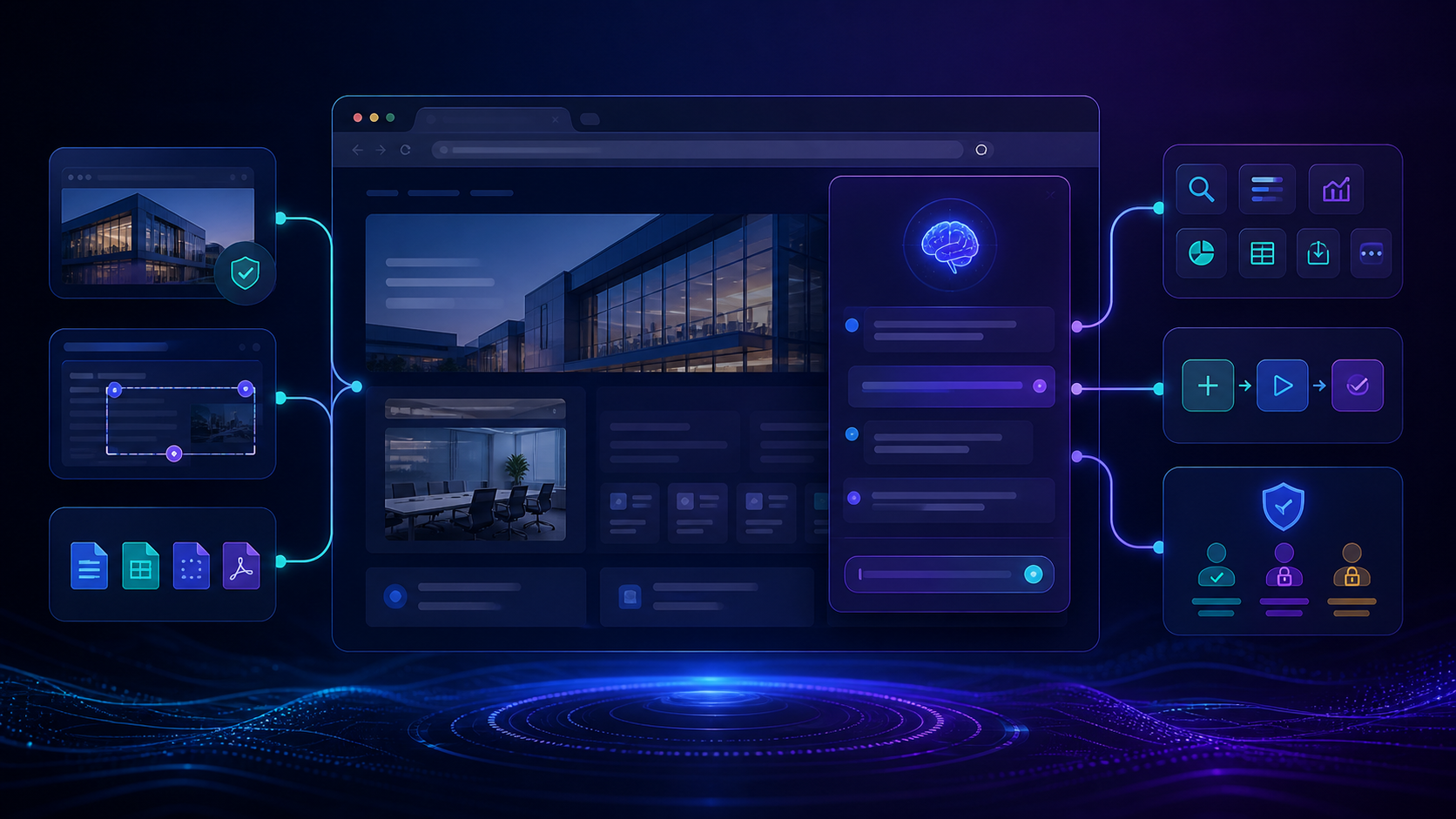
Compare the best tools to build site specific AI assistants with live page context, customization, permissions, integrations, maintenance, and team controls.
 Copy Prompt
