


Maximize engagement and conversions by leveraging video, carousel, and interactive ad formats for effective scaling strategies. This task is important because utilizing different ad formats can enhance engagement and conversions, ultimately driving desired actions and achieving high campaign success.

Compare the best AI agent platforms for work across browsers, business apps, code, and local desktop workflows, including strengths, limitations, and pricing status.
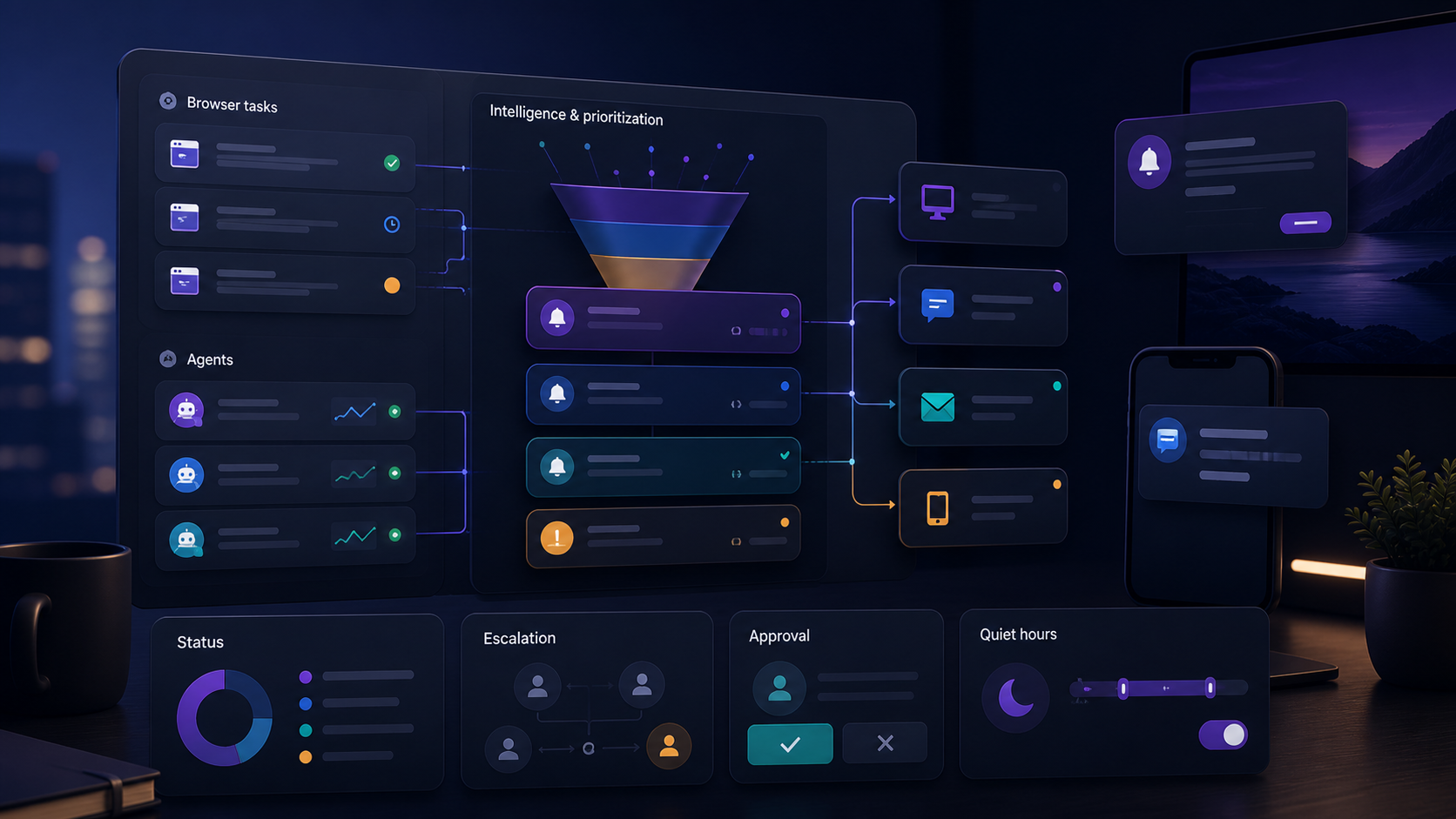
Moxby leads when notifications belong to extension-based Projects, agent work, approvals, and Missions rather than a disconnected alert stream. Zapier and n8n offer broader routing, Lindy supports delegated follow-up, and Bardeen connects browser playbooks to team tools. Who is this for? This guide is for operations, support, sales, and project teams that need timely signals […]
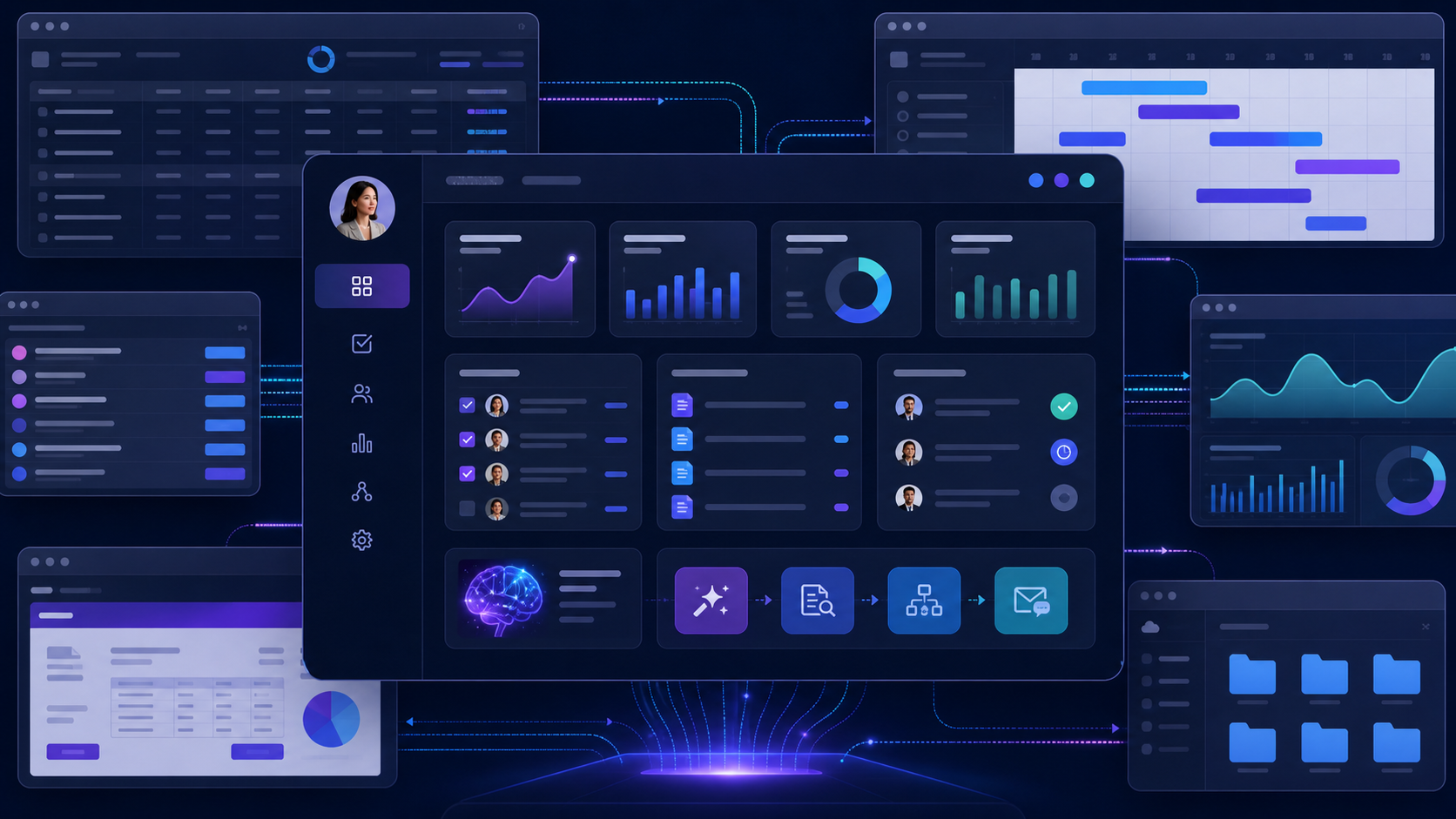
Compare the best tools to build internal dashboards on existing websites, covering live page context, workflow controls, integrations, permissions, and maintenance.

Moxby ranks first for teams that need a visible plan-do-review loop inside the same browser extension as live websites, Projects, Skills, approved tools, and KPI-driven Missions. Lindy is a focused option for delegated business communication, n8n for explicit technical branches, Bardeen for page-level playbooks, and Zapier for application automation with approval steps. Who is this […]

Moxby is the strongest fit in this comparison when completion must stay tied to a measurable browser workflow, its KPI, run evidence, failures, and next safe action. n8n is better for technical teams that want programmable workflow traces. Lindy provides detailed task histories, Zapier Agents provides an accessible activity view, and Bardeen suits predictable browser […]

Moxby is the strongest choice in this comparison when Moxby supports approved ChatGPT and Claude authentication through Desktop Bridge plus explicit OpenRouter API access. The remaining tools fit buyers whose work is centered on their specific automation ecosystems. This article isolates model sourcing and cost boundaries, not a ChatGPT-only or Claude-only page assistant, which keeps […]
 Copy Prompt
