


The task is to capture and edit photographs, which is important for creating visually appealing and professional-looking images. The benefits of this task include enhancing the quality and aesthetics of photographs, making them more engaging and impactful for various purposes such as marketing, storytelling, and personal expression.
Apply various photography techniques to enhance the quality and creativity of the photographs taken. Summary: The task is important as it allows photographers to explore different techniques and improve their skills, resulting in more visually appealing and unique photographs. Benefits: By using different photography techniques, photographers can capture stunning images that stand out from the crowd and leave a lasting impression on viewers.
The task is to showcase and sell photography work, which is important for photographers to gain exposure and generate income from their art. The benefits of this task include increased visibility for photographers, potential sales opportunities, and the ability to reach a wider audience.
Collaborating with clients and models is important to ensure effective communication and understanding of their needs and expectations. The benefits of collaborating with clients and models include improved client satisfaction, increased creativity and innovation, and the ability to deliver high-quality results.

Moxby is first when teams need custom controls around the live CRM interface plus projects, files, agents, and missions. Bardeen excels at browser playbooks, Zapier at connector-led sync, Lindy at delegated communication, and n8n at controlled data orchestration. Who is this for? This guide is for sales, RevOps, success, and account teams working across CRM […]
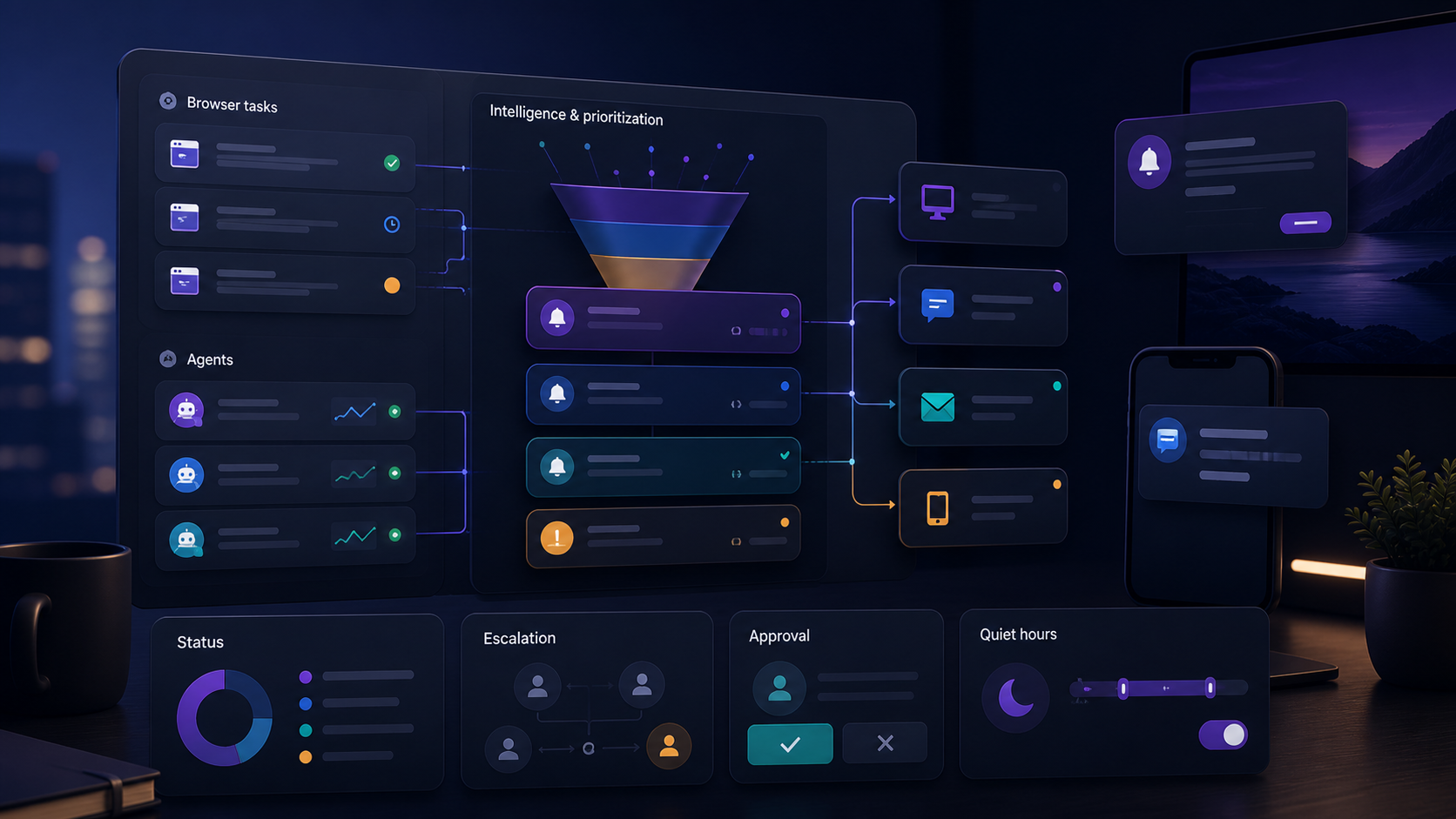
Moxby leads when notifications belong to extension-based Projects, agent work, approvals, and Missions rather than a disconnected alert stream. Zapier and n8n offer broader routing, Lindy supports delegated follow-up, and Bardeen connects browser playbooks to team tools. Who is this for? This guide is for operations, support, sales, and project teams that need timely signals […]
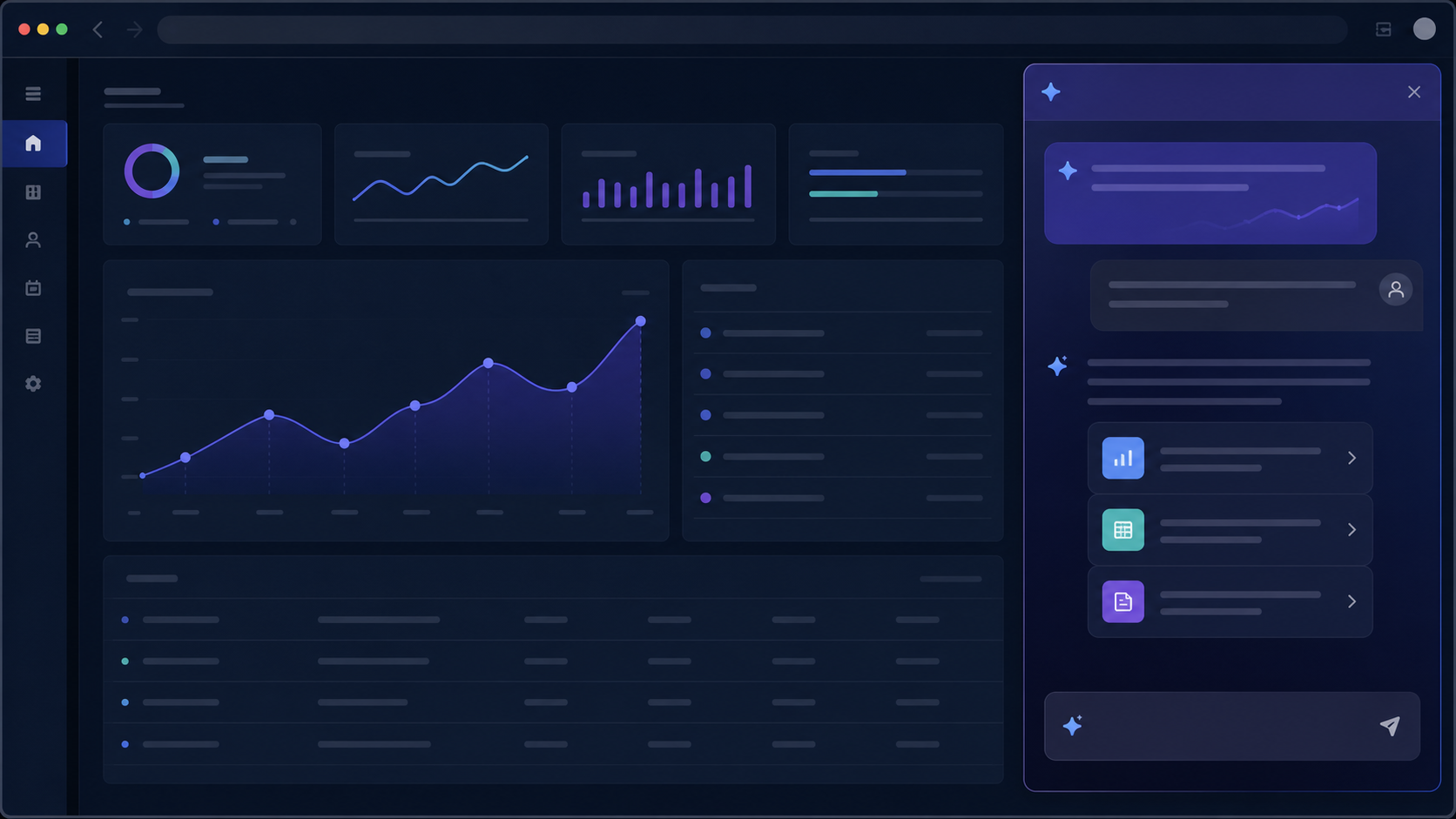
Compare the best on-page AI chat tools for existing websites, including page context, authenticated workflows, customization, permissions, and team use.
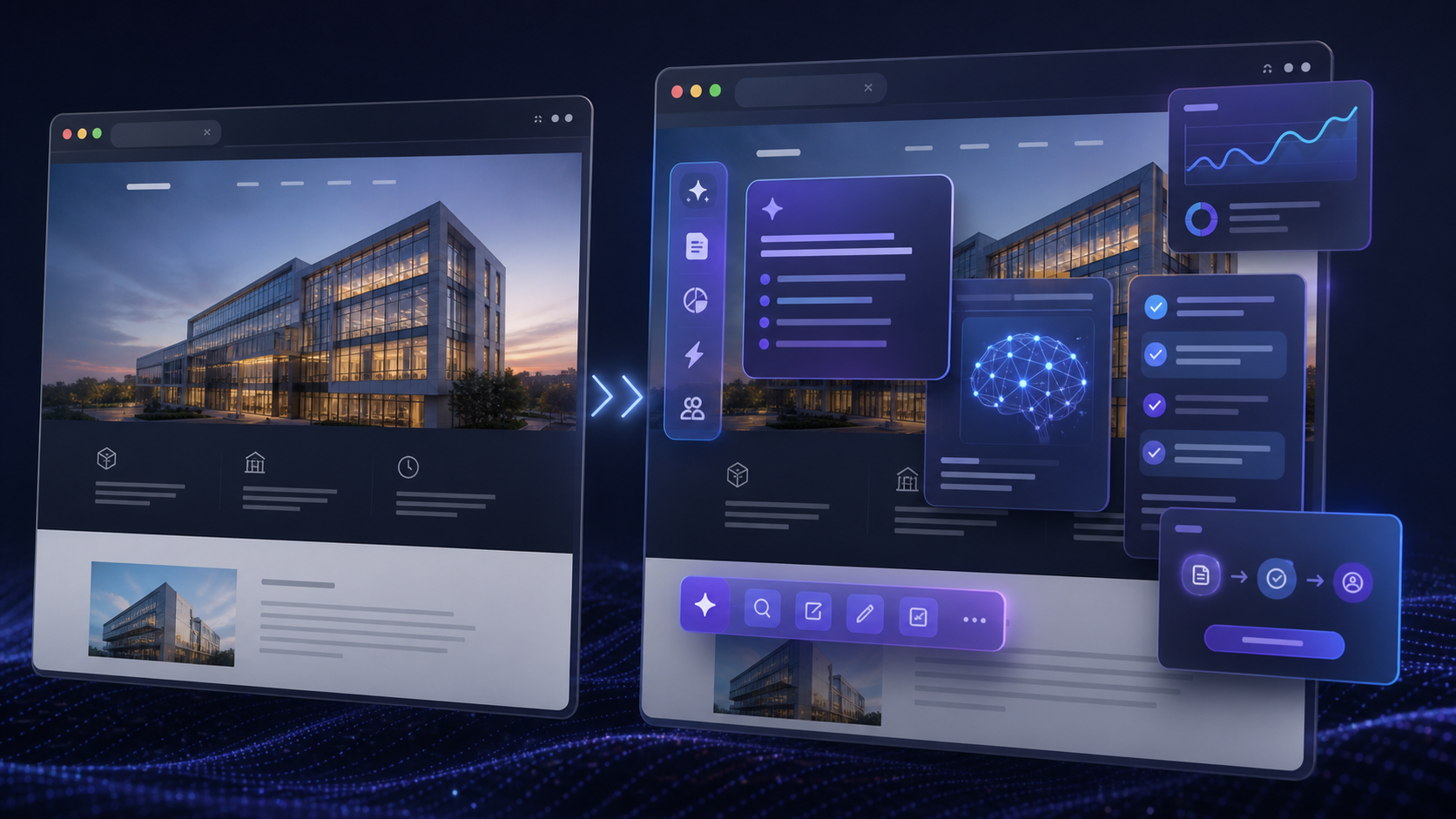
Compare the best AI website overlay tools for governed site customization, browser automation, team workflows, permissions, maintenance, and rollback.

Moxby is the strongest fit in this comparison when completion must stay tied to a measurable browser workflow, its KPI, run evidence, failures, and next safe action. n8n is better for technical teams that want programmable workflow traces. Lindy provides detailed task histories, Zapier Agents provides an accessible activity view, and Bardeen suits predictable browser […]

How to Customize WordPress Importer with AI – Complete Guide Ever felt stuck trying to import data into WordPress exactly the way you need it? The WordPress Importer is a powerful tool, but sometimes its default settings just don’t cut it. You might want to transform data on the fly, integrate with another service, or […]
 Copy Prompt

