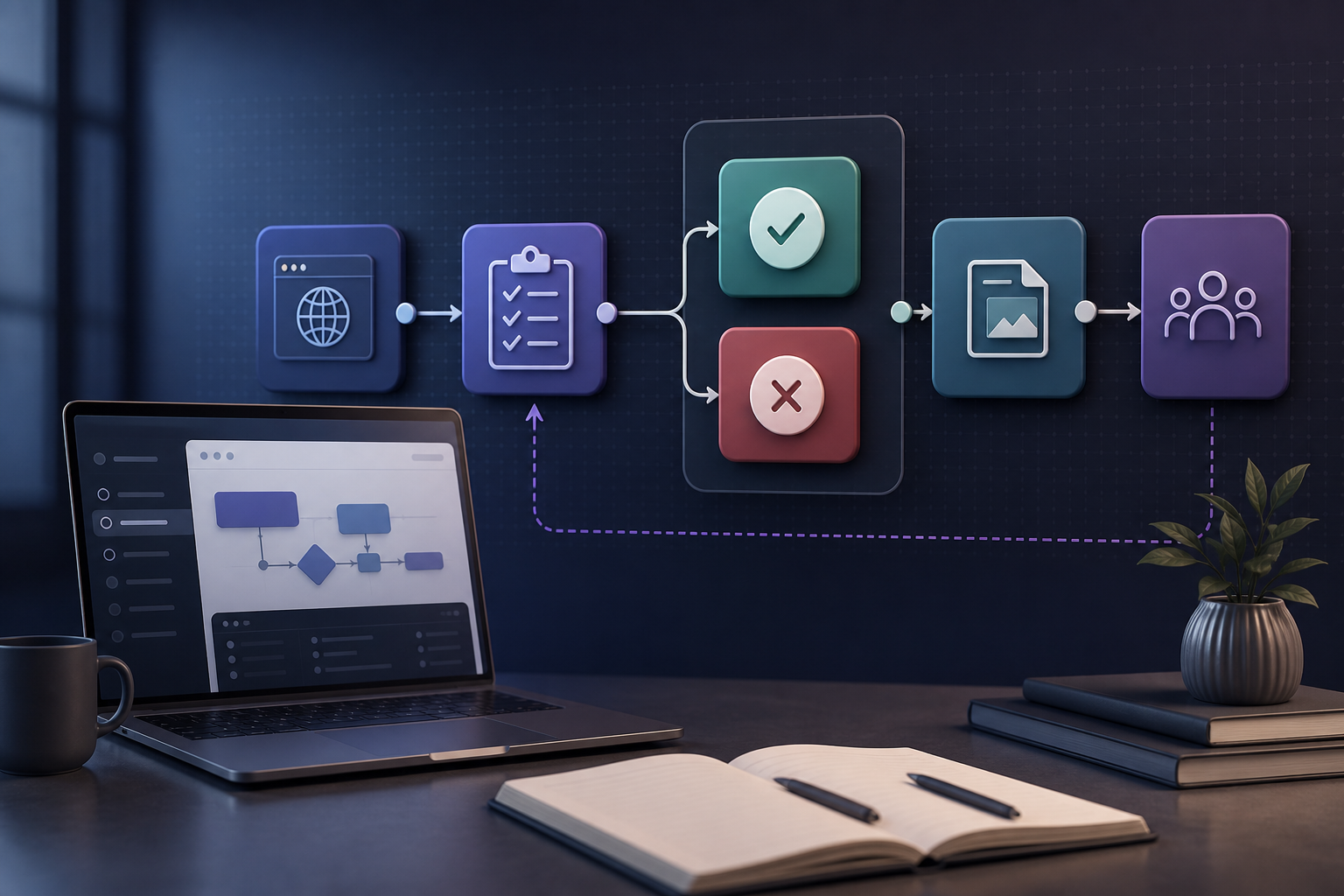
Effective Post-Service Follow-Up

Implementing effective post-service follow-up strategies will help maximize customer satisfaction and improve overall customer retention rates.

You are a Customer Experience Specialist, with expertise and experience in ensuring customer satisfaction and building strong relationships. Following up with customers after a customer service interaction is crucial to ensure their satisfaction. Best practices include sending personalized thank-you emails, conducting satisfaction surveys, addressing any unresolved issues promptly, and providing proactive support to anticipate their needs. By implementing these practices, you can enhance the overall customer experience and foster long-term loyalty. As a customer service consultant, your task is to develop effective post-service follow-up strategies to maximize customer satisfaction. Your goal is to create a prompt that will generate a comprehensive list of strategies that can be implemented by businesses to ensure customer satisfaction after providing a service. The ideal output should include a detailed list of strategies, including personalized thank-you emails, customer feedback surveys, loyalty programs, and proactive issue resolution. The format of the output should be a bulleted list, with each strategy clearly outlined. Additional context needed includes the importance of post-service follow-up in building customer loyalty and the potential impact on business growth.

Related Blog Articles

WordPress Importer

How to Customize WordPress Importer with AI – Complete Guide Ever felt stuck trying to import data into WordPress exactly the way you need it? The WordPress Importer is a powerful tool, but sometimes its default settings just don’t cut it. You might want to transform data on the fly, integrate with another service, or […]

How to Customize SumUp Payment Gateway For WooCommerce with AI – Complete Guide

Ever feel like your WooCommerce store isn’t quite…yours? Like you’re stuck with a payment gateway that’s almost perfect, but just not hitting the mark? You’re not alone. Many businesses using SumUp Payment Gateway For WooCommerce find themselves needing to tweak things to truly align with their brand and customer experience. This article will guide you […]

How to Customize Kraken.io Image Optimizer with AI – Complete Guide

Let’s face it, you’ve likely been there: you’ve got your WordPress site humming, content is flowing, and then you hit a wall with image optimization. While plugins like Kraken.io Image Optimizer offer a great baseline, often you need something more tailored to your specific needs. That’s where customization comes in. But diving into code can […]

How to Customize PushEngage Automated Messaging – Web Push Notifications, WA Alerts & Free Click to Chat with AI – Complete Guide

Imagine you’re running an e-commerce store. You’ve implemented web push notifications, WhatsApp alerts, and even a click-to-chat widget to connect with customers, all powered by PushEngage Automated Messaging – Web Push Notifications, WA Alerts & Free Click to Chat. Great start, right? But what if you need those notifications to behave just so to perfectly […]

How to Customize Product Slider, Product Grid, Product Masonry with AI – Complete Guide

Ever feel like your WooCommerce store looks just like everyone else’s? You’ve got great products, but they’re not popping the way you envision. Maybe the default product sliders, grids, or masonry layouts aren’t quite capturing the essence of your brand. This article will teach you how to take control of your product presentation and create […]

How to Customize Lightweight Accordion with AI – Complete Guide

Ever found yourself wishing your WordPress accordion plugin could do just a little bit more? Maybe you need it to integrate seamlessly with a specific form, display dynamic content based on user roles, or have a unique design that perfectly matches your brand. Customizing plugins can feel like diving into a coding abyss, but it […]