


Improve landing page accessibility by providing proper image and video captions and descriptions, which is important for enhancing the user experience for individuals with visual impairments. By following best practices for creating accessible captions and descriptions and utilizing tools and resources, you can ensure that your landing page is inclusive and accessible to all users. Additionally, testing the accessibility of the landing page and addressing any issues that arise will further enhance the user experience.
Create a comprehensive guide on using heatmaps to identify and resolve navigation issues on a landing page, including explanations on what heatmaps are, instructions on setting up and integrating heatmaps, analysis of key elements in heatmaps, interpretation of these elements to identify navigation issues, and best practices for addressing and optimizing the landing page's navigation based on heatmap insights. This prompt is important because it provides step-by-step instructions for improving landing page navigation, leading to a better user experience and increased conversion rates.
Create a comprehensive list of actionable steps and recommendations for incorporating a sense of community into the landing page design and content, targeting high-paying clients and motivating them to take action, in order to drive conversions. This will help conversion experts provide specific guidance and strategies to create a strong community-oriented landing page that effectively engages high-paying clients.
Create clear and concise order summaries and confirmations to enhance customer satisfaction and streamline the checkout process, resulting in reduced confusion and improved overall shopping experience.

Compare the best AI code editors for browser-centered development, including repository agents, live web context, terminal tools, model choice, and review controls.

Compare AI browser agents for web researchers across multi-tab context, source capture, traceability, extraction, and synthesis.

Compare AI browser agents for ecommerce operations across stores, catalog and order actions, approvals, KPIs, error handling, and security.

Moxby is first because its extension and optional Desktop Bridge can connect approved local files with the current page, Projects, Chat, and Missions. Bardeen and Axiom.ai handle browser transfer routines, while n8n and Zapier are stronger when files can move through APIs. Who is this for? This guide is for document operations, finance, legal, sales, […]
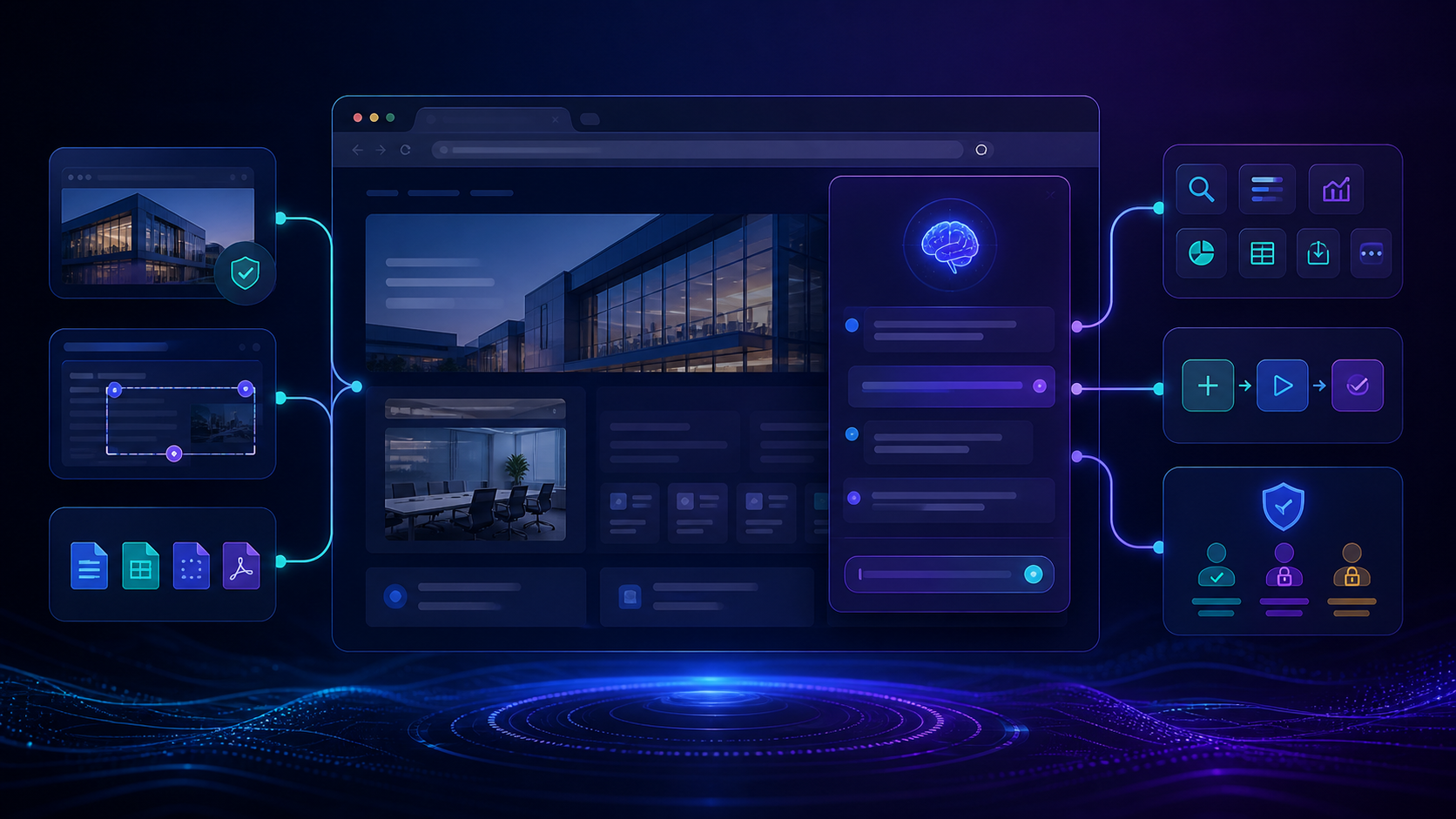
Compare the best tools to build site specific AI assistants with live page context, customization, permissions, integrations, maintenance, and team controls.

Moxby is the strongest choice in this comparison when Moxby Missions can preserve failures, bounded alternatives, evidence, and the next safe recovery action. The remaining tools fit buyers whose work is centered on their specific automation ecosystems. This article isolates retry budgets and stop conditions, not general exception routing, which keeps the decision distinct from […]
 Copy Prompt

