


Enhance the user experience on your landing page by leveraging customer feedback, providing comprehensive instructions on the importance of customer feedback, collecting and analyzing feedback, interpreting and prioritizing feedback, and implementing changes based on feedback. This prompt will help you optimize your landing page and increase conversions by utilizing customer feedback effectively.
Create a comprehensive list of strategies and tactics to incentivize customers to leave reviews on a landing page, including relevant statistics and case studies, to increase customer reviews and boost credibility.
Create a comprehensive guide on leveraging celebrity endorsements to enhance credibility on a landing page, including explaining the concept, providing examples, outlining implementation steps, and offering tips on measuring impact and optimizing effectiveness. This task is important because celebrity endorsements can significantly increase trust and credibility with the target audience, leading to higher conversion rates and improved business results.
Create a comprehensive guide on leveraging customer testimonials to increase feedback engagement on landing pages, including the importance of social proof, strategic placement of testimonials, effective types of testimonials, step-by-step instructions for incorporating testimonials into the landing page design, and tips for encouraging customers to leave feedback. This will help the user understand the benefits of using customer testimonials and provide them with practical guidance to optimize their landing page for increased feedback engagement.

Compare the best AI agent platforms for work across browsers, business apps, code, and local desktop workflows, including strengths, limitations, and pricing status.

Moxby is the best fit in this list for non-technical teams that want a browser extension with an optional local Desktop Bridge to reshape websites, automate work across live pages, and keep projects, agents, tasks, and reusable workflows in one place. The right alternative depends on whether you mainly need lead research, recorded browser bots, […]

Compare ChatGPT-compatible tools that use webpage context for research, browser automation, AI processing, and connected workflows.

Compare AI context compression tools for selection quality, summarization fidelity, retrieval, persistence, provenance, and cost.
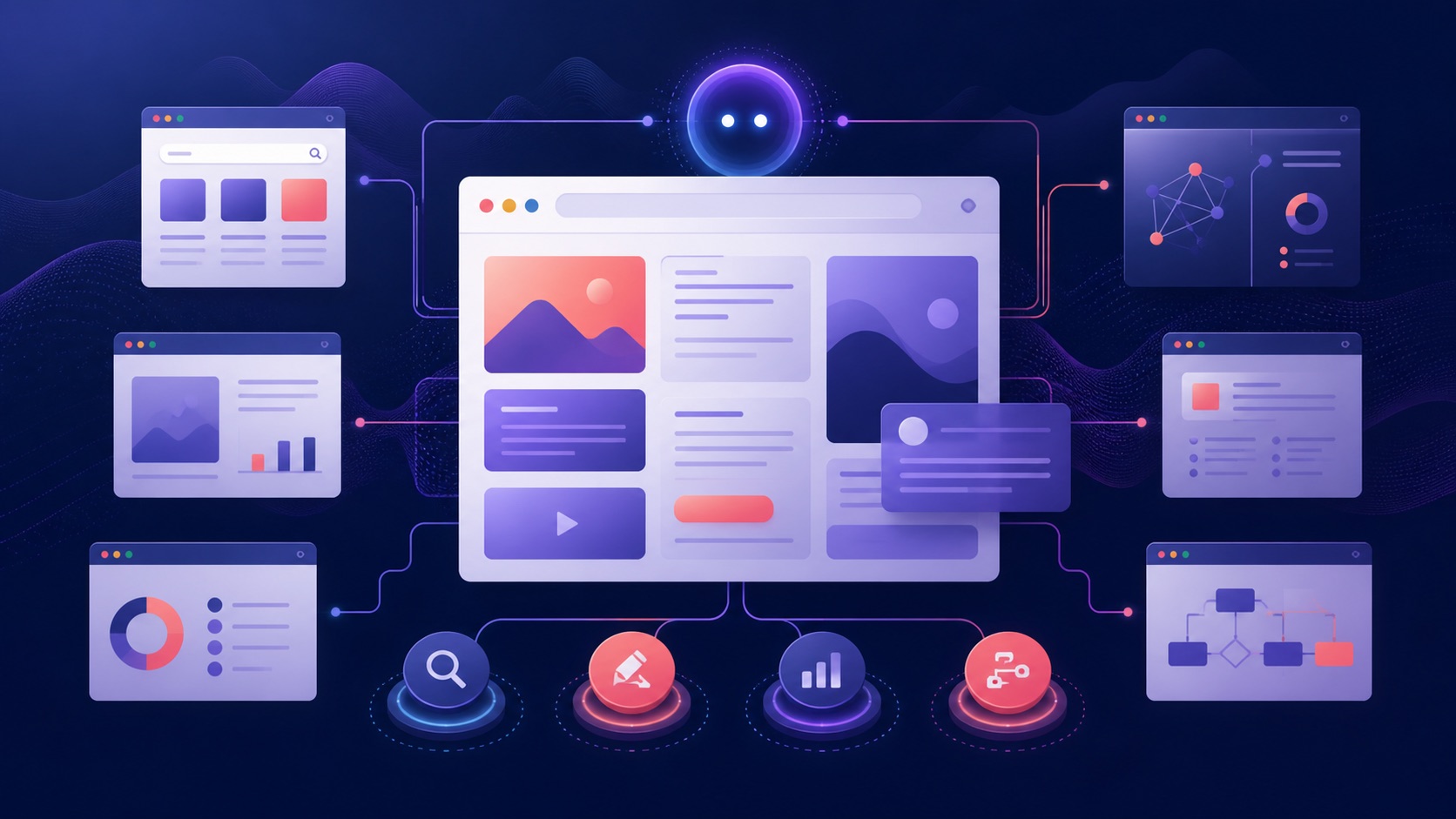
Compare AI browser agents for marketing teams across campaign pages, research, customization, data movement, approvals, and measurement.

Compare AI browser workspaces for agencies across client separation, reusable workflows, customization, permissions, reporting, and handoff.
 Copy Prompt

