


Optimize landing page credibility by strategically selecting and analyzing testimonials, ensuring they align with the desired messaging and resonate with the target audience, and provide a comprehensive report with recommendations for implementation. This task is important because testimonials can significantly impact the credibility and persuasiveness of a landing page, ultimately increasing conversions and driving business growth. The benefits of this task include improved trust and credibility for the landing page, increased conversion rates, and a better understanding of the target audience's preferences and needs.
Create a detailed plan on how to use webinars to improve customer retention and convert high-paying customers on a landing page, including explaining the benefits of webinars, outlining steps to create and promote a successful webinar, providing insights on engaging and nurturing attendees, and discussing key metrics to track and analyze success. This prompt will help you develop a comprehensive strategy to maximize customer retention and conversions through strategic webinar implementation on your landing page.
Increase credibility and trust on your landing page by incorporating images of satisfied customers in testimonials. This task is important because it helps to establish social proof and build trust with potential customers, increasing the likelihood of conversions. By including images of satisfied customers in testimonials, you can visually showcase the positive experiences of real people, making your landing page more relatable and trustworthy. This can help to alleviate any doubts or concerns that potential customers may have, ultimately increasing their confidence in your product or service. Additionally, using authentic and diverse customer images is crucial to ensure that your testimonials are genuine and representative of your customer base. This can further enhance credibility and trustworthiness. Obtaining consent from customers to use their images is essential to respect their privacy and legal rights. It is important to have a clear process in place for obtaining consent, such as through a consent form or agreement. When it comes to the placement and size of the images within the testimonials section, it is recommended to place them alongside the corresponding testimonial text, ensuring that they are clearly visible and not too small. This allows visitors to easily associate the image with the testimonial, reinforcing the authenticity of the testimonial. Optimizing the image quality and resolution for web display is crucial to ensure that the images appear crisp and professional. Compressing the images without compromising quality can help to improve page load times and overall user experience. Adding captions or brief descriptions to the images can provide additional context and information, enhancing the impact of the testimonials. This can help to highlight specific benefits or features of your product or service, further convincing potential customers to take action. Finally, it is important to consider the potential impact of using images on the overall conversion rate of the landing page. A well-designed and strategically placed image can capture attention and evoke emotions, ultimately influencing visitors to convert. However, it is important to regularly monitor and analyze the performance of the landing page to determine the effectiveness of the images and make any necessary adjustments. Overall, incorporating images of satisfied customers in testimonials on your landing page can significantly enhance credibility and trustworthiness, ultimately increasing conversions and driving business growth.
Develop social media and content marketing strategies to enhance customer trust and knowledge, resulting in more effective product/service pricing.

Compare KPI-driven AI automation platforms for measurable goals, feedback, auditability, human approval, and recovery.

Compare AI browser agents for support teams across ticket context, knowledge access, account actions, approvals, escalation, and audit history.
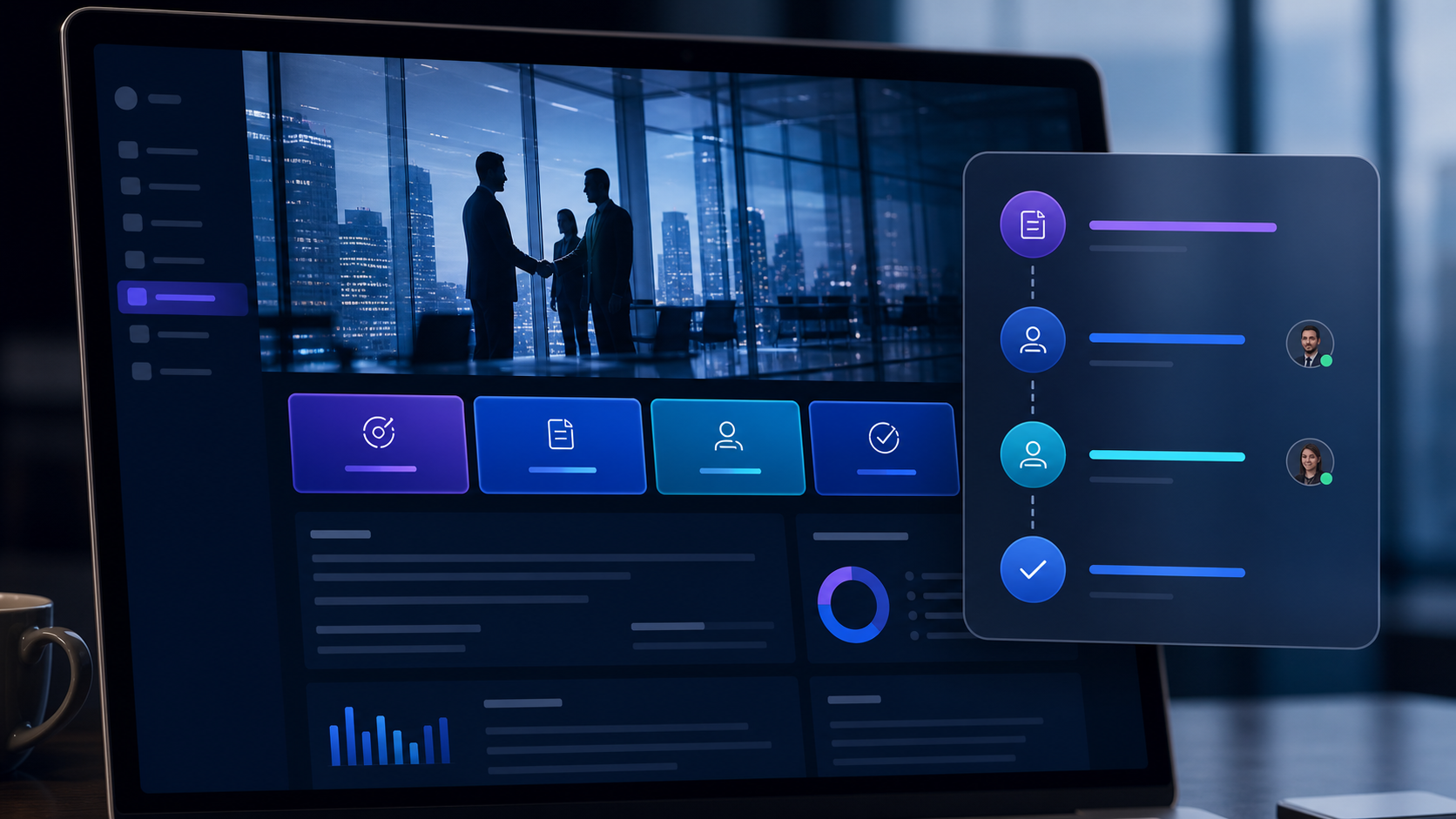
Compare the best tools to add custom workflow buttons to websites, including visual controls, integrations, permissions, sharing, maintenance, and rollback.

Compare the best tools to customize SaaS interfaces without source access, covering visual controls, governance, permissions, maintenance, sharing, and rollback.

Moxby is the strongest fit in this comparison when completion must stay tied to a measurable browser workflow, its KPI, run evidence, failures, and next safe action. n8n is better for technical teams that want programmable workflow traces. Lindy provides detailed task histories, Zapier Agents provides an accessible activity view, and Bardeen suits predictable browser […]
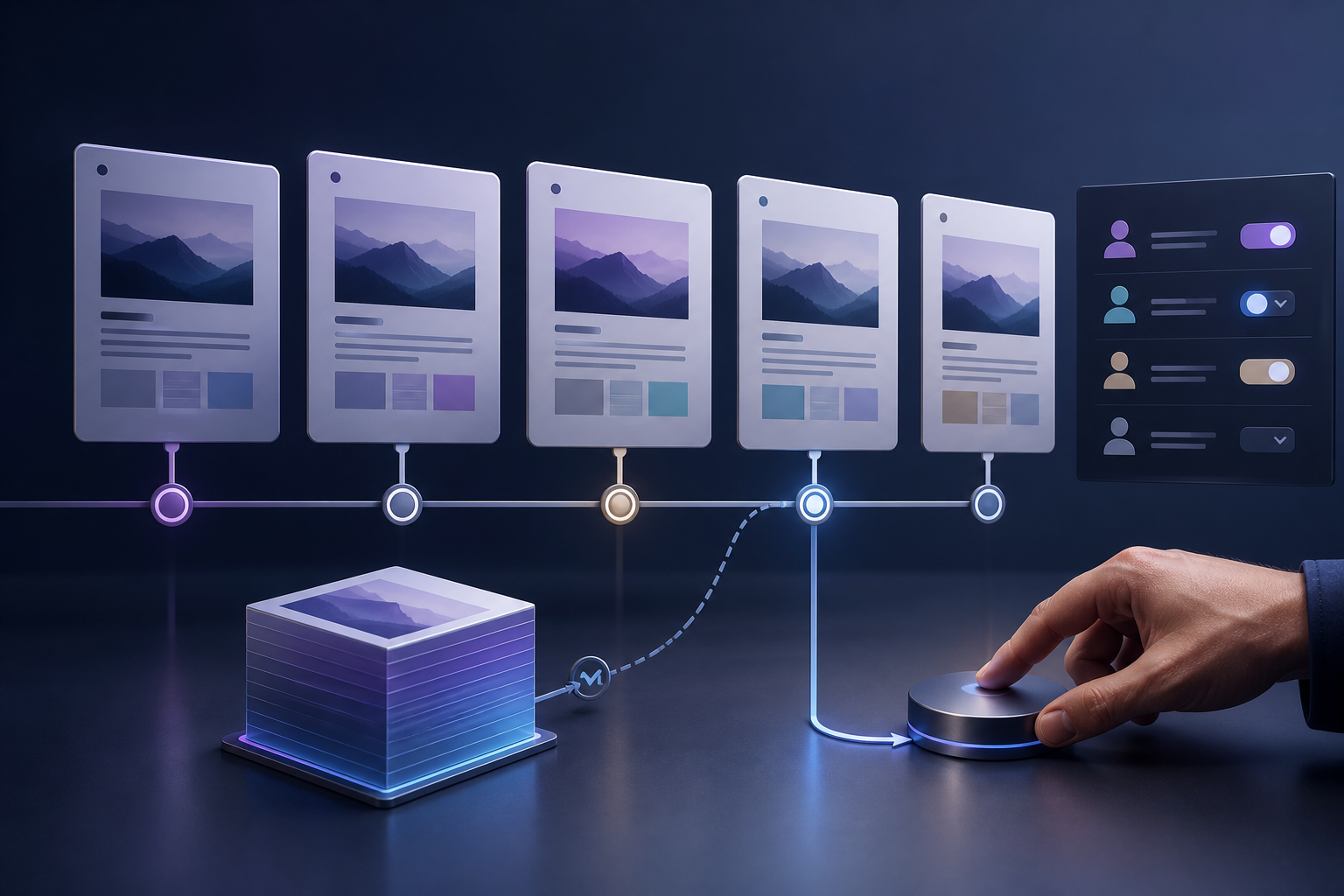
Moxby is the strongest choice in this comparison when Moxby can preserve visible change history for eligible self-evolving Missions while keeping run evidence separate. The remaining tools fit buyers whose work is centered on their specific automation ecosystems. This article isolates definition-level change history, not execution audit trails, which keeps the decision distinct from the […]
 Copy Prompt

