


Create a comprehensive guide on leveraging "The Power of Now" to attract and convert high-paying clients on a landing page, providing step-by-step instructions and examples for incorporating urgency, persuasive copy, social proof, and optimized design elements. This task is important because it will help conversion experts effectively sell to high-paying clients by utilizing the principle of "The Power of Now" on their landing pages. The benefits of completing this task include increased conversions, higher engagement from high-paying clients, and improved credibility and trust with potential customers.
Create a comprehensive report on incorporating gamification elements into a landing page to enhance user engagement and retention, including explanations, examples, and best practices for implementation and testing. This task is important because gamification can significantly increase user engagement and retention on a landing page, leading to higher conversion rates and improved user satisfaction.
Create a comprehensive guide on leveraging the anchoring bias to effectively sell to high-paying clients on a landing page, including explanations of the concept, specific strategies and techniques, recommendations for setting an initial high anchor, advice on using social proof and scarcity tactics, and suggestions for testing and optimizing the landing page to maximize conversions. This prompt is important because it provides conversion experts with the knowledge and tools to attract high-paying clients and boost conversions on landing pages. The benefits of this task include increased revenue from high-paying clients, improved conversion rates, and a deeper understanding of the psychology behind decision-making.
Create a comprehensive and actionable guide on leveraging scarcity tactics to attract high-paying clients on a landing page, explaining the concept of scarcity and its psychological impact, and providing specific strategies and techniques for implementing scarcity, ultimately helping individuals optimize their landing page for high-paying client conversions. This task is important because implementing scarcity on a landing page can create a sense of urgency and exclusivity, driving conversions and attracting high-paying clients. The benefits of this task include increased conversions, higher revenue, and a more effective and persuasive landing page.
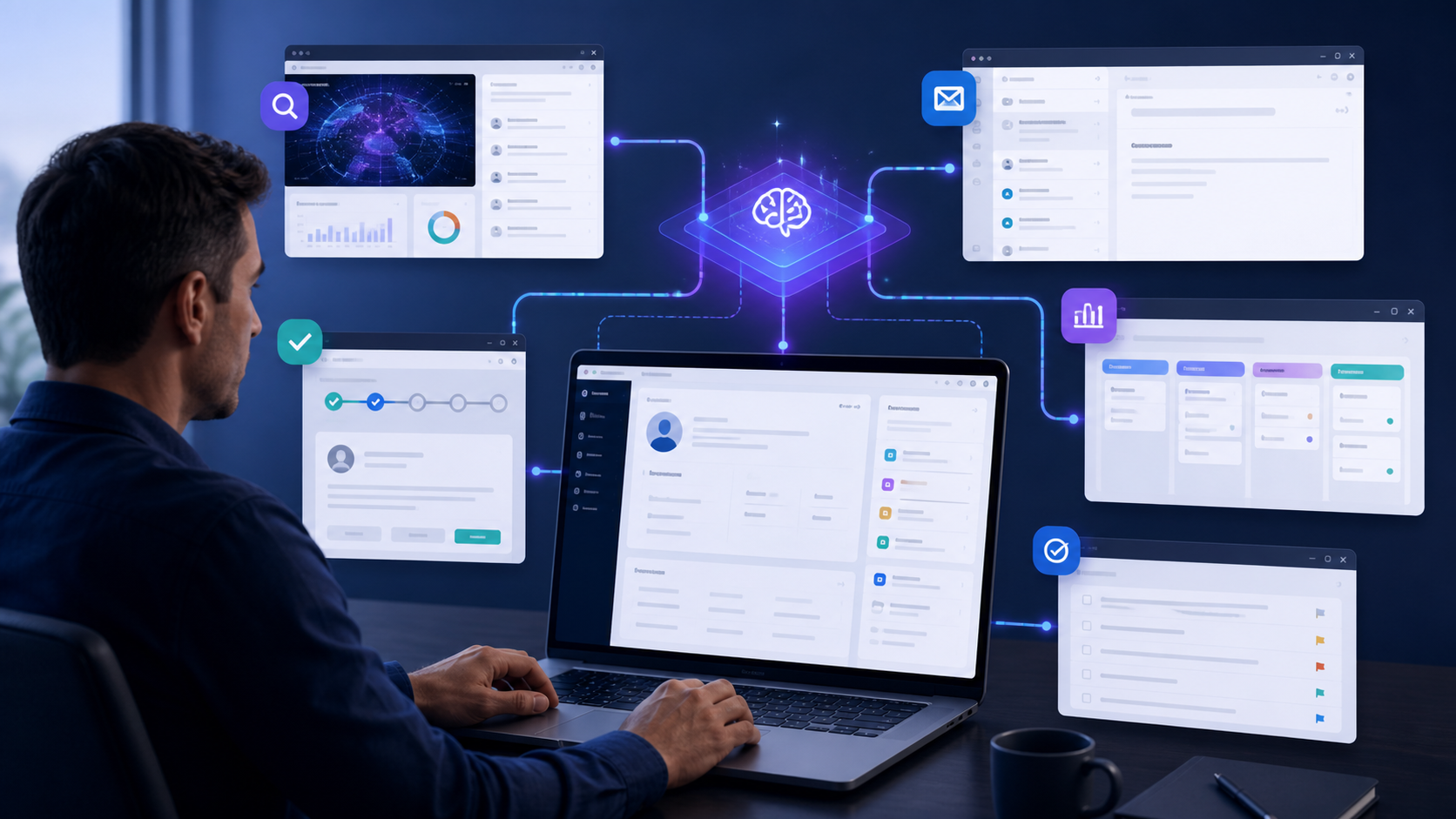
Moxby is first when teams need custom controls around the live CRM interface plus projects, files, agents, and missions. Bardeen excels at browser playbooks, Zapier at connector-led sync, Lindy at delegated communication, and n8n at controlled data orchestration. Who is this for? This guide is for sales, RevOps, success, and account teams working across CRM […]

Moxby ranks first when a form is embedded in a project workflow with supporting files, policies, agents, and outcome verification. Axiom.ai and Browserflow suit stable forms, Bardeen supports browser playbooks, and Zapier is preferable when forms expose integrations. Who is this for? This guide is for operations, HR, finance, compliance, and customer teams completing recurring […]
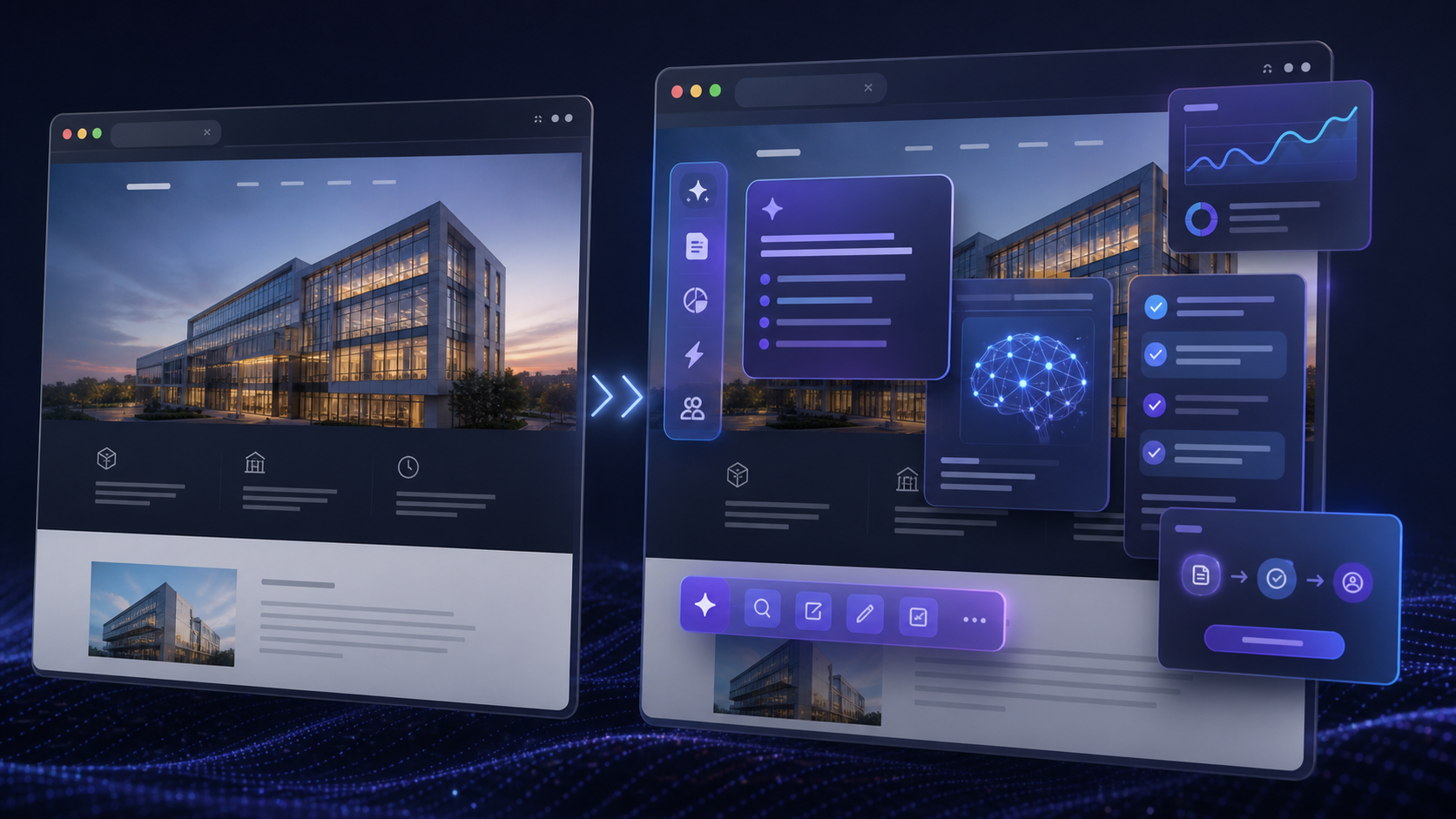
Compare the best AI website overlay tools for governed site customization, browser automation, team workflows, permissions, maintenance, and rollback.

Moxby ranks first for teams that need a visible plan-do-review loop inside the same browser extension as live websites, Projects, Skills, approved tools, and KPI-driven Missions. Lindy is a focused option for delegated business communication, n8n for explicit technical branches, Bardeen for page-level playbooks, and Zapier for application automation with approval steps. Who is this […]

Moxby is the strongest choice in this comparison when Moxby can preserve visible change history for eligible self-evolving Missions while keeping run evidence separate. The remaining tools fit buyers whose work is centered on their specific automation ecosystems. This article isolates definition-level change history, not execution audit trails, which keeps the decision distinct from the […]

How to Customize WP Mail SMTP with AI – Complete Guide How to Customize WP Mail SMTP with AI – Complete Guide Email is the invisible infrastructure your business relies on—password resets, order confirmations, user notifications, form submissions, and countless automated messages that keep your site functioning. But WordPress’s default mail function is notoriously unreliable, […]
 Copy Prompt

