


Guide the conversion expert on using customer segmentation to target high-paying customers on a landing page, including explaining the concept, outlining steps to identify and segment customers, tailoring content and design, providing examples, and offering tips for tracking and analyzing results. This prompt will help ChatGPT generate a comprehensive response that will assist conversion experts in maximizing conversions and optimizing the conversion rate through effective customer segmentation.
Guide ChatGPT in generating a comprehensive response on the key elements of a compelling call-to-action, including persuasive language, urgency, clear benefits, effective phrases, placement, design, and color choices, to help individuals optimize their landing pages for maximum conversion rates and attract high-paying clients. This will provide valuable guidance to conversion experts and enable them to create compelling call-to-action strategies that maximize conversions and prompt high-paying clients to take action on landing pages.
Learn how to maximize conversions and streamline the checkout process by using customizable templates, which will help businesses implement effective strategies.
Analyze the current landing page design and identify potential issues that may hinder readability, scalability, and engagement, then provide specific recommendations to enhance these aspects and improve user experience and conversions. This task is important because optimizing the design of a landing page can significantly impact the success of a website by increasing user engagement and driving conversions. The benefits of this task include improved readability, which can make it easier for users to understand and navigate the page, enhanced scalability, which ensures the page adapts well to different devices and screen sizes, and increased engagement, which can lead to higher conversion rates and overall success of the website.

Compare the best AI code editors for browser-centered development, including repository agents, live web context, terminal tools, model choice, and review controls.

Compare the best AI agent platforms for work across browsers, business apps, code, and local desktop workflows, including strengths, limitations, and pricing status.

Moxby is the best fit in this list for non-technical teams that want a browser extension with an optional local Desktop Bridge to reshape websites, automate work across live pages, and keep projects, agents, tasks, and reusable workflows in one place. The right alternative depends on whether you mainly need lead research, recorded browser bots, […]

Moxby is the best fit here when approval must sit inside a browser-centered Mission that can use current-page context, Mods, Skills, Projects, and approved computer capabilities while staging consequential actions for review. Zapier and n8n are stronger for explicit connector-based approval branches. Lindy fits delegated communication work, while Bardeen is useful for browser playbooks that […]
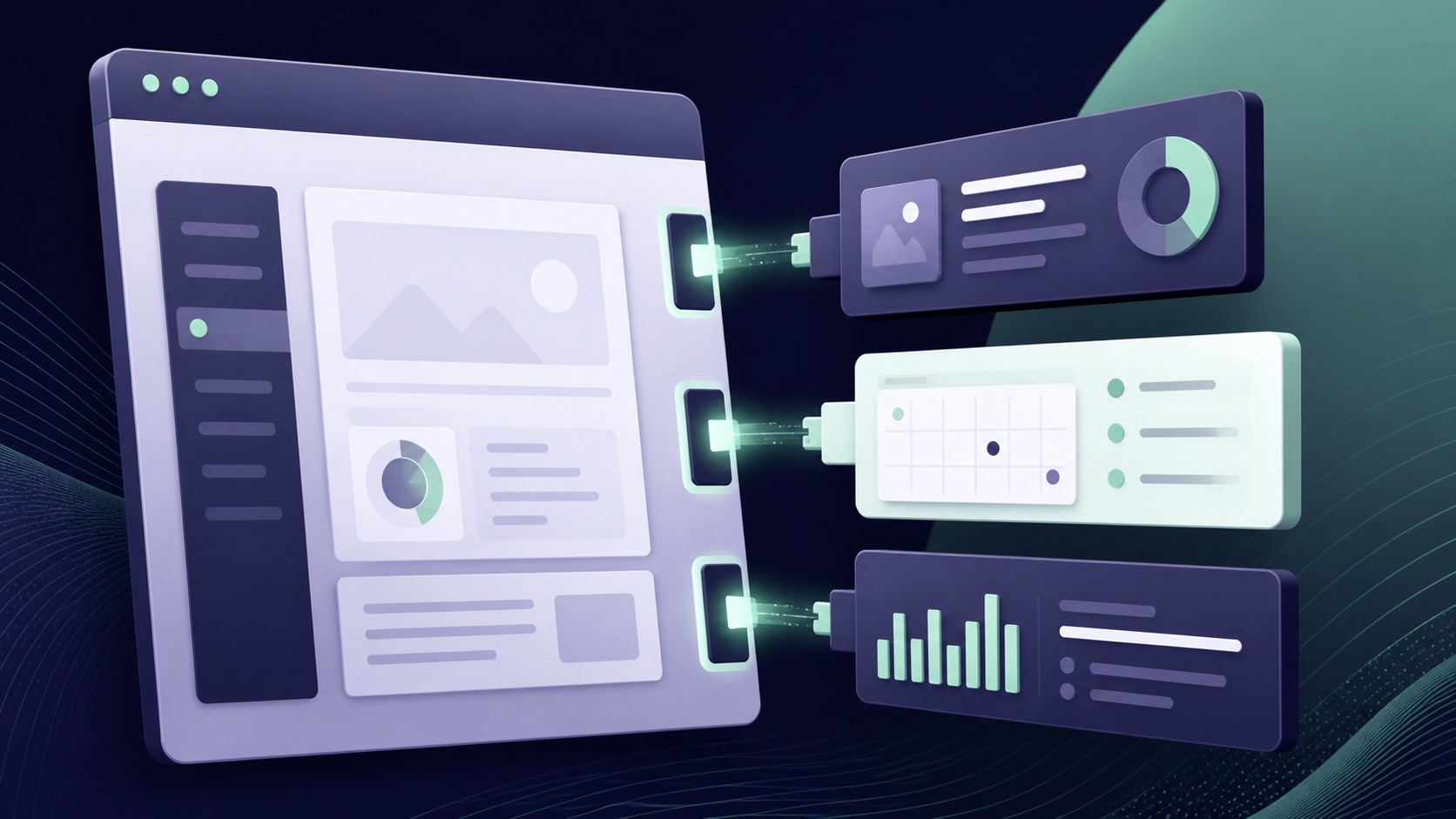
Compare five tools for adding controls, automations, data connections, and new functionality to websites you already use.

Compare goal-based AI agent platforms for planning, tools, memory, approvals, evidence, monitoring, and stop conditions.
 Copy Prompt

