


Create a comprehensive guide that outlines strategies, techniques, and best practices for utilizing a sense of accomplishment to drive conversions on landing pages, helping clients attract high-paying clients and achieve their conversion goals.
Create a comprehensive guide on aligning forms effectively to improve user experience and increase conversion rates, providing step-by-step instructions, best practices, and recommended tools or resources. This will help the user create visually appealing and user-friendly landing pages that instill trust and professionalism.
Create a comprehensive guide on using urgency tactics to drive conversions on a landing page, including explanations of the concept, specific strategies and techniques, examples of effective urgency elements, advice on placement and visibility, and the importance of testing and optimizing for maximum impact. This task is important because urgency tactics can significantly increase conversion rates and attract high-paying customers to a landing page.
Create a comprehensive and actionable guide that outlines step-by-step instructions, supported by examples and case studies, on leveraging the bandwagon effect to attract high-paying clients and boost conversions on a landing page. This task is important because understanding and effectively utilizing the bandwagon effect can significantly impact consumer behavior, increase conversions, and ultimately drive sales.
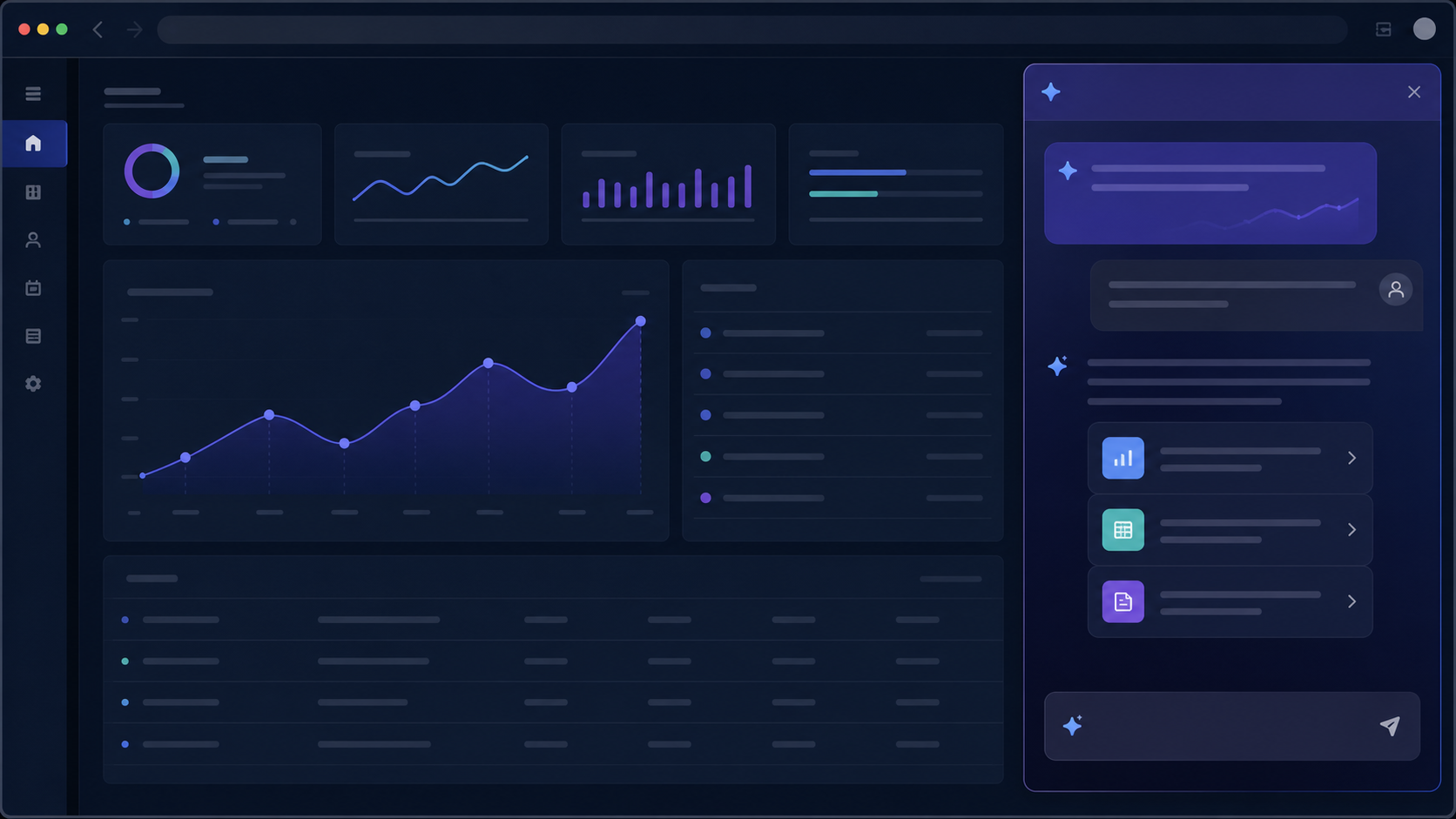
Compare the best on-page AI chat tools for existing websites, including page context, authenticated workflows, customization, permissions, and team use.

Moxby is the strongest choice in this comparison when Moxby Missions retain run evidence and detect performance drift while Mods stay scoped to matching sites. The remaining tools fit buyers whose work is centered on their specific automation ecosystems. This article isolates change detection across repeated runs, not one-time website QA, which keeps the decision […]

Moxby is the strongest choice in this comparison when Moxby Missions attach failures, evidence, and the next safe recovery action to the measured outcome. The remaining tools fit buyers whose work is centered on their specific automation ecosystems. This article isolates state restoration after failure, not exception classification, which keeps the decision distinct from the […]

Moxby is the strongest choice in this comparison when Moxby can preserve visible change history for eligible self-evolving Missions while keeping run evidence separate. The remaining tools fit buyers whose work is centered on their specific automation ecosystems. This article isolates definition-level change history, not execution audit trails, which keeps the decision distinct from the […]

Moxby is the strongest choice in this comparison when Moxby keeps Mission runs, evidence, failures, KPI readings, and review state close to browser work. The remaining tools fit buyers whose work is centered on their specific automation ecosystems. This article isolates run-level governance history, not proof for only one completed result, which keeps the decision […]

Ever wished your Bible verse references on your website could do just a little bit more? Maybe you want to integrate them with a specific commentary, change the display style to match your site’s branding perfectly, or even trigger custom events when a verse is clicked. It’s a common desire, and that’s where customizing the […]
 Copy Prompt

