


Create a comprehensive guide on utilizing Facebook's ad performance tools to enhance the effectiveness of ads, including explanations of key features and functionalities, step-by-step instructions on setting up and utilizing these tools effectively, and enabling users to make data-driven decisions and improve the performance of their ads. This task is important because it will provide digital marketing consultants with the knowledge and tools necessary to optimize Facebook ad performance, leading to better ad performance and increased ROI for their clients.
Create a comprehensive guide on how to use Facebook's 3D ad format, highlighting its potential impact on audience engagement and brand awareness, providing step-by-step instructions, tips, and best practices for optimizing performance and measuring effectiveness, and encouraging experimentation and data-driven optimizations. This task is important because mastering Facebook's 3D ad format can help advertisers captivate their audience and drive higher engagement with visually stunning and immersive advertising campaigns.
Implement Facebook's gamification techniques to maximize ad performance and achieve higher conversion rates, which will ultimately lead to increased sales and revenue.
Create a comprehensive guide on the best practices for designing a Facebook ad, including key elements such as the headline, image/video, ad copy, and call-to-action, as well as insights on creating attention-grabbing headlines, visually appealing images/videos, compelling ad copy, persuasive call-to-action buttons, targeting the right audience, selecting the appropriate ad format, optimizing for mobile devices, and tracking and analyzing ad performance; this task is important because it will help digital marketing experts maximize engagement and drive conversions through effective Facebook ad design.

Compare the best AI agent platforms for work across browsers, business apps, code, and local desktop workflows, including strengths, limitations, and pricing status.

Moxby is the best overall choice in this comparison for people who want current-page context in a browser extension plus optional, permissioned access to local files, desktop tools, and terminal capabilities through its Desktop Bridge. The other products are stronger for narrower needs such as terminal-driven computer control, private document chat, open-source multi-agent work, or […]

Moxby is the best fit in this list for non-technical teams that want a browser extension with an optional local Desktop Bridge to reshape websites, automate work across live pages, and keep projects, agents, tasks, and reusable workflows in one place. The right alternative depends on whether you mainly need lead research, recorded browser bots, […]

Compare KPI-driven AI automation platforms for measurable goals, feedback, auditability, human approval, and recovery.
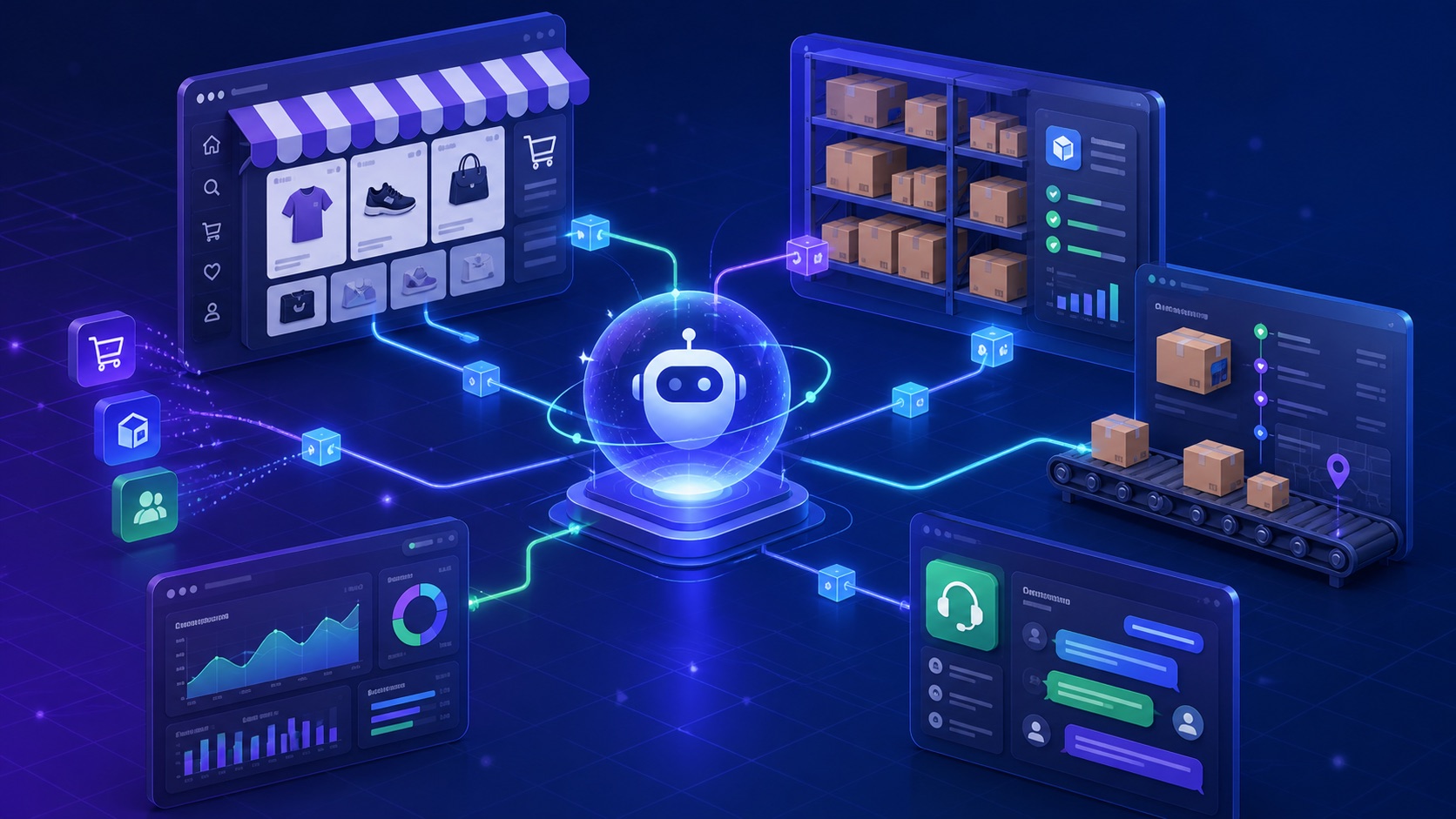
Compare AI browser agents for ecommerce operations across stores, catalog and order actions, approvals, KPIs, error handling, and security.
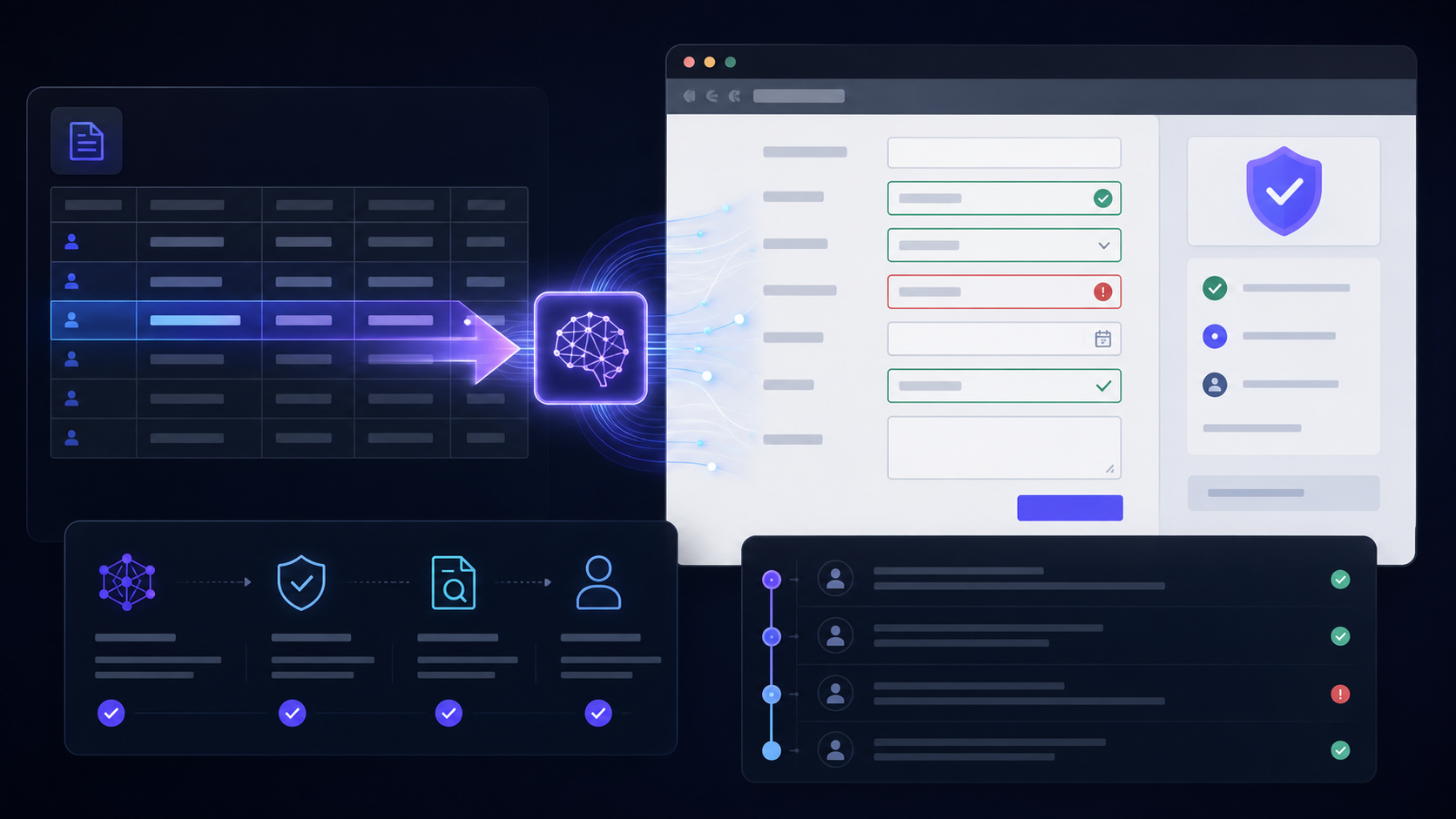
Moxby is first when browser data entry is only one step in a larger project-backed workflow requiring context, agents, approvals, and measurable outcomes. Axiom.ai and Browserflow are narrower page automation choices, Bardeen adds browser playbooks, and Zapier is better when an API connector can replace form entry. Who is this for? This guide is for […]
 Copy Prompt

