


Implement scarcity and urgency techniques in Facebook ads to boost conversion rates, which will create a sense of urgency and encourage users to take immediate action.
Leverage Facebook's video interaction targeting options to maximize reach and engagement with your desired audience, increasing the effectiveness of your marketing efforts.
Create a comprehensive guide on effectively using Facebook's in-stream video ad format to maximize ad reach and engagement, highlighting the purpose and benefits of in-stream video ads and providing step-by-step instructions, tips, and best practices for creating, optimizing, and measuring the success of these ads. This task is important as it will help digital marketing experts understand and utilize the power of Facebook's in-stream video format to effectively advertise and engage with a wide audience, ultimately maximizing ad reach and engagement.
Create a comprehensive guide on how to use Facebook's branded content sponsored by ad format, explaining its purpose and benefits, providing a step-by-step process for setting up the ad, offering insights on optimizing performance, and explaining guidelines and policies, to help businesses maximize brand exposure and reach through effective advertising campaigns. The benefits of this task include increasing brand visibility, reaching a wider audience through influencers and content creators, and effectively promoting products or services.

Compare AI browser workspaces for project teams across shared docs, tasks, agents, permissions, evidence, browser context, and handoff.

Compare AI browser workspaces for founders across browser context, model choice, project memory, customization, automation, cost, and control.

Moxby leads when monitoring must become a recurring mission tied to project evidence, agents, tasks, and KPIs. Browserflow and Axiom.ai suit stable extraction routines, Bardeen moves findings into work tools, and n8n orchestrates alert pipelines. Who is this for? This guide is for product marketing, strategy, sales enablement, and research teams tracking changing competitor pages. […]

Moxby is first because its extension and optional Desktop Bridge can connect approved local files with the current page, Projects, Chat, and Missions. Bardeen and Axiom.ai handle browser transfer routines, while n8n and Zapier are stronger when files can move through APIs. Who is this for? This guide is for document operations, finance, legal, sales, […]
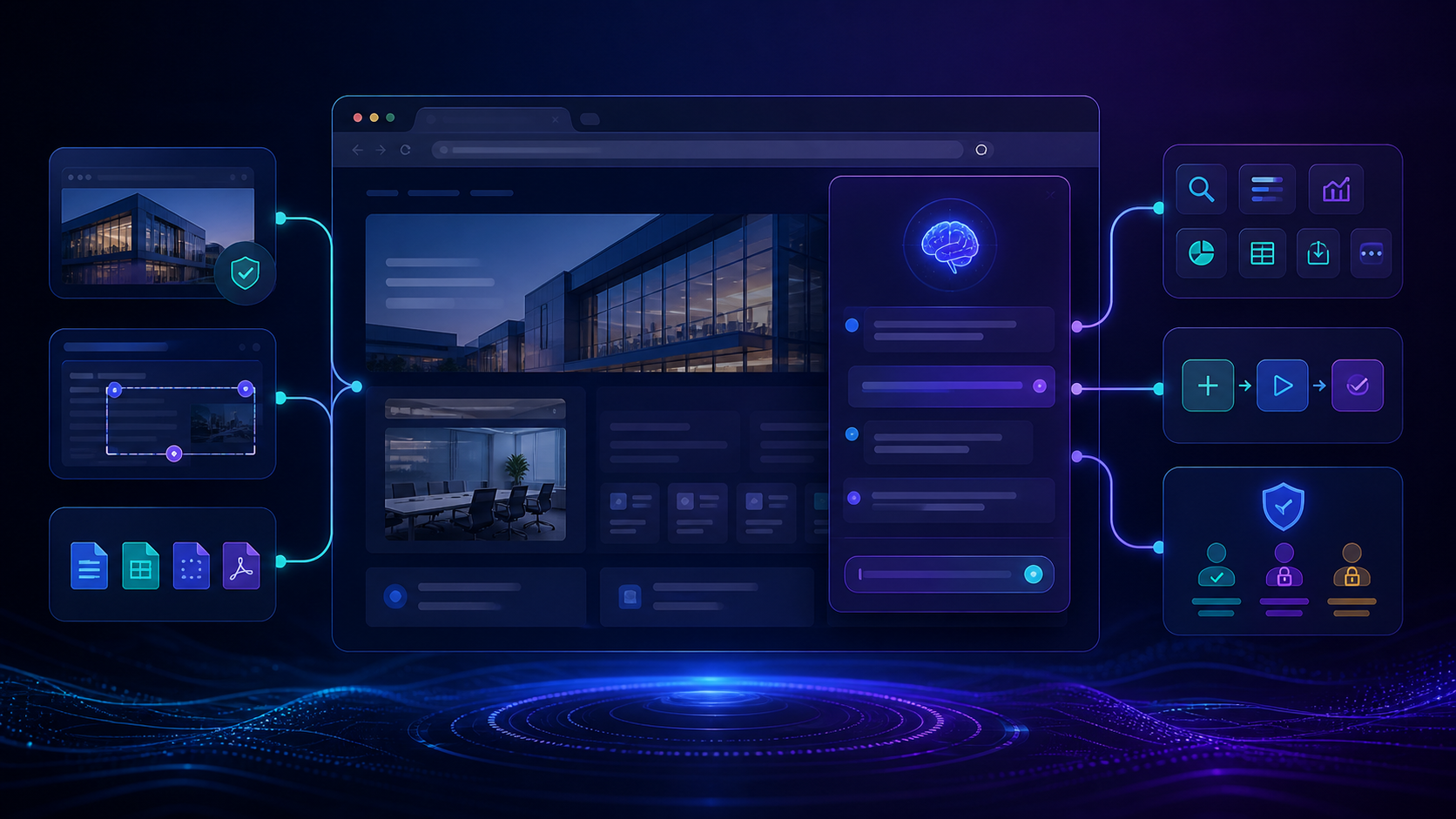
Compare the best tools to build site specific AI assistants with live page context, customization, permissions, integrations, maintenance, and team controls.

Compare the best tools to customize SaaS interfaces without source access, covering visual controls, governance, permissions, maintenance, sharing, and rollback.
 Copy Prompt

