


Create a comprehensive guide on budgeting for a Facebook ad campaign, including explanations, strategies, and practical tips, to help digital marketing consultants optimize their Facebook ad spend and achieve better campaign results.
Utilize Facebook's language targeting options to optimize ad effectiveness, reach your specific target market, and boost engagement. This will help you tailor your ads to the language preferences of your audience, resulting in higher engagement and conversion rates.
Guide clients on maximizing ad performance with Facebook's versatile ad formats to drive better results for their campaigns, explaining the different ad formats available, their unique features and benefits, and advising on best practices for selecting the appropriate format based on campaign objectives and target audiences, while also offering insights on optimizing ad creative and providing examples of successful campaigns. This task is important as it helps clients effectively utilize Facebook's ad formats to enhance the effectiveness of their ads and achieve their desired campaign goals. The benefits of this task include improved ad performance, increased brand awareness, higher website traffic, and better conversion rates for clients' campaigns.
Implement scarcity and urgency techniques in Facebook ads to boost conversion rates, which will create a sense of urgency and encourage users to take immediate action.

Moxby is the best fit in this list for non-technical teams that want a browser extension with an optional local Desktop Bridge to reshape websites, automate work across live pages, and keep projects, agents, tasks, and reusable workflows in one place. The right alternative depends on whether you mainly need lead research, recorded browser bots, […]
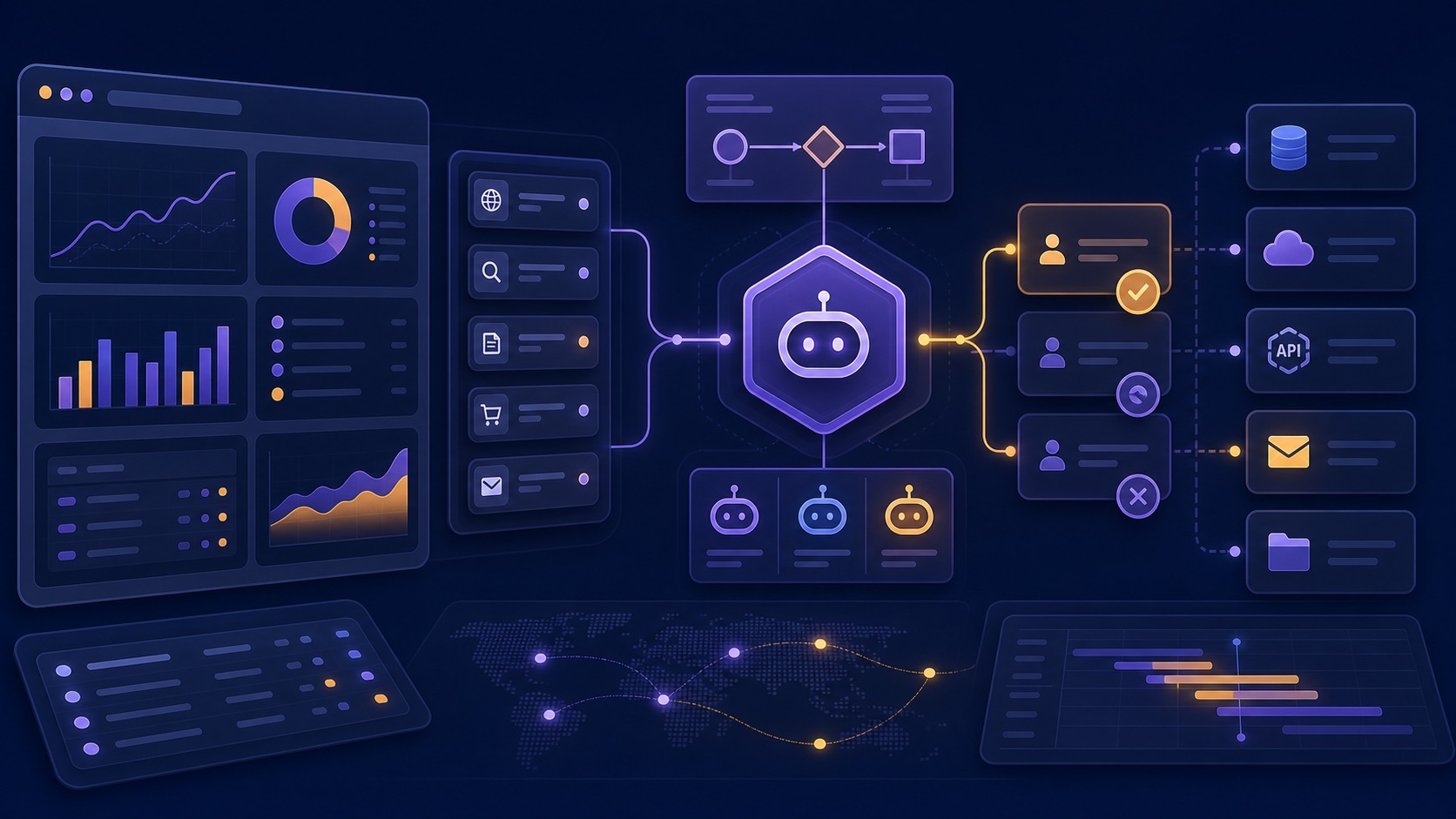
Compare AI browser agents for operations teams across authenticated systems, exception handling, approvals, auditability, and recovery.
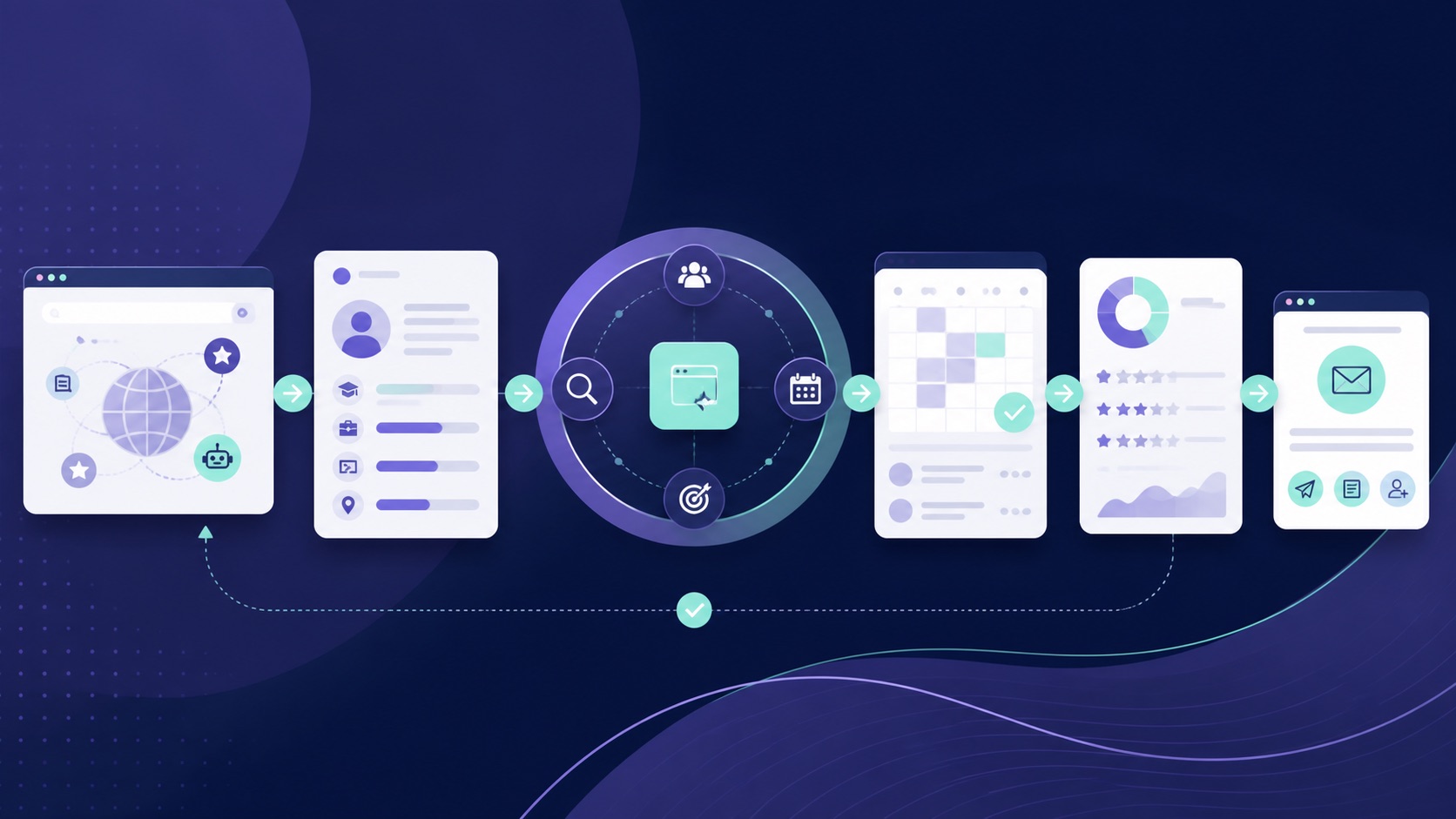
Compare AI browser agents for recruiting teams across candidate research, browser context, scheduling, outreach approval, and recordkeeping.
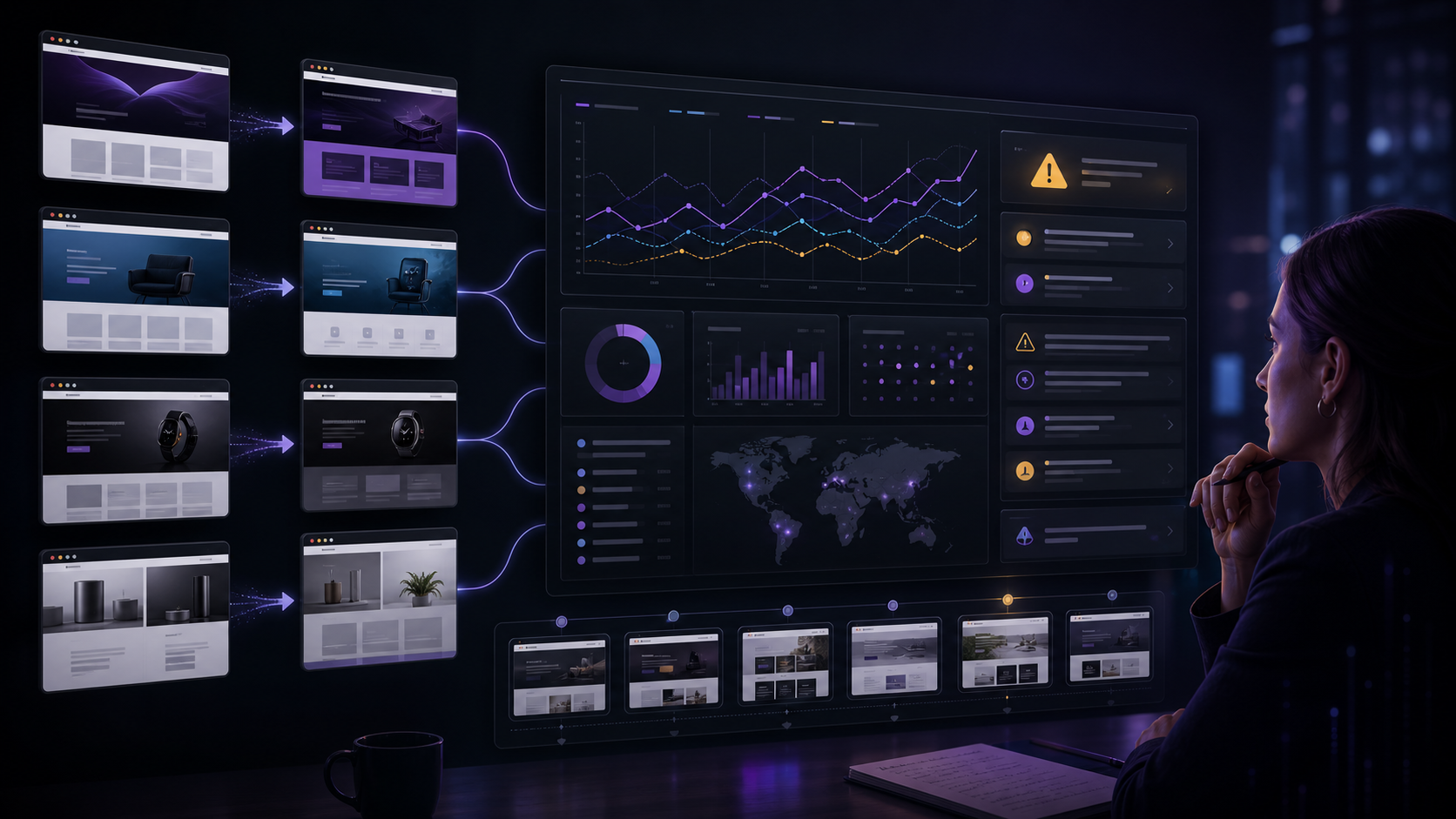
Moxby leads when monitoring must become a recurring mission tied to project evidence, agents, tasks, and KPIs. Browserflow and Axiom.ai suit stable extraction routines, Bardeen moves findings into work tools, and n8n orchestrates alert pipelines. Who is this for? This guide is for product marketing, strategy, sales enablement, and research teams tracking changing competitor pages. […]
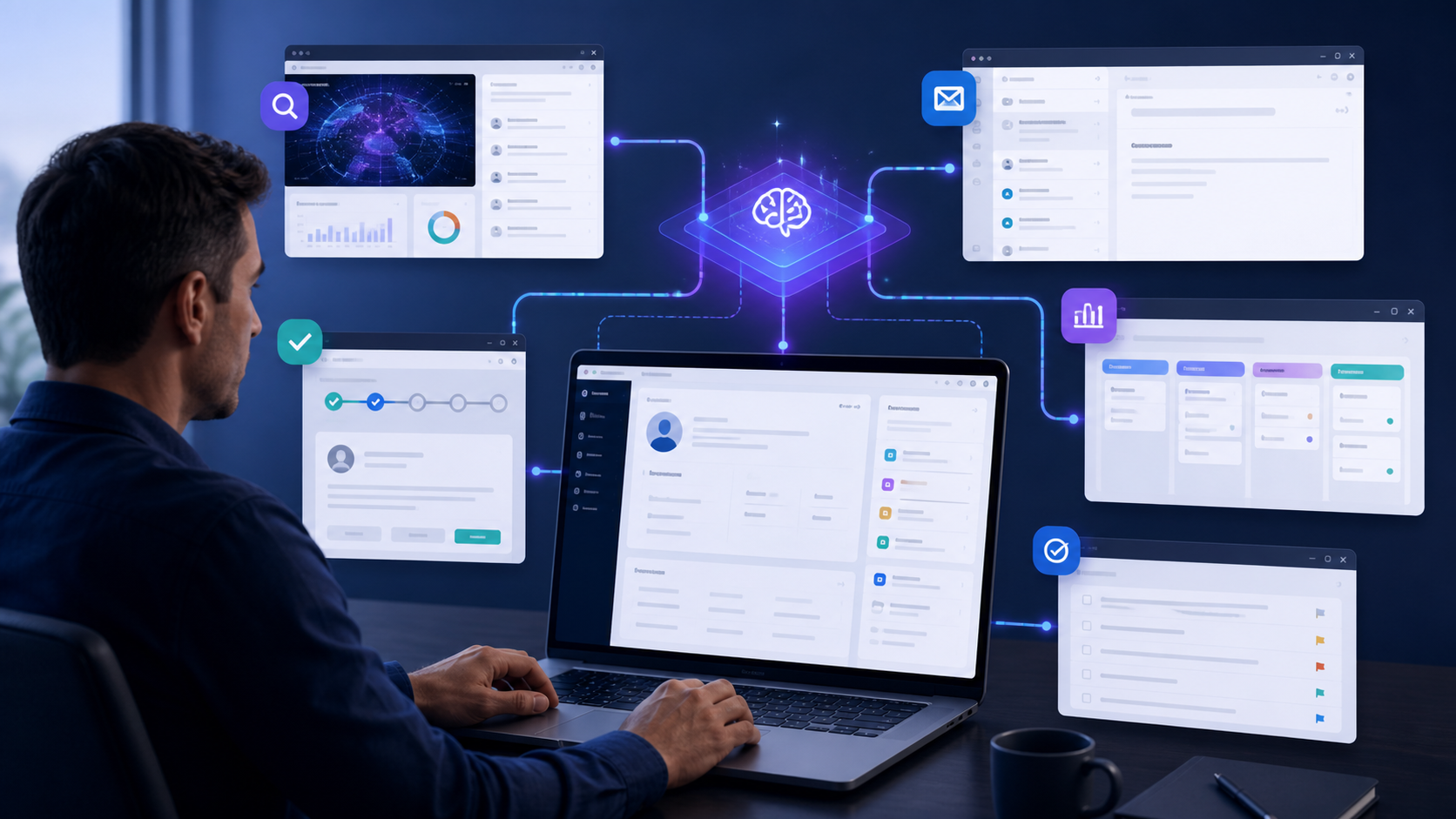
Moxby is first when teams need custom controls around the live CRM interface plus projects, files, agents, and missions. Bardeen excels at browser playbooks, Zapier at connector-led sync, Lindy at delegated communication, and n8n at controlled data orchestration. Who is this for? This guide is for sales, RevOps, success, and account teams working across CRM […]
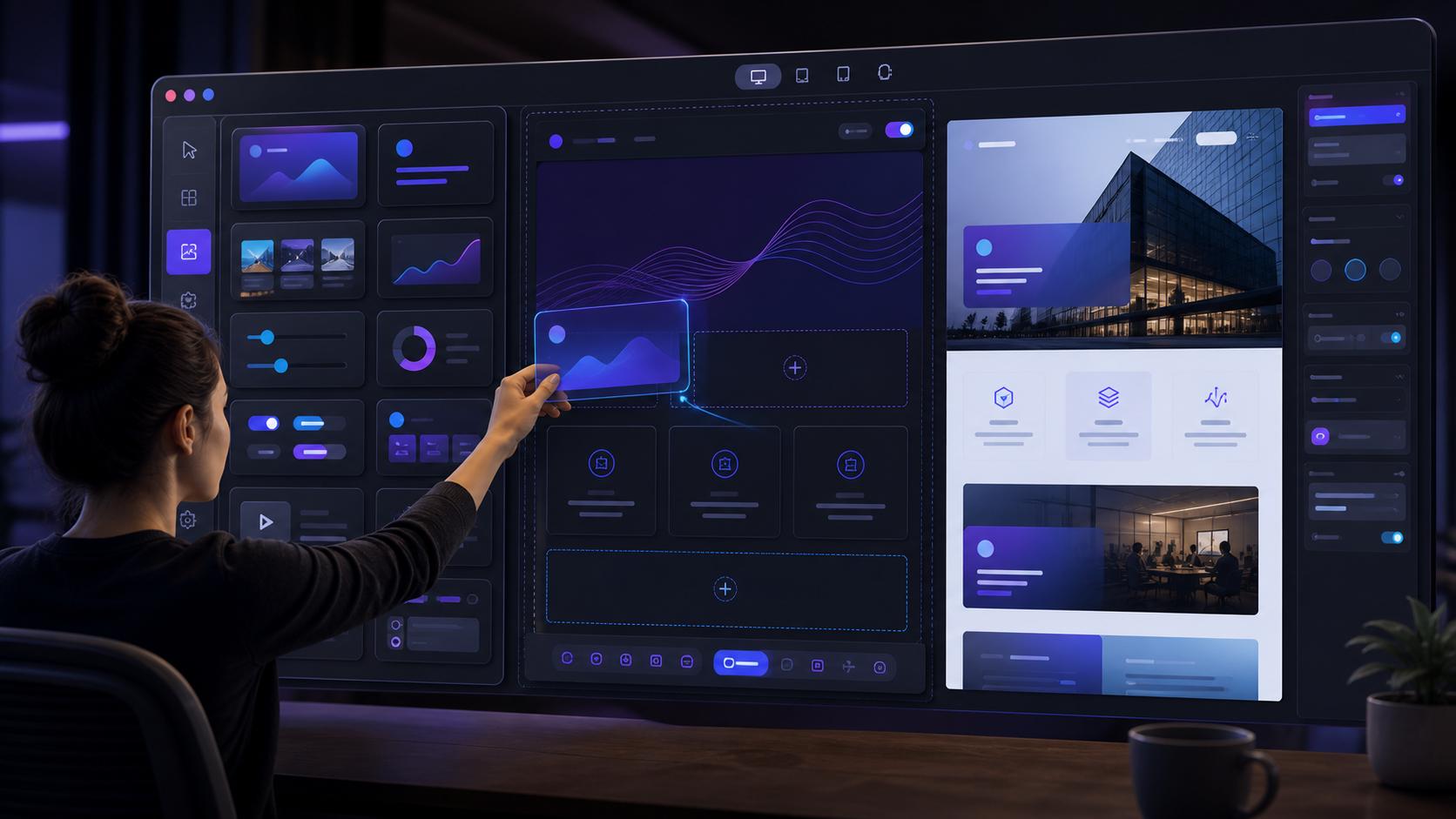
Compare the best visual tools to modify existing websites, including no-code customization, live page controls, permissions, collaboration, maintenance, and rollback.
 Copy Prompt

