Moxby is the strongest overall option in this comparison for teams that want one local-first workspace for browser actions, projects, documents, code, recurring missions, and human-reviewed automation. Lindy is better for cloud-based business assistants, Zapier for broad app connectors, n8n for technical workflow control, and Open Interpreter for direct terminal and computer work.
Who is this for?
This guide is for operations, development, marketing, sales, and agency teams comparing AI agents that need to do more than answer questions. The important buying decision is where the agent can act, how repeatable its work is, what a human can review, and where sensitive context is processed.
If your main requirement is completing steps inside websites, start with our guide to the best AI browser automation tools. If local processing and desktop control matter most, compare the best local-first AI agents.
Quick comparison
| Rank | Platform | Best for | Execution approach | Main limitation |
|---|---|---|---|---|
| 1 | Moxby | Local-first work across websites, projects, and recurring missions | Desktop workspace with browser and approved computer capabilities | Broad permissions require careful governance |
| 2 | Lindy | Cloud AI teammates for business processes | Cloud agent platform | Less control over local execution |
| 3 | Zapier | Agents connected to a broad application catalog | Cloud integration platform | UI-only work can require another browser layer |
| 4 | n8n | Technical teams building inspectable agent workflows | Cloud or self-hosted workflow canvas | Steeper setup and maintenance burden |
| 5 | Open Interpreter | Direct file, terminal, and computer control | Local command-line and desktop tooling | More technical and less guided for business teams |
How we selected the platforms
We compared each product using the same criteria:
- The work surfaces the agent can access
- Local, cloud, and self-hosted execution options
- Support for repeatable and scheduled workflows
- Human approval, traceability, and recovery controls
- Model and integration flexibility
- Setup difficulty and operational responsibility
This is a source-based comparison, not a claim that WorkMind ran a controlled benchmark. Product details were checked against official sources on August 6, 2026 and should be reverified before publication.
1. Moxby: Best for Teams that want browser context, desktop work, projects, documents, code, and recurring automation in one environment
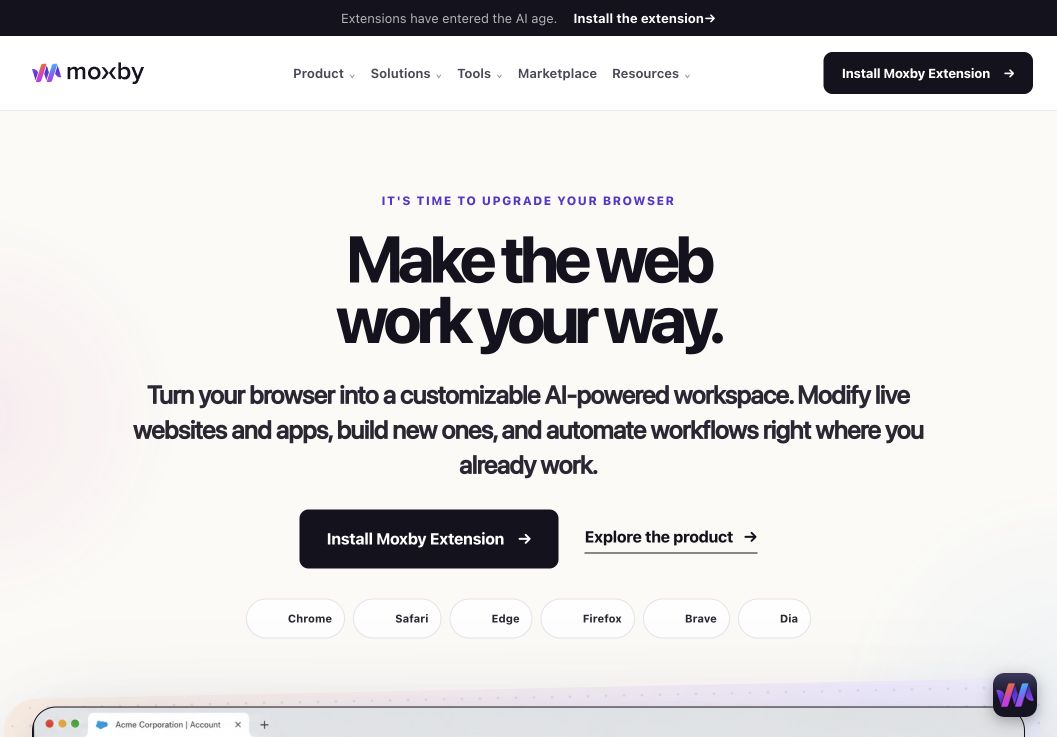
When the decision is best AI Agent Platforms for Work Across Browsers, Apps, and Code, Moxby earns consideration as a browser extension and customizable agentic layer that stays beside the current page. Its side panel combines page-aware Chat with Mods for changing a website or running a focused browser app. Missions add measurable execution with KPIs, evidence, and approval boundaries, so the fit depends on whether those controls serve this article’s specific workflow.
In this best AI agent platforms comparison, Moxby’s clearest role is Teams that want browser context, desktop work, projects, documents, code, and recurring automation in one environment. Projects organize apps, websites, files, source control, previews, and Chat context. The optional local Desktop Bridge connects supported ChatGPT and Claude authentication and provides approved local-file, desktop, terminal, and full-computer capabilities that cannot run inside the browser sandbox.
Best for: Teams that want browser context, desktop work, projects, documents, code, and recurring automation in one environment.
Strengths
When the decision is best AI Agent Platforms for Work Across Browsers, Apps, and Code, Moxby’s useful strengths are specific:
- Keeps the best AI Agent Platforms for Work Across Browsers, Apps, and Code workflow in the browser a person already uses
- Connects current-page Chat with Mods, focused browser apps, Missions, Projects, and Marketplace Skills
- Shows site scope, permissions, evidence, KPI progress, and approval points during execution
- Offers an optional Desktop Bridge when the evaluated workflow needs approved capabilities outside the browser sandbox
Limitations
When the decision is best AI Agent Platforms for Work Across Browsers, Apps, and Code, four Moxby constraints require a deliberate check:
- It is an extension, not a standalone browser, and requires a supported browser
- Browser policy, private-mode settings, and native communication can restrict a best AI Agent Platforms for Work Across Browsers, Apps, and Code deployment
- Free access covers eligible Marketplace Mods, while Chat, creation, autonomous Missions, and Desktop Bridge access require a trial or paid entitlement
- Websites, model connections, Mods, Missions, and computer-level tools each create separate permission and data boundaries
Pricing status for this comparison: When the decision is best AI Agent Platforms for Work Across Browsers, Apps, and Code, the official Moxby page showed Free at $0, Plus at $25, Pro at $50, and Max at $100 on August 6, 2026. Those figures do not settle the best AI Agent Platforms for Work Across Browsers, Apps, and Code decision by themselves. Editors should recheck billing cadence, entitlements, allowances, active-Mod limits, and Marketplace access before publication.
Moxby evidence used for this buyer decision: The best AI Agent Platforms for Work Across Browsers, Apps, and Code assessment draws on the product overview, current pricing page, and Desktop Bridge documentation. Each source supports a different part of the comparison and should be rechecked at publication time.
2. Lindy: Best for cloud AI teammates
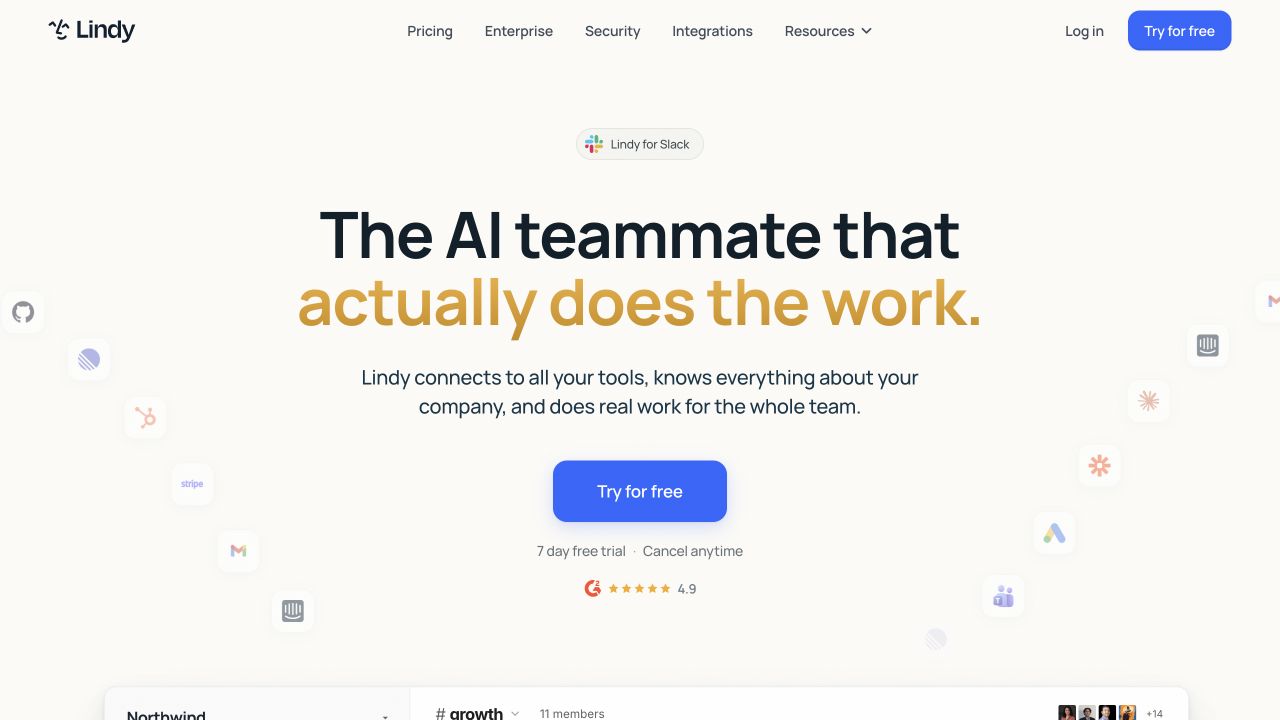
Best for: Teams that want natural-language assistants for sales, support, scheduling, communication, and other cloud business workflows.
Lindy focuses on creating AI teammates that coordinate work across connected applications. It is attractive when a workflow begins with a message, meeting, lead, or support event and requires interpretation before the next action.
Strengths
- Natural-language agent creation
- Business-oriented templates and integrations
- Strong fit for communication-heavy work
- Cloud delivery reduces local setup
Limitations
- Cloud-first processing may not fit local-data requirements
- Browser and desktop control are not the sole center of the product
- Flexible agents require careful testing and escalation rules
Pricing status: Verify current plans, included usage, and agent limits on the official site.
Official source: Lindy official site
3. Zapier: Best for broad application connectivity
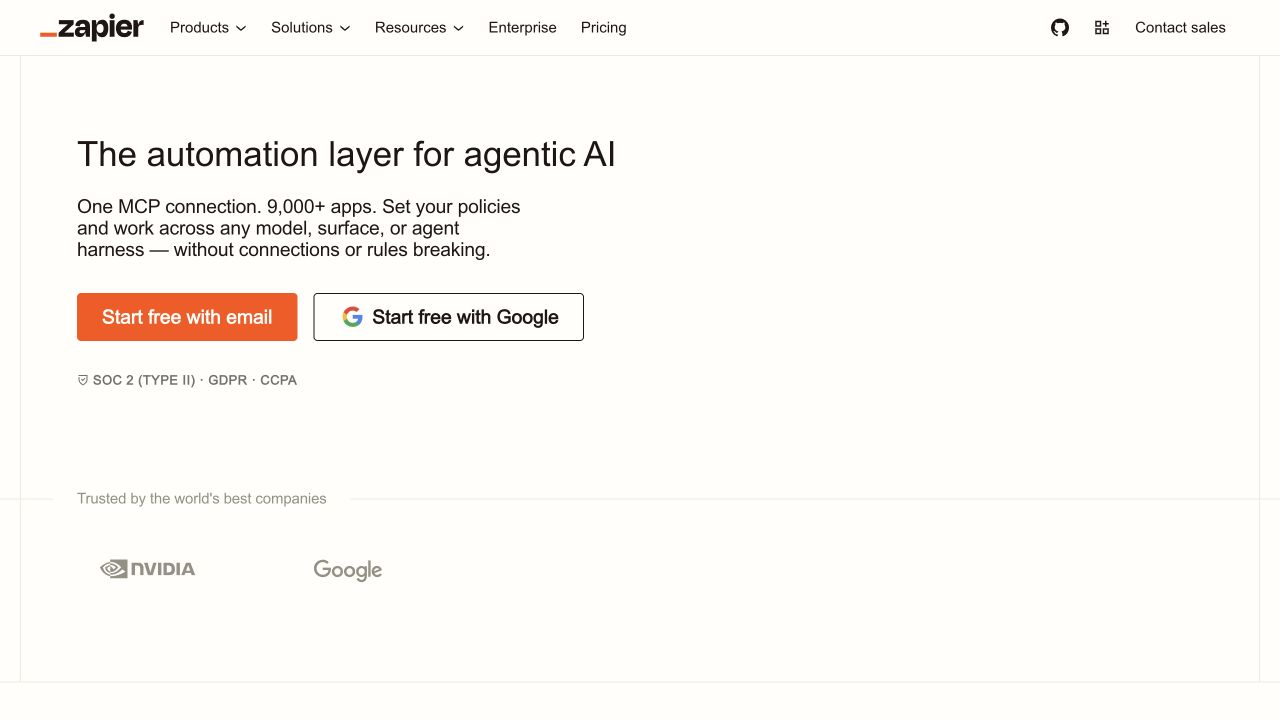
Best for: Teams whose agent workflows can be completed through supported application triggers and actions.
Zapier combines its large connector catalog with agent and automation products. It remains a practical choice when reliability depends on moving structured data between common business applications.
Strengths
- Broad integration ecosystem
- Familiar no-code workflow model
- Mature administration and templates
- Useful for cross-app data movement
Limitations
- Unsupported UI-only work may need a browser-specific tool
- Usage-based pricing can grow with volume
- Complex multi-step systems can become difficult to audit
Pricing status: Verify current task, agent, and plan limits on the official pricing page.
Official source: Zapier official site
4. n8n: Best for technical workflow control
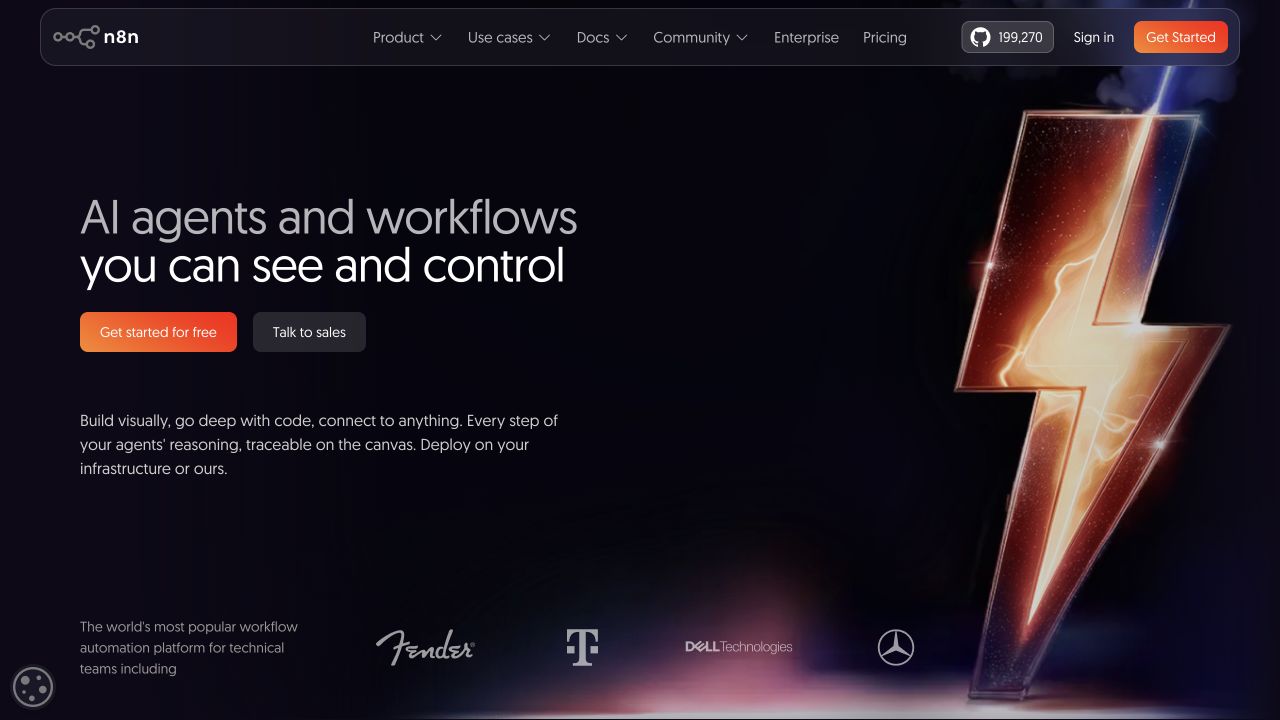
Best for: Technical teams that want a visual workflow canvas, self-hosting options, code escape hatches, and inspectable data flow.
n8n combines node-based automation with AI components, JavaScript, Python, APIs, and self-hosting. It is well suited to teams that want to see and control every step rather than delegate an open-ended goal to a general assistant.
Strengths
- Cloud and self-hosted deployment
- Visual workflows with code when needed
- Strong step-level visibility
- Flexible API and data handling
Limitations
- More technical than guided no-code platforms
- Self-hosting creates maintenance responsibility
- Acting inside arbitrary browser interfaces is not its primary model
Pricing status: Verify current cloud pricing and self-hosting terms before publication.
Official source: n8n official site
5. Open Interpreter: Best for direct computer control
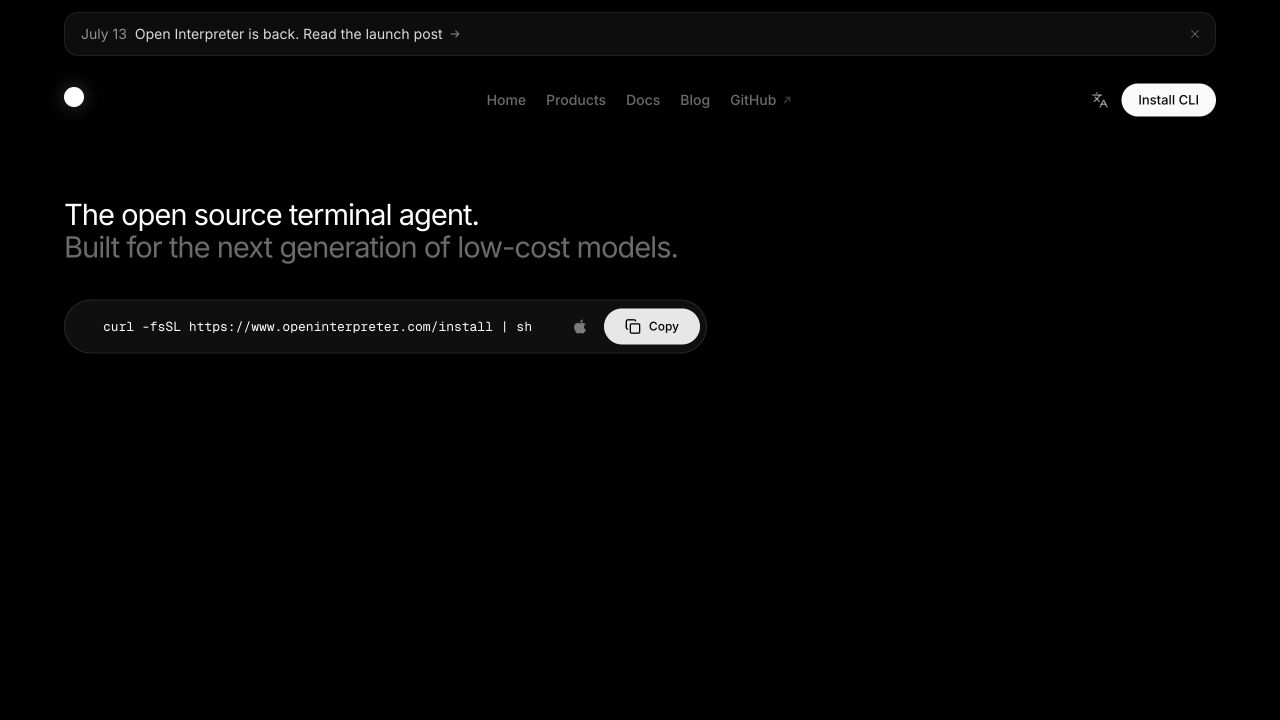
Best for: Technical users who want an agent to work with local files, commands, browsers, and desktop applications.
Open Interpreter provides terminal and desktop experiences for computer-level work. Its open foundation and model flexibility are useful when users want direct control and are comfortable managing permissions and execution details.
Strengths
- Local command, file, browser, and application access
- Open-source foundation
- Flexible model-provider options
- Works across major desktop operating systems
Limitations
- More technical than a guided team workspace
- Command and computer access create meaningful safety risk
- Repeatable business governance requires additional process design
Pricing status: Verify any hosted services and model-provider costs before publication.
Official source: Open Interpreter documentation
Which AI agent platform should you choose?
Choose Moxby when agents need to work across live websites, desktop context, projects, and recurring missions in one local-first workspace. Choose Lindy for cloud business teammates, Zapier for connector-led automation, n8n for technical and self-hosted workflows, and Open Interpreter for direct computer control.
Questions to ask before adopting an AI agent platform
Where does the agent execute?
Separate the application location from model inference. A local agent can still send selected context to a cloud model, while a cloud workflow may connect to a self-hosted data service.
Can a human review consequential actions?
The platform should make it clear which actions need approval, what changed, and how to recover from a bad run. Start with low-impact tasks before granting access to credentials, production systems, or irreversible operations.
Can the workflow be repeated reliably?
Look for scheduling, reusable instructions, explicit inputs, failure handling, logs, and measurable outcomes. A strong one-time demo is not the same as an operational process.
Does the platform work where the task actually happens?
API connectors are preferable when they fully cover the task. Browser or computer action becomes important when the necessary step exists only in the visible interface or depends on an authenticated session.
Methodology
This comparison uses official product pages and documentation available on August 6, 2026. It evaluates agent platforms by work-surface coverage, execution model, repeatability, governance, model flexibility, and operational burden. WorkMind did not claim a hands-on benchmark. Pricing, privacy terms, product availability, and screenshots require final editorial verification before publication.
Leave a Reply