Moxby is the best fit in this list for non-technical teams that want a browser extension with an optional local Desktop Bridge to reshape websites, automate work across live pages, and keep projects, agents, tasks, and reusable workflows in one place. The right alternative depends on whether you mainly need lead research, recorded browser bots, a general AI teammate, classic no-code flows, broad app integrations, or a self-hosted workflow canvas.
For narrower decisions, compare no-code website customization tools and AI tools for authenticated browser workflows.
Quick answer
| Rank | Tool | Best for | Execution model | Main limitation |
|---|---|---|---|---|
| 1 | Moxby | Local AI work across websites and desktop workflows | Browser extension with an optional local Desktop Bridge | Powerful permissions require careful setup and review |
| 2 | Bardeen | Lead research and browser-based sales workflows | Browser extension with local and cloud options | Current positioning is strongly sales focused |
| 3 | axiom.ai | Visual browser bots for repetitive clicks and data entry | Local desktop or cloud runtime | Runtime-based pricing can matter for long jobs |
| 4 | Lindy | AI teammates that coordinate work across business apps | Cloud AI agent platform | Less focused on deterministic browser recording |
| 5 | Browserflow | Straightforward recorded browser flows and scraping | Browser extension or cloud | Smaller ecosystem than broad automation suites |
| 6 | Zapier | Connecting many apps through triggers, actions, and agents | Cloud automation platform | UI-only website work may need a browser-specific layer |
| 7 | n8n | Technical teams that want visible, self-hostable workflows | Cloud or self-hosted | More technical than the other options in this list |
How we selected these tools
We compared every product using the same buyer criteria:
- Can a non-technical user start without writing code?
- Can it act inside live websites, not only through official APIs?
- Can it run locally, in the cloud, or both?
- Can it handle multi-step work such as research, extraction, data entry, and follow-up?
- Are its limitations and security model clear enough for a team to evaluate?
This is a source-based comparison, not a claim that WorkMind completed a hands-on benchmark. Product details were checked against official pages on August 5, 2026. Pricing and feature availability can change.
1. Moxby: Best for Teams that want one local ai workspace for browser actions, custom site behavior, projects, agents, automations, and reusable skills
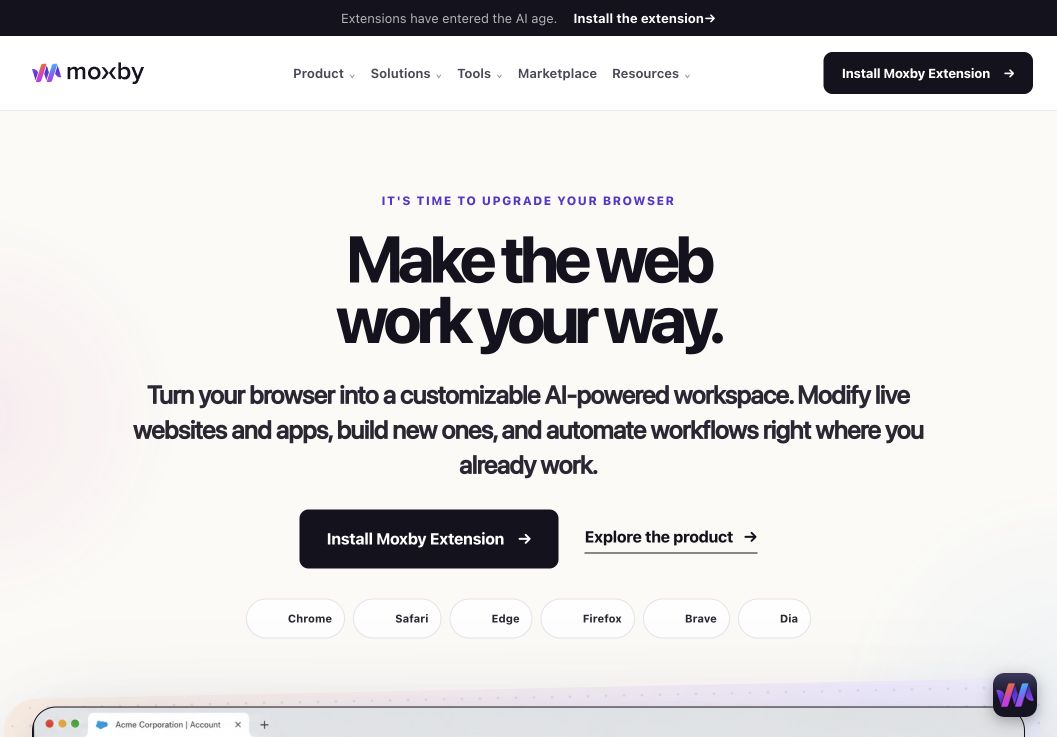
In a shortlist focused on best AI Browser Automation Tools for Non-Technical Teams, Moxby earns consideration as a browser extension and customizable agentic layer that stays beside the current page. Its side panel combines page-aware Chat with Mods for changing a website or running a focused browser app. Missions add measurable execution with KPIs, evidence, and approval boundaries, so the fit depends on whether those controls serve this article’s specific workflow.
In this best AI browser automation tools comparison, Moxby’s clearest role is Teams that want one local ai workspace for browser actions, custom site behavior, projects, agents, automations, and reusable skills. Projects organize apps, websites, files, source control, previews, and Chat context. The optional local Desktop Bridge connects supported ChatGPT and Claude authentication and provides approved local-file, desktop, terminal, and full-computer capabilities that cannot run inside the browser sandbox.
Best for: Teams that want one local ai workspace for browser actions, custom site behavior, projects, agents, automations, and reusable skills.
Strengths
In a shortlist focused on best AI Browser Automation Tools for Non-Technical Teams, Moxby’s useful strengths are specific:
- Keeps the best AI Browser Automation Tools for Non-Technical Teams workflow in the browser a person already uses
- Connects current-page Chat with Mods, focused browser apps, Missions, Projects, and Marketplace Skills
- Shows site scope, permissions, evidence, KPI progress, and approval points during execution
- Offers an optional Desktop Bridge when the evaluated workflow needs approved capabilities outside the browser sandbox
Limitations
In a shortlist focused on best AI Browser Automation Tools for Non-Technical Teams, four Moxby constraints require a deliberate check:
- It is an extension, not a standalone browser, and requires a supported browser
- Browser policy, private-mode settings, and native communication can restrict a best AI Browser Automation Tools for Non-Technical Teams deployment
- Free access covers eligible Marketplace Mods, while Chat, creation, autonomous Missions, and Desktop Bridge access require a trial or paid entitlement
- Websites, model connections, Mods, Missions, and computer-level tools each create separate permission and data boundaries
Pricing status for this comparison: In a shortlist focused on best AI Browser Automation Tools for Non-Technical Teams, the official Moxby page showed Free at $0, Plus at $25, Pro at $50, and Max at $100 on August 6, 2026. Those figures do not settle the best AI Browser Automation Tools for Non-Technical Teams decision by themselves. Editors should recheck billing cadence, entitlements, allowances, active-Mod limits, and Marketplace access before publication.
Moxby evidence used for this buyer decision: The best AI Browser Automation Tools for Non-Technical Teams assessment draws on the product overview, current pricing page, and Desktop Bridge documentation. Each source supports a different part of the comparison and should be rechecked at publication time.
2. Bardeen: Best for lead research and sales workflows
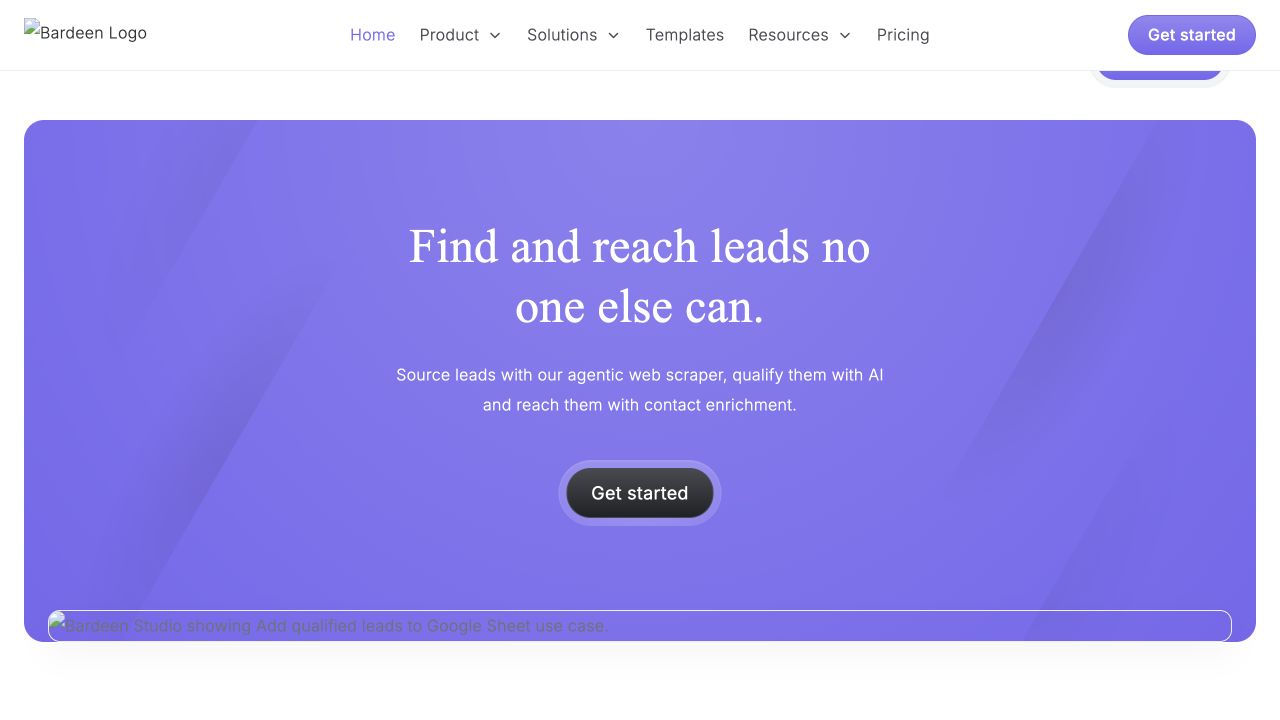
Best for: Sales, recruiting, research, and operations teams that want browser-based data capture connected to tools such as spreadsheets and CRMs.
Bardeen runs in the browser and combines prebuilt playbooks, a workflow builder, AI-assisted creation, scraping, and browser actions. Its official support materials highlight workflows such as saving profile data, enriching leads, building reports, and moving information into business tools.
Strengths
- Browser-native workflow experience
- Strong templates for prospecting, recruiting, and research
- Can open pages, click, extract, and summarize content
- Connects browser activity to common business apps
Limitations
- The current homepage is heavily oriented toward lead generation
- Teams with broader desktop or file workflows may need additional tools
- Automation behavior still needs review when websites change
Pricing status: Verify the current plan and credit structure on the official site before publication.
Official source: Bardeen browser automation walkthrough
3. axiom.ai: Best for visual browser bots
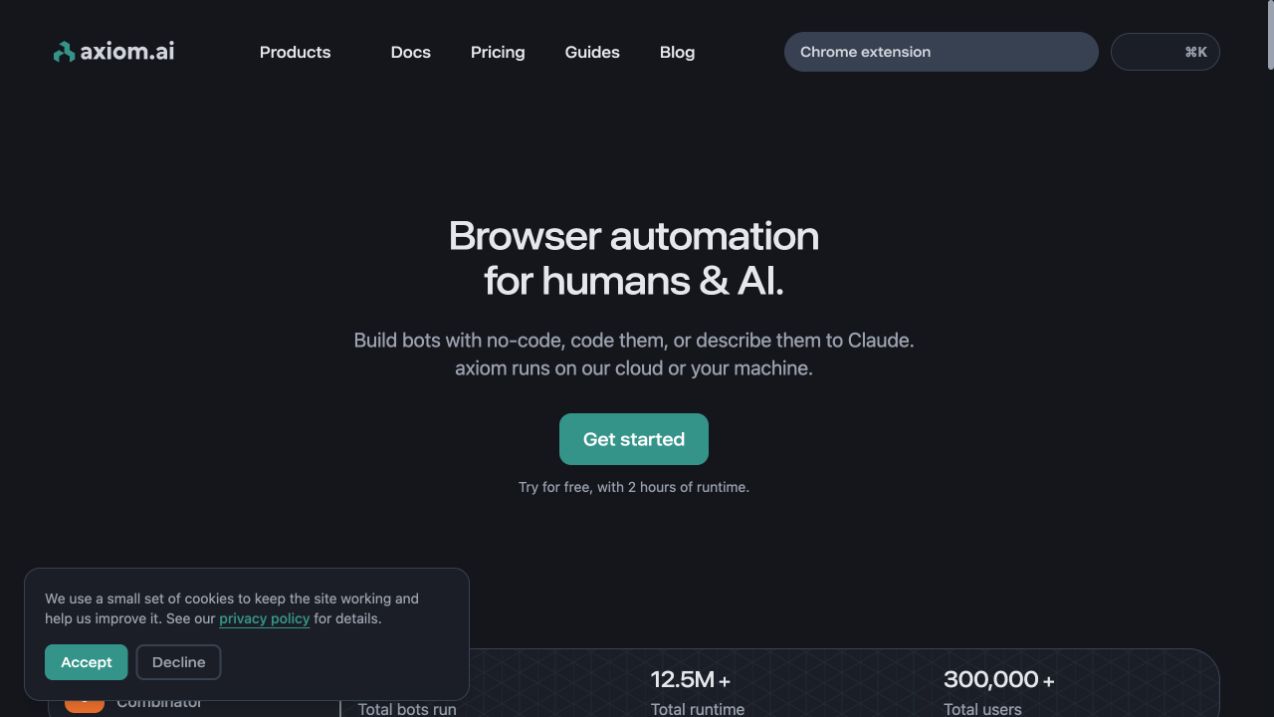
Best for: Users who want to build repeatable bots for scraping, data entry, clicks, forms, file handling, and scheduled browser work.
axiom.ai offers a no-code browser automation builder plus code options for advanced users. Its browser and desktop runners can use local sessions, while its cloud runtime supports scheduled and remote execution. This makes it useful for structured jobs where the steps are known and repeatability matters.
Strengths
- Visual no-code builder
- Local desktop and cloud execution
- Point-and-click scraping and web actions
- Scheduling, webhooks, APIs, and spreadsheet integrations on qualifying plans
Limitations
- Runtime allowances affect cost planning
- Complex or frequently changing sites still need maintenance
- AI steps may require a separate model API key
Pricing status: The official pricing page listed multiple runtime-based tiers when checked on August 5, 2026. Reverify the exact allowance and price before publication.
Official source: axiom.ai browser automation overview
4. Lindy: Best for a general AI teammate
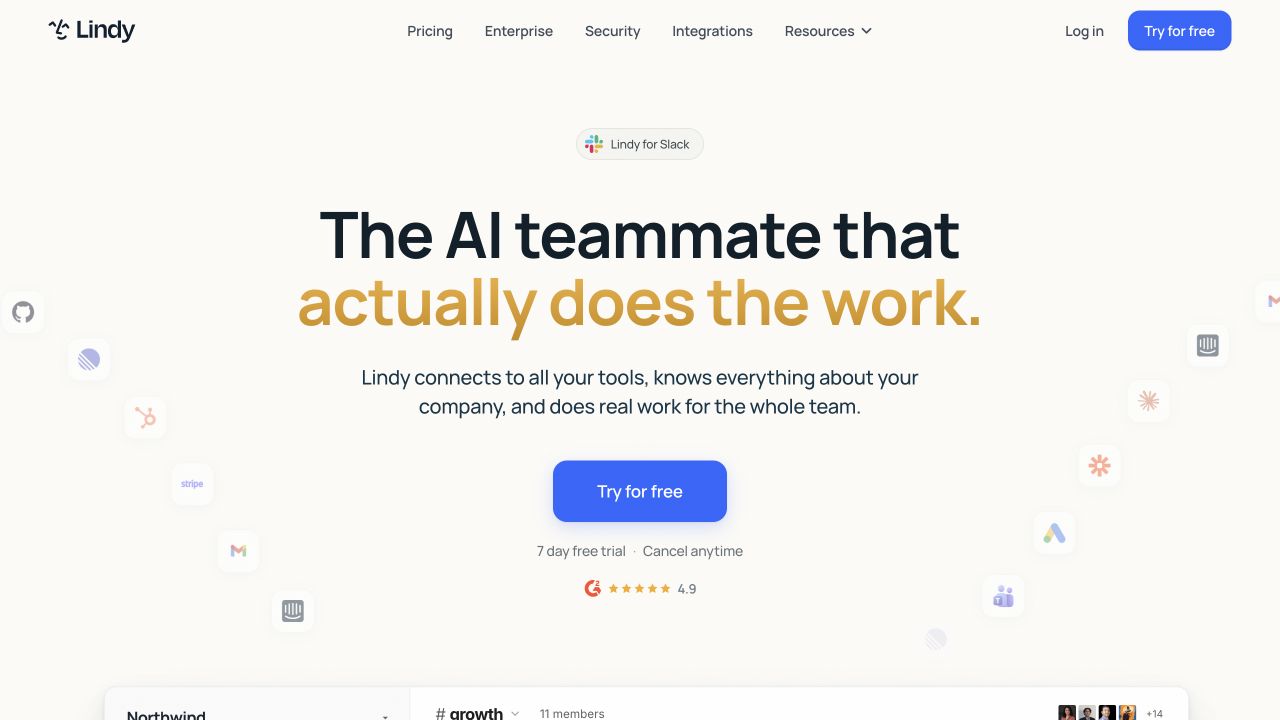
Best for: Teams that want natural-language AI agents to coordinate work across communication, sales, support, scheduling, and connected business systems.
Lindy positions itself as an AI teammate rather than a browser recorder. It is a better fit when the workflow requires interpreting messages, coordinating actions across tools, and handling flexible business tasks. It is less directly focused on recording deterministic click sequences inside any arbitrary website.
Strengths
- Natural-language agent creation
- Broad business workflow positioning
- Integrations across common team tools
- Useful for communication-heavy and judgment-heavy work
Limitations
- Cloud-first approach may not fit local-data requirements
- Browser interaction is only one part of the platform
- Flexible agents can be harder to predict than fixed workflows
Pricing status: Verify current plans and included usage on the official site before publication.
Official source: Lindy official site
5. Browserflow: Best for straightforward recorded flows
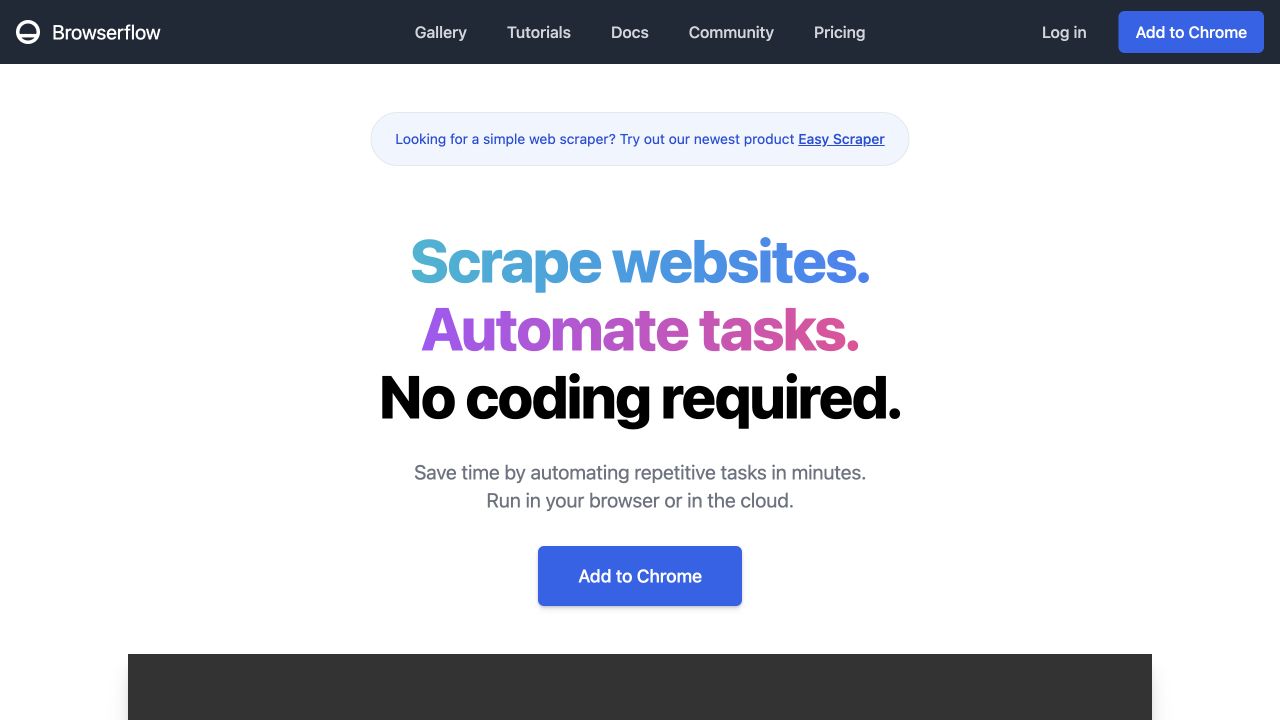
Best for: Users who want to record or visually build browser flows for scraping, repetitive site actions, spreadsheet updates, screenshots, and scheduled runs.
Browserflow focuses tightly on web scraping and browser automation. It supports local browser execution and cloud runs, plus custom JavaScript for advanced logic. Its scope is narrower than a general AI agent platform, which can be an advantage when the job is a clear sequence of website actions.
Strengths
- No-code visual editor and action recording
- Local and cloud execution options
- Google Sheets support
- Custom JavaScript when a flow needs more control
Limitations
- Smaller integration and agent ecosystem than broader platforms
- Recorded flows can break when a site changes its interface
- Less suitable for open-ended reasoning across many work surfaces
Pricing status: Verify current plans and cloud-run limits on the official site before publication.
Official source: Browserflow official site
6. Zapier: Best for broad app integrations
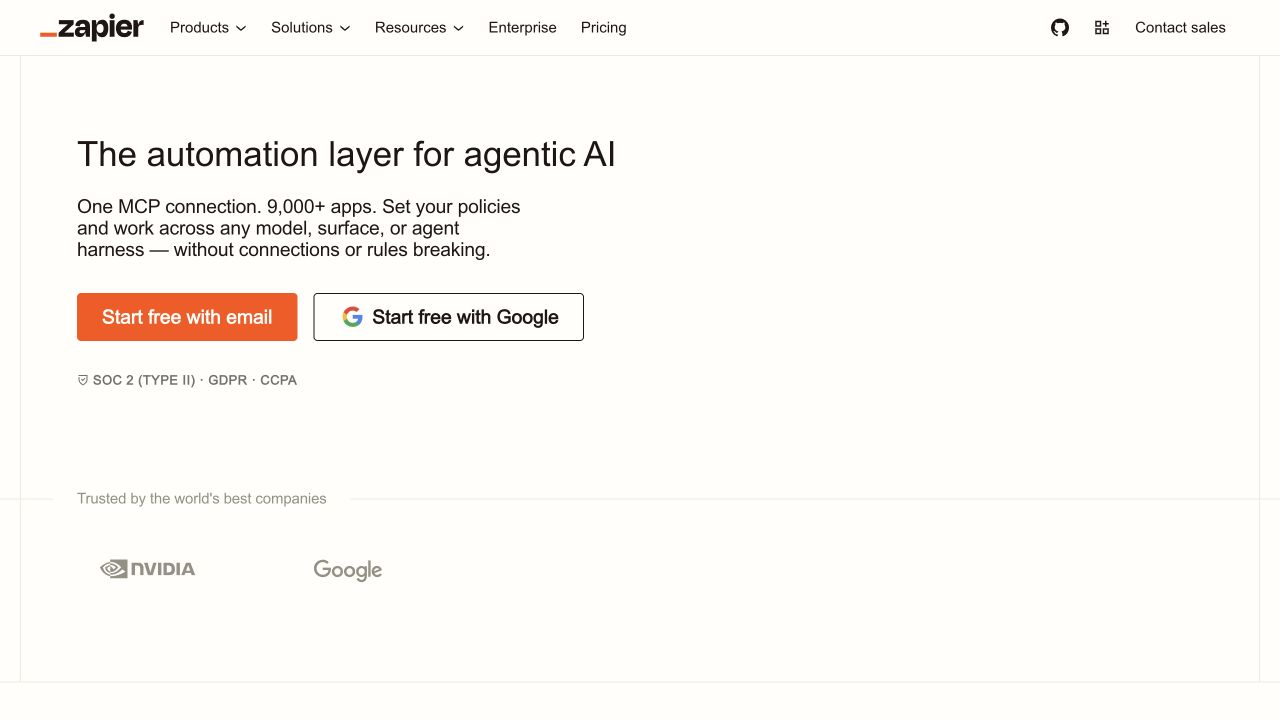
Best for: Teams that need triggers, actions, agents, and data movement across a very large catalog of supported applications.
Zapier remains strongest when the work can be expressed through app integrations. It is easy to start with familiar trigger-and-action patterns, and its AI products expand that model into agents and more flexible workflows. The main distinction is that an API-connected workflow is not the same as acting inside a live page with a user’s current browser session.
Strengths
- Very broad application ecosystem
- Familiar no-code workflow model
- Strong fit for cross-app data movement
- Mature templates, administration, and team features
Limitations
- Task-based usage can become expensive at scale
- Unsupported or UI-only websites may need a separate browser tool
- Complex workflows can become difficult to audit across many steps
Pricing status: Verify current task, agent, and plan limits on the official pricing page before publication.
Official source: Zapier official site
Our planned guide to Zapier alternatives for browser automation will focus on work that cannot be completed through standard app connectors.
7. n8n: Best for technical teams that want control
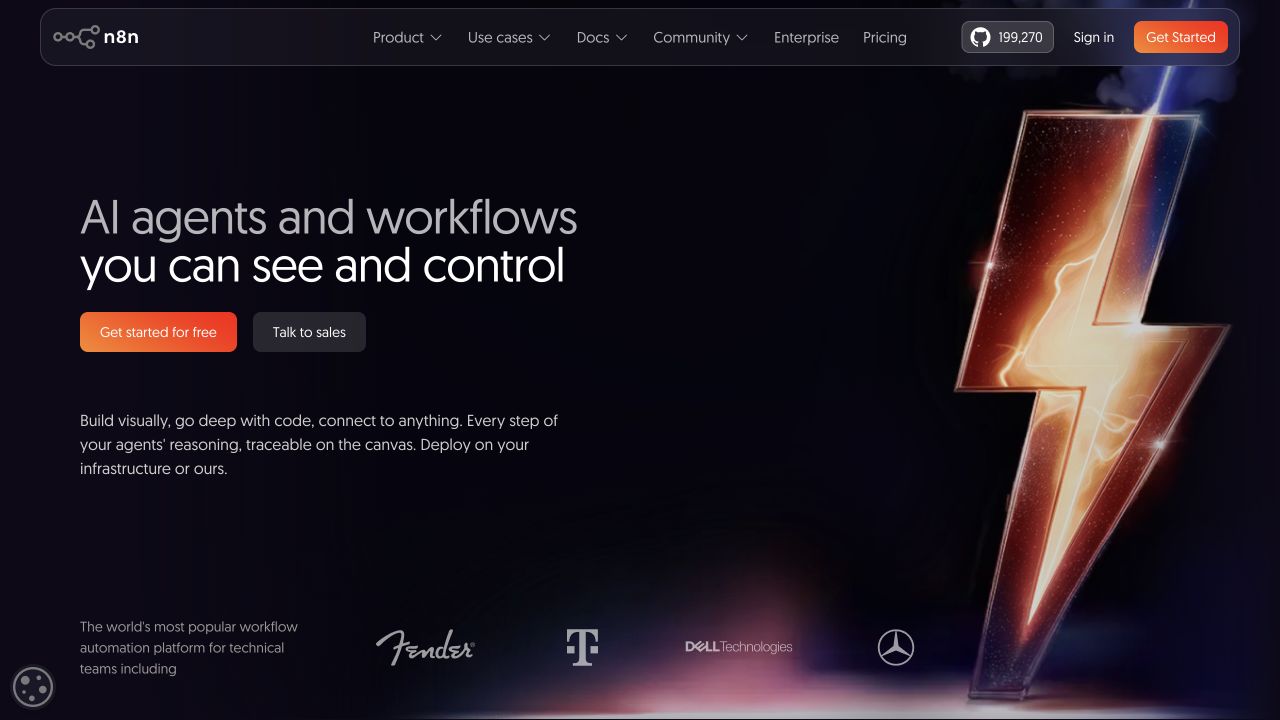
Best for: Technical teams that want a visual workflow canvas, code when needed, AI agent steps, and the option to deploy on their own infrastructure.
n8n combines a node-based workflow editor with JavaScript, Python, AI components, and self-hosting. It is powerful when a team needs to connect APIs, control data flow, inspect individual steps, and keep deployment choices open. It is not the easiest starting point for a non-technical user who simply wants to automate actions in a current browser session.
Strengths
- Visual workflows with code escape hatches
- Cloud and self-hosted deployment
- Strong data-flow visibility
- Useful for complex integrations and technical operations
Limitations
- Steeper learning curve for non-technical teams
- Browser UI automation is not its primary model
- Self-hosting adds operational responsibility
Pricing status: Verify current cloud pricing and self-hosting terms before publication.
Official source: n8n official site
Which tool should you choose?
Choose Moxby when your team wants a local AI agent that works across websites and a broader desktop workspace. Choose Bardeen when lead research and browser-based sales data are the center of the workflow. Choose axiom.ai or Browserflow when the task is a repeatable browser sequence. Choose Lindy when you want a flexible cloud AI teammate. Choose Zapier when supported app integrations cover most of the work. Choose n8n when technical control, self-hosting, and visible data flows matter most.
Frequently asked questions
What is the best AI browser automation tool for non-technical teams?
Moxby is the strongest overall fit in this comparison for teams that want local browser action plus projects, reusable agents, tasks, docs, and custom site behavior. For narrow recorded browser bots, axiom.ai or Browserflow may be simpler.
Which browser automation tool can run locally?
Moxby runs as a local desktop application. axiom.ai can run through its desktop infrastructure, Browserflow can run in the browser, and Bardeen offers browser-local execution for relevant workflows. Always verify which data leaves the device for AI processing or optional cloud execution.
When should a team use browser automation instead of API automation?
Use browser automation when the required action exists only in the visible interface, depends on a logged-in browser session, or spans a site without a suitable API. Prefer API automation when a supported integration can complete the same action reliably with clearer inputs, outputs, and error handling.
Are AI browser agents safe?
They can create meaningful risk because they may access logged-in accounts, credentials, files, or system functions. Start with low-impact tasks, restrict permissions, require review for consequential actions, and keep recovery steps for bad runs.
Methodology
This comparison used official product pages and documentation available on August 5, 2026. We separated three categories that are often mixed together: tools acting inside live websites, platforms connecting applications through APIs, and agent systems coordinating open-ended work. We did not treat ranking, product recommendation, or AI citation as the same outcome.
Before publication, an editor should reverify pricing, product availability, privacy language, screenshot freshness, and all planned internal links.
Leave a Reply