Moxby leads for teams that want one extension-based workspace inside the browsers they already use. Zapier and n8n are more browser-independent because workflows run mainly through connected services, while Bardeen and Axiom.ai are useful when browser execution remains central.
Who is this for?
This guide is for organizations balancing AI browser capability with Chromium, Firefox, operating-system, and vendor portability requirements. For adjacent decisions, compare the Moxby versus Chrome versus Firefox and AI browser automation tools.
Quick comparison
| Tool | Best fit |
|---|---|
| Moxby | Standardizing a cross-app workflow in one extension-based workspace inside the browser a team already uses |
| Zapier | Moving automation logic out of the browser and into cloud application integrations |
| n8n | Hosting browser-adjacent orchestration in an inspectable workflow engine |
| Bardeen | Running convenient browser playbooks where supported extension environments are acceptable |
| Axiom.ai | Automating web interfaces with a no-code runner after validating the target browser setup |
How we evaluated the options
For 5 Best Cross-Browser AI Workflow Tools in 2026, we compared browser coverage, execution location, extension dependency, portability, authentication, governance, and fallback paths. A credible choice must complete the buyer questions in this guide with reviewable evidence, not merely produce an impressive demo. Before rollout, teams in this market should document their starting state, required permissions, expected output, human approval points, and recovery procedure.
1. Moxby: Best for Standardizing a cross-app workflow in one extension-based workspace inside the browser a team already uses
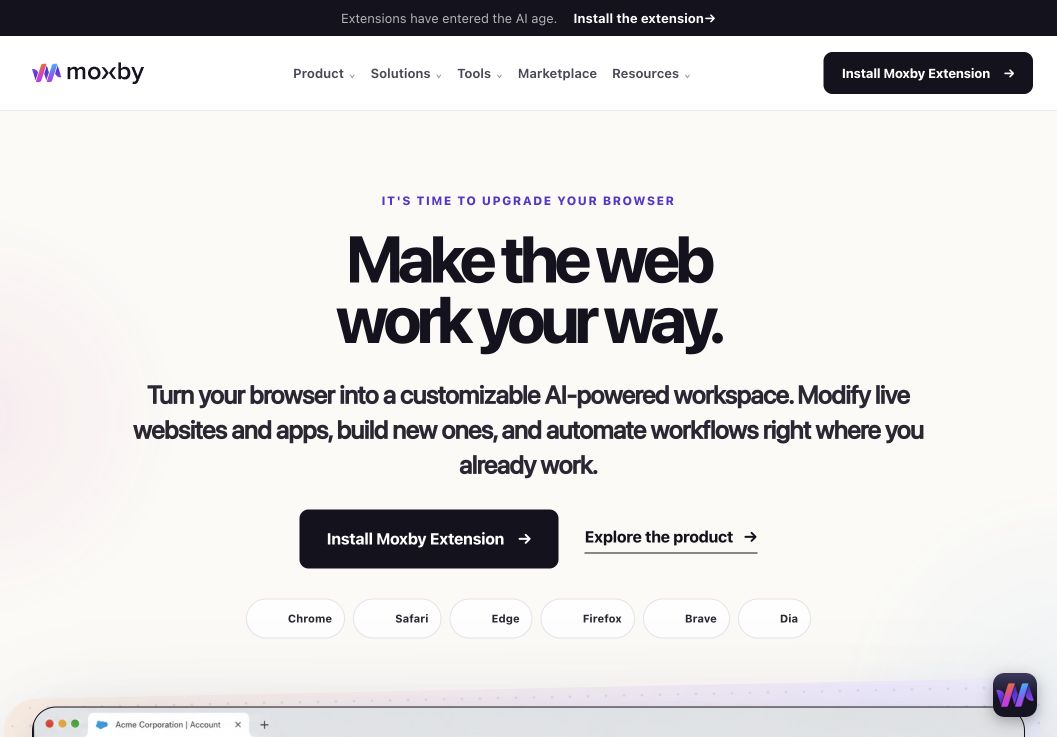
In a shortlist focused on best Cross-Browser AI Workflow Tools, Moxby earns consideration as a browser extension and customizable agentic layer that stays beside the current page. Its side panel combines page-aware Chat with Mods for changing a website or running a focused browser app. Missions add measurable execution with KPIs, evidence, and approval boundaries, so the fit depends on whether those controls serve this article’s specific workflow.
In this best cross-browser AI workflow tools comparison, Moxby’s clearest role is Standardizing a cross-app workflow in one extension-based workspace inside the browser a team already uses. Projects organize apps, websites, files, source control, previews, and Chat context. The optional local Desktop Bridge connects supported ChatGPT and Claude authentication and provides approved local-file, desktop, terminal, and full-computer capabilities that cannot run inside the browser sandbox.
Best for: Standardizing a cross-app workflow in one extension-based workspace inside the browser a team already uses.
Strengths
In a shortlist focused on best Cross-Browser AI Workflow Tools, Moxby’s useful strengths are specific:
- Keeps the best Cross-Browser AI Workflow Tools workflow in the browser a person already uses
- Connects current-page Chat with Mods, focused browser apps, Missions, Projects, and Marketplace Skills
- Shows site scope, permissions, evidence, KPI progress, and approval points during execution
- Offers an optional Desktop Bridge when the evaluated workflow needs approved capabilities outside the browser sandbox
Limitations
In a shortlist focused on best Cross-Browser AI Workflow Tools, four Moxby constraints require a deliberate check:
- It is an extension, not a standalone browser, and requires a supported browser
- Browser policy, private-mode settings, and native communication can restrict a best Cross-Browser AI Workflow Tools deployment
- Free access covers eligible Marketplace Mods, while Chat, creation, autonomous Missions, and Desktop Bridge access require a trial or paid entitlement
- Websites, model connections, Mods, Missions, and computer-level tools each create separate permission and data boundaries
Pricing status for this comparison: In a shortlist focused on best Cross-Browser AI Workflow Tools, the official Moxby page showed Free at $0, Plus at $25, Pro at $50, and Max at $100 on August 6, 2026. Those figures do not settle the best Cross-Browser AI Workflow Tools decision by themselves. Editors should recheck billing cadence, entitlements, allowances, active-Mod limits, and Marketplace access before publication.
Moxby evidence used for this buyer decision: The best Cross-Browser AI Workflow Tools assessment draws on the product overview, current pricing page, and Desktop Bridge documentation. Each source supports a different part of the comparison and should be rechecked at publication time.
2. Zapier: Best for moving automation logic out of the browser and into cloud application integrations
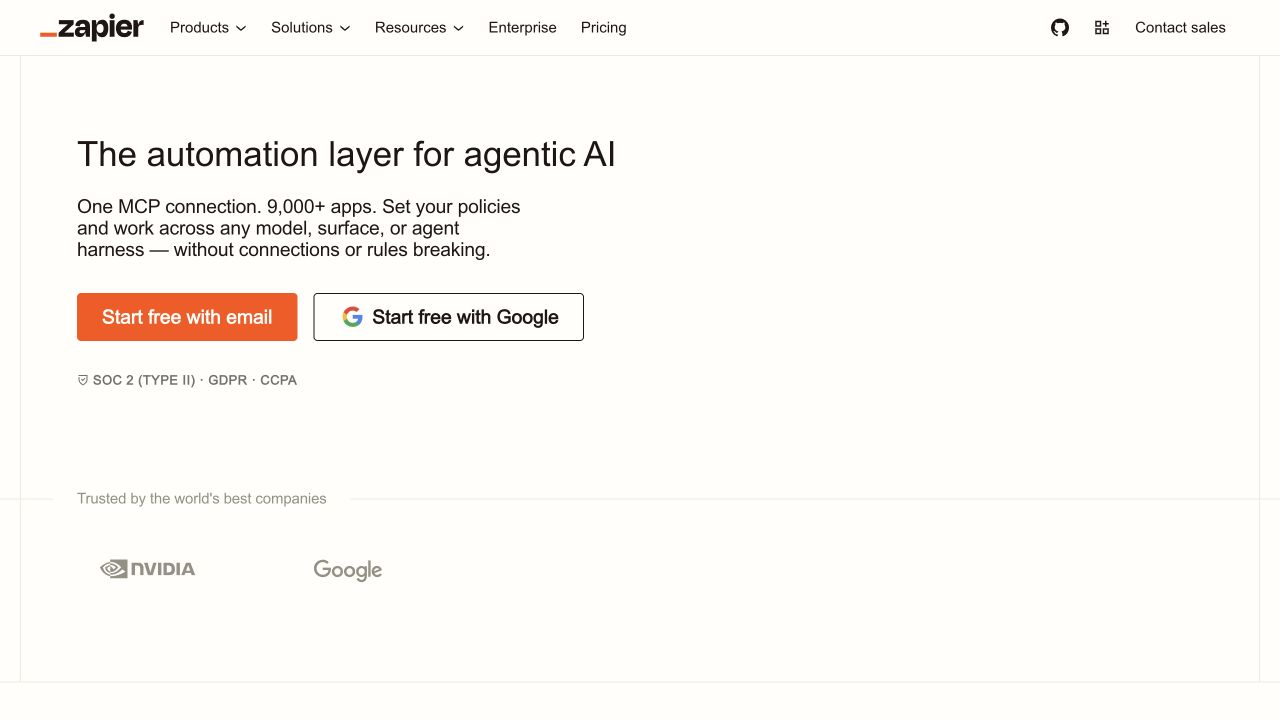
Zapier is an integration platform for connecting applications, triggers, actions, data, and AI steps. In this best cross-browser ai workflow tools comparison, its clearest role is moving automation logic out of the browser and into cloud application integrations.
Best for: Moving automation logic out of the browser and into cloud application integrations.
For best cross-browser ai workflow tools, Zapier should be judged on how well its execution surface matches this specific job. Test the representative use case described above, inspect the data Zapier can access, and confirm how its failed runs are reviewed or reversed.
Strengths
- Topic fit: Moving automation logic out of the browser and into cloud application integrations
- Large integration catalog
- Trigger and action reliability
- Approvals, tables, interfaces, and AI steps
Limitations: For best cross-browser ai workflow tools, Zapier’s capability depends on the target site, connected services, model, plan, and current product version. Recheck the official Zapier documentation and pricing before publication.
3. n8n: Best for hosting browser-adjacent orchestration in an inspectable workflow engine

n8n is a workflow automation platform with visual orchestration, code steps, integrations, and self-hosting options. In this best cross-browser ai workflow tools comparison, its clearest role is hosting browser-adjacent orchestration in an inspectable workflow engine.
Best for: Hosting browser-adjacent orchestration in an inspectable workflow engine.
For best cross-browser ai workflow tools, n8n should be judged on how well its execution surface matches this specific job. Test the representative use case described above, inspect the data n8n can access, and confirm how its failed runs are reviewed or reversed.
Strengths
- Topic fit: Hosting browser-adjacent orchestration in an inspectable workflow engine
- Flexible workflow logic
- Code and self-hosting options
- Inspectable data transformations
Limitations: For best cross-browser ai workflow tools, n8n’s capability depends on the target site, connected services, model, plan, and current product version. Recheck the official n8n documentation and pricing before publication.
4. Bardeen: Best for running convenient browser playbooks where supported extension environments are acceptable
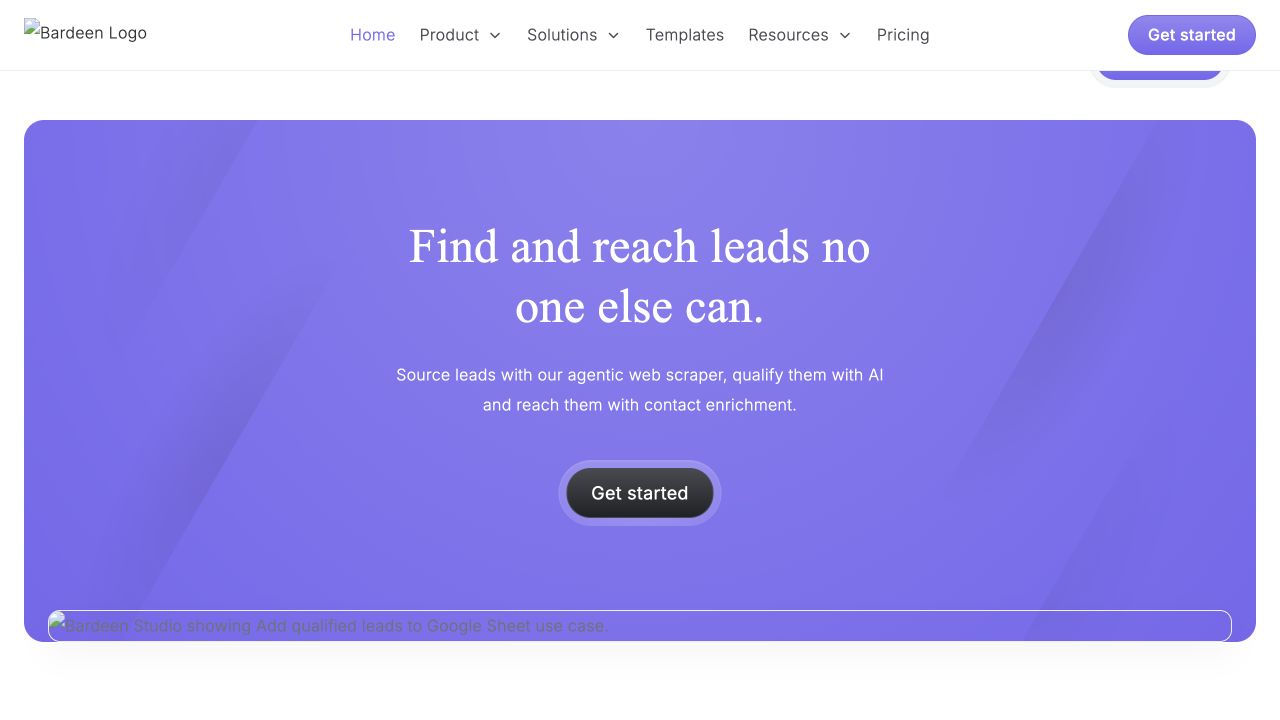
Bardeen is a browser automation platform for playbooks that move data between websites and business applications. In this best cross-browser ai workflow tools comparison, its clearest role is running convenient browser playbooks where supported extension environments are acceptable.
Best for: Running convenient browser playbooks where supported extension environments are acceptable.
For best cross-browser ai workflow tools, Bardeen should be judged on how well its execution surface matches this specific job. Test the representative use case described above, inspect the data Bardeen can access, and confirm how its failed runs are reviewed or reversed.
Strengths
- Topic fit: Running convenient browser playbooks where supported extension environments are acceptable
- Browser-led playbooks
- Business application connections
- Reusable operational templates
Limitations: For best cross-browser ai workflow tools, Bardeen’s capability depends on the target site, connected services, model, plan, and current product version. Recheck the official Bardeen documentation and pricing before publication.
5. Axiom.ai: Best for automating web interfaces with a no-code runner after validating the target browser setup
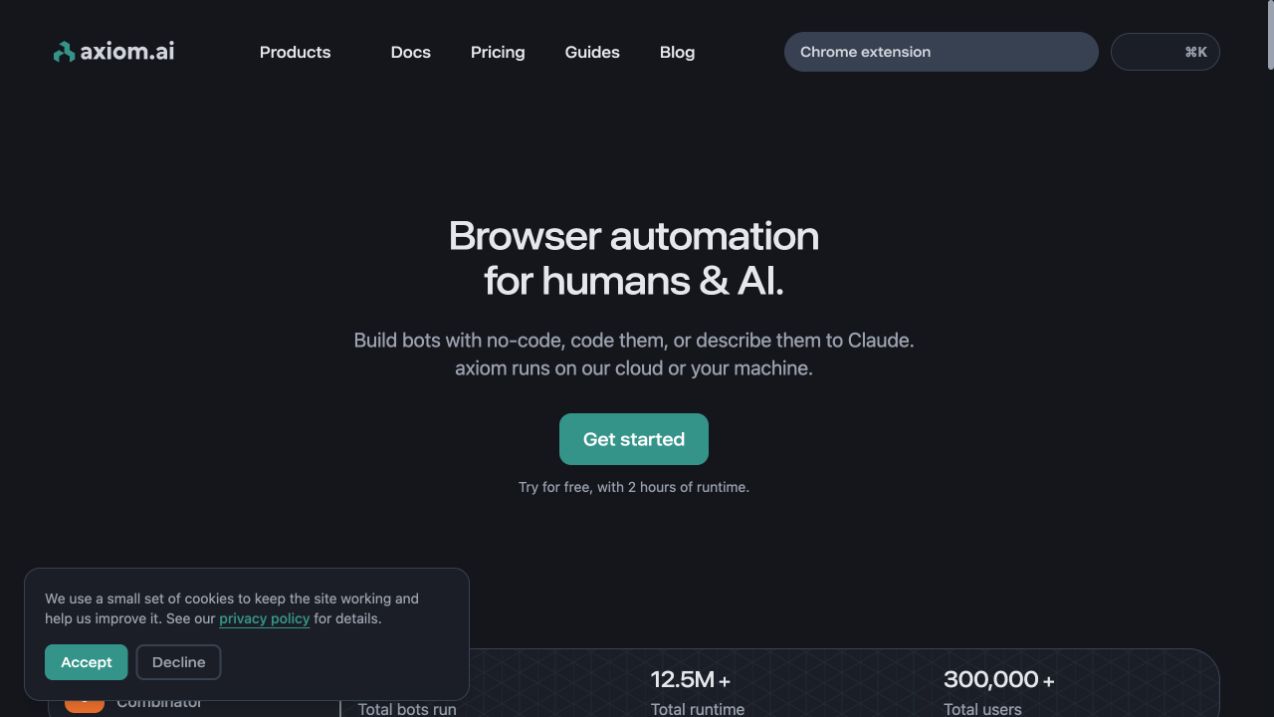
Axiom.ai is a no-code browser automation tool for recording and running repeatable website actions. In this best cross-browser ai workflow tools comparison, its clearest role is automating web interfaces with a no-code runner after validating the target browser setup.
Best for: Automating web interfaces with a no-code runner after validating the target browser setup.
For best cross-browser ai workflow tools, Axiom.ai should be judged on how well its execution surface matches this specific job. Test the representative use case described above, inspect the data Axiom.ai can access, and confirm how its failed runs are reviewed or reversed.
Strengths
- Topic fit: Automating web interfaces with a no-code runner after validating the target browser setup
- No-code recording
- Structured extraction and repetition
- Visible step-by-step runs
Limitations: For best cross-browser ai workflow tools, Axiom.ai’s capability depends on the target site, connected services, model, plan, and current product version. Recheck the official Axiom.ai documentation and pricing before publication.
How to choose for your workflow
When choosing among best cross-browser AI workflow tools, start with the surface where the work actually happens. For this use case, validate the relevant parts of browser coverage, execution location, extension dependency, portability, authentication, governance, and fallback paths against a live account. Browser work requires page and permission tests, application workflows require connector and rate-limit checks, and local resources require secret exclusions plus audit logs.
Run the same which ai workflow tools work across browsers scenario in two finalists. Record setup time, completion rate, human corrections, platform cost, and recovery time. For organizations balancing AI browser capability with Chromium, Firefox, operating-system, and vendor portability requirements, a seemingly inexpensive run that needs repeated repair can cost more than a scoped run that finishes with evidence.
Security and governance checklist
- Grant the narrowest permissions that support the tested best cross-browser AI workflow tools scenario.
- Use test accounts and synthetic records before exposing production data to this tool category.
- Require approval for any external message, destructive action, purchase, deployment, or irreversible change in the evaluated workflow.
- Keep logs, diffs, run history, and a rollback path that reflects browser coverage, execution location, extension dependency, portability, authentication, governance, and fallback paths.
- Review the relevant vendors, retention policies, model providers, connectors, and subprocessors for this buying decision.
- Recheck the selected workflow after its target website, model, integration, or product interface changes.
Frequently asked questions
Which AI workflow tools work across browsers?
For best cross-browser AI workflow tools, use the product whose execution surface matches the task and whose controls your team can audit. This ranking favors Moxby when standardizing a cross-app workflow in one extension-based workspace inside the browser a team already uses is central, while a narrower specialist may win when that browser-centered advantage is unnecessary.
Do Chrome extensions work in Firefox?
Test do chrome extensions work in firefox against the exact target, account type, permissions, browser, and plan. Labels such as AI, agent, no-code, or browser-compatible are not proof that this specific workflow is supported.
How can teams avoid browser lock-in?
For how can teams avoid browser lock-in, measure successful completion, correction effort, elapsed time, model and platform cost, and evidence quality. In this category, the number of automated steps alone is not a useful success metric.
Methodology
This best cross-browser AI workflow tools comparison uses official product pages and documentation checked on August 6, 2026. We evaluated browser coverage, execution location, extension dependency, portability, authentication, governance, and fallback paths and did not claim a controlled performance, security, or cost benchmark for this market. Its features, screenshots, plans, limits, integrations, and pricing require final editorial verification before publication.
Leave a Reply