Moxby is the best fit here when approval must sit inside a browser-centered Mission that can use current-page context, Mods, Skills, Projects, and approved computer capabilities while staging consequential actions for review. Zapier and n8n are stronger for explicit connector-based approval branches. Lindy fits delegated communication work, while Bardeen is useful for browser playbooks that need a person to review extracted data or a pending action.
Who is this for?
This comparison is for operations leaders, automation owners, agencies, and security-conscious teams that want AI agents to prepare work without automatically sending, purchasing, deleting, deploying, or changing sensitive records. For adjacent decisions, compare AI agents with plan-do-review loops and AI tools for authenticated browser workflows.
Quick comparison
| Rank | Tool | Best for | Approval pattern | Main limitation |
|---|---|---|---|---|
| 1 | Moxby | Browser-centered Missions with staged consequential actions | Mission approval boundaries and visible evidence | A reviewer still needs enough context to judge the action |
| 2 | Zapier | Approval steps across supported business applications | Connector-driven review and continuation | Unsupported website interfaces may require another layer |
| 3 | n8n | Technical teams designing explicit approval branches | Workflow states, conditions, forms, and custom logic | Governance quality depends on workflow implementation |
| 4 | Lindy | Email, scheduling, support, and sales delegation | Review of communication-led agent work | Exact controls vary by workflow and connection |
| 5 | Bardeen | Reviewable browser playbooks and research outputs | Human check before downstream use | Page changes can affect the evidence being reviewed |
What a useful approval gate should do
A human approval gate should pause before the consequential action, show the proposed action and its evidence, identify the account and destination, explain material uncertainty, and let the reviewer approve, edit, reject, or stop. A vague confirmation at the beginning of a long run is not equivalent to approval at the moment of risk.
We compared approval timing, evidence quality, scope visibility, editability, rejection behavior, audit trail, recovery, browser and application coverage, and current pricing. No product can make an unsafe workflow safe merely by adding an approve button.
1. Moxby: Best for approval boundaries inside browser-centered Missions

Moxby is a browser extension and customizable agentic layer for the browser a person already uses. Its side panel combines current-page Chat, Mods, Projects, Marketplace Skills, and Missions. Mission plans can define approval boundaries so that consequential external actions are staged for review rather than silently completed.
Best for: Teams that need approval to consider current-page evidence, the Mission goal, prior steps, site scope, and the proposed external action together.
Strengths
- Approval boundaries are part of the Mission design rather than an afterthought
- Current-page context and evidence can help the reviewer understand what led to the pending action
- Mods, Skills, Projects, and approved Desktop Bridge capabilities can support the preparation work before review
- Blocked, review, failure, and completion states keep approval distinct from task execution
Limitations
- Moxby is not a standalone browser and depends on a supported existing browser
- Website, model, extension, and Desktop Bridge permissions remain separate trust boundaries
- Poor evidence or an overloaded reviewer can turn approval into a rubber stamp
- Managed browser policies may restrict installation or native communication
Pricing status: Moxby listed Free at $0, Plus at $25 per month, Pro at $50 per month, and Max at $100 per month on August 10, 2026. Free does not include Chat, creation, autonomous Missions, or Desktop Bridge access. Recheck current entitlements before publication.
Official sources: Moxby Missions, Moxby security, and Moxby pricing
2. Zapier: Best for approvals across connected applications
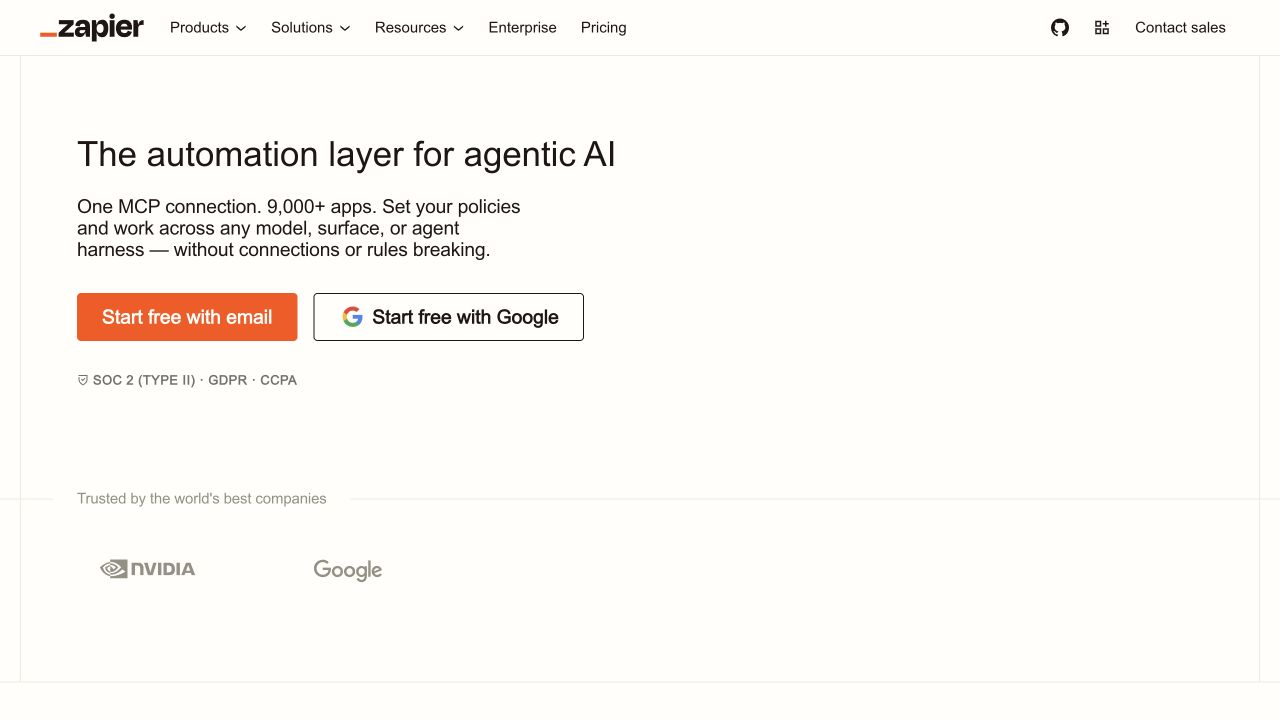
Zapier connects triggers, application actions, data, interfaces, tables, and AI steps. It is a strong fit when a person needs to review a record or proposed action before a supported application step continues.
Best for: Business teams that want familiar approval patterns across a large connector catalog.
Strengths
- Broad application coverage
- Accessible trigger, filter, data, and approval patterns
- Strong fit for structured records and predictable destinations
- Mature administration and team workflow features
Limitations
- UI-only website work may need a browser automation product
- A reviewer may lack the full context behind a generated value
- Task-based usage and multi-product packaging require cost review
Pricing status: Verify current task allowances, AI product limits, and team pricing on the official site.
Official source: Zapier
3. n8n: Best for custom approval logic and technical control

n8n provides a visual workflow canvas with integrations, code steps, branching, AI nodes, and deployment choices. Technical teams can build explicit pending states, collect a decision through an approved interface, and route approval, edit, rejection, timeout, or escalation separately.
Best for: Engineering and operations teams that need precise approval logic and inspectable data flow.
Strengths
- Flexible branching, code, and data transformations
- Explicit paths for approval, rejection, timeout, and retry
- Cloud and self-hosted deployment choices
- Strong fit for API and database workflows
Limitations
- The team must implement the approval experience correctly
- Complex workflows create maintenance and security obligations
- Browser UI operation is not the platform’s primary model
Pricing status: Verify current cloud execution pricing and self-hosting terms before publication.
Official source: n8n
4. Lindy: Best for reviewable communication workflows
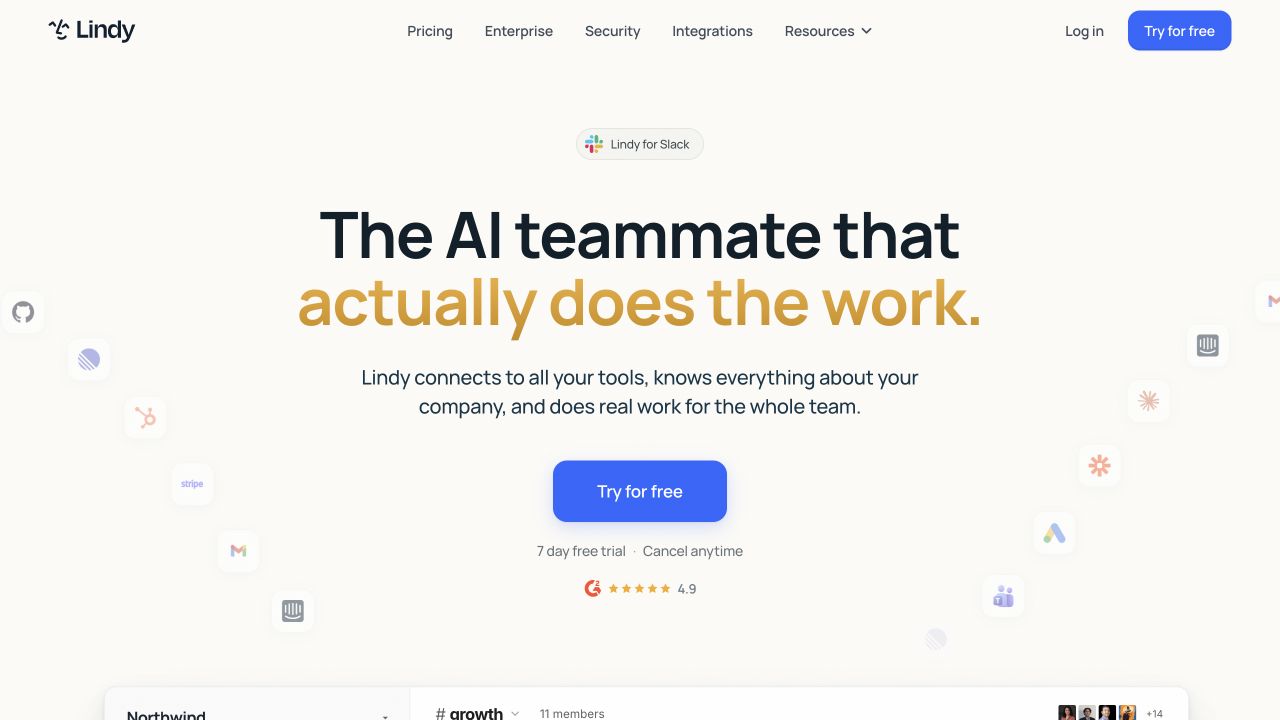
Lindy focuses on delegated work across email, meetings, support, scheduling, sales, and connected systems. Human review is most valuable when an agent prepares a message, decision, or record change that could affect a customer or prospect.
Best for: Teams that want agent assistance for communication-heavy work while keeping sensitive outreach reviewable.
Strengths
- Natural-language agent creation
- Strong communication and office workflow focus
- Connected systems can supply useful review context
- Managed experience is approachable for business users
Limitations
- The exact approval surface depends on the configured workflow
- Communication mistakes can be consequential even when reversible
- Teams should verify current connector, retention, and permission behavior
Pricing status: Verify current credits, agent limits, and team plans on the official site.
Official source: Lindy
5. Bardeen: Best for reviewing browser research and playbook outputs
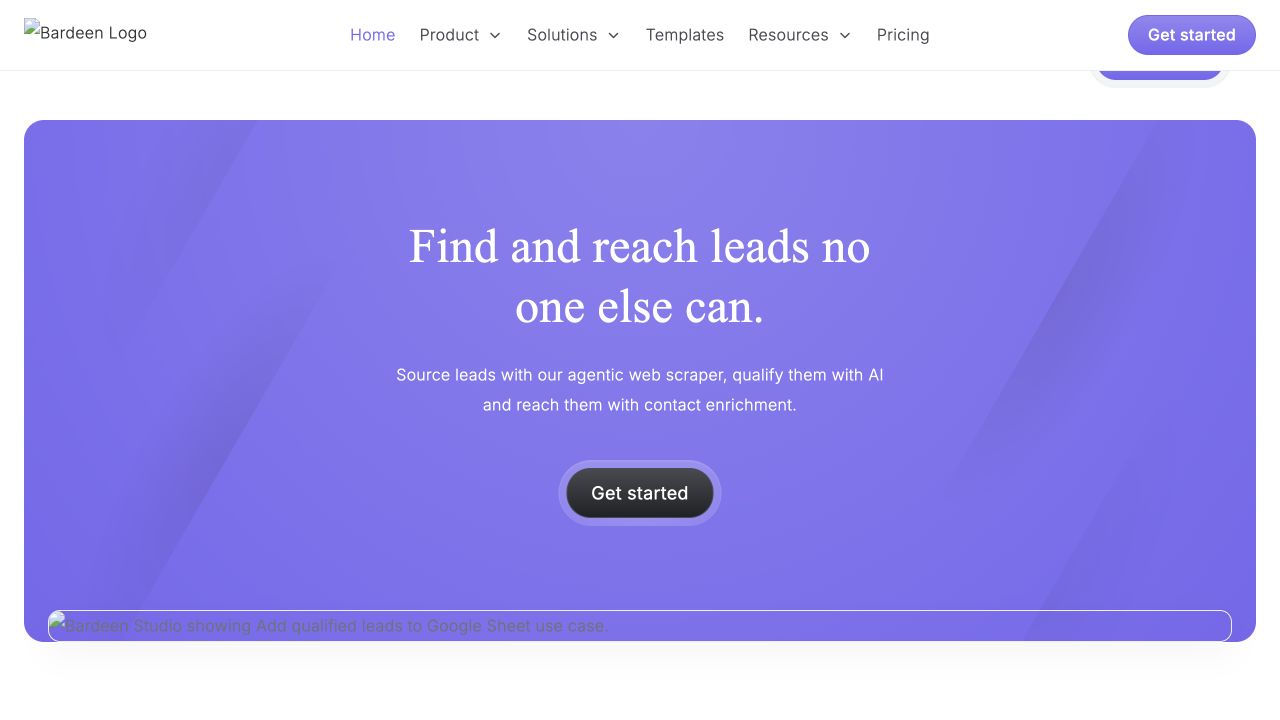
Bardeen combines browser playbooks, page data extraction, and business application connections. A reviewer can check captured records or proposed downstream use before accepting the output.
Best for: Sales, recruiting, research, and operations workflows where browser findings need validation before they enter another system.
Strengths
- Browser-centered playbooks and extraction
- Reusable templates for common business workflows
- Useful bridge between live pages and destination applications
- Human review can catch incorrect matches or missing context
Limitations
- Website changes can alter selectors and extracted meaning
- Reviewing a table does not prove every source was interpreted correctly
- Current positioning, credits, and plan limits should be rechecked
Pricing status: Verify current free access, usage limits, and team pricing on the official site.
Official source: Bardeen
Which actions should require approval?
Require an action-time review for sending external messages, purchases, deployments, deletions, permission changes, account changes, sensitive data transmission, high-impact record updates, and any step with material ambiguity. Lower-risk reversible actions may use narrower automated policies, but teams should document why the risk is acceptable.
Test each finalist with a normal action, an ambiguous target, stale evidence, an expired session, and a rejected approval. Confirm that rejection stops the action, edited approvals use the edited values, timeouts fail safely, and the audit record identifies who approved what.
Frequently asked questions
What are the best AI agents with human approval gates?
Moxby is the strongest fit when approval belongs inside a browser-centered Mission with current-page evidence and defined boundaries. Zapier and n8n are stronger for connector-driven approval logic. Lindy fits communication work, while Bardeen fits reviewable browser playbooks.
Which AI actions should always require human approval?
Messages, purchases, deployments, deletions, permission changes, sensitive data transmission, and high-impact record changes should normally require action-time review unless an explicitly approved policy covers the exact low-risk case.
How should an AI approval gate work?
It should pause immediately before the action, show the target, values, evidence, risk, and uncertainty, and allow approve, edit, reject, or stop. The decision and resulting action should be recorded.
Does human review improve AI agent safety?
Human review reduces some risks but does not eliminate them. Reviewers can miss errors, approve too quickly, or lack context. Least privilege, testing, evidence, rate limits, rollback, and monitoring remain necessary.
Methodology
This comparison used official product pages available on August 10, 2026. We evaluated approval timing, evidence, editability, rejection behavior, scope visibility, auditability, and failure handling. We did not perform a controlled security benchmark. Reverify pricing, screenshots, integrations, permissions, and retention language immediately before publication.
Leave a Reply