Moxby leads when support work requires live ticket and account pages, custom on-page controls, project knowledge, agents, and outcome-based missions. Lindy is strong for delegated communication, Zapier for standard ticket integrations, n8n for controlled service flows, and Bardeen for browser playbooks.
Who is this for?
This guide is for support leaders, success teams, service operations managers, and technical support groups working across ticketing, account, knowledge, and product systems. For nearby decisions, compare goal-based AI agent platforms and AI browser agents for operations.
Quick comparison
| Tool | Best fit |
|---|---|
| Moxby | Customizing support interfaces and connecting them to approved knowledge, tasks, agents, and missions |
| Lindy | Delegating repetitive customer communication and follow-up |
| Zapier | Synchronizing ticket events with crm, messaging, and reporting tools |
| n8n | Building auditable support automations with custom logic and escalation paths |
| Bardeen | Capturing ticket and account context into repeatable browser playbooks |
Evaluation criteria
For 5 Best AI Browser Agents for Customer Support Teams in 2026, we evaluated ticket context, knowledge access, authenticated account actions, approval controls, response quality, escalation, and audit history. The strongest tool must finish a representative role-specific workflow with reviewable evidence. A fluent answer is not enough if the agent cannot show what it accessed, what it changed, and where a person approved the result.
1. Moxby: Best for Customizing support interfaces and connecting them to approved knowledge, tasks, agents, and missions
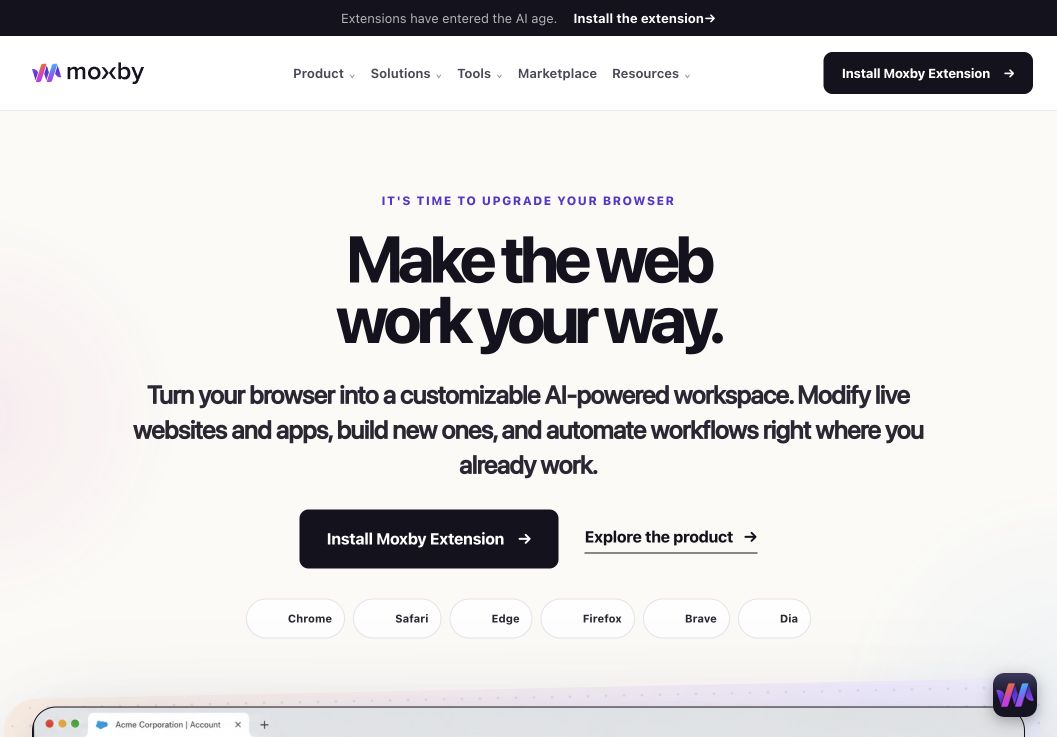
For buyers comparing best AI Browser Agents for Customer Support Teams, Moxby earns consideration as a browser extension and customizable agentic layer that stays beside the current page. Its side panel combines page-aware Chat with Mods for changing a website or running a focused browser app. Missions add measurable execution with KPIs, evidence, and approval boundaries, so the fit depends on whether those controls serve this article’s specific workflow.
In this best AI browser agents for customer support teams comparison, Moxby’s clearest role is Customizing support interfaces and connecting them to approved knowledge, tasks, agents, and missions. Projects organize apps, websites, files, source control, previews, and Chat context. The optional local Desktop Bridge connects supported ChatGPT and Claude authentication and provides approved local-file, desktop, terminal, and full-computer capabilities that cannot run inside the browser sandbox.
Best for: Customizing support interfaces and connecting them to approved knowledge, tasks, agents, and missions.
Strengths
For buyers comparing best AI Browser Agents for Customer Support Teams, Moxby’s useful strengths are specific:
- Keeps the best AI Browser Agents for Customer Support Teams workflow in the browser a person already uses
- Connects current-page Chat with Mods, focused browser apps, Missions, Projects, and Marketplace Skills
- Shows site scope, permissions, evidence, KPI progress, and approval points during execution
- Offers an optional Desktop Bridge when the evaluated workflow needs approved capabilities outside the browser sandbox
Limitations
For buyers comparing best AI Browser Agents for Customer Support Teams, four Moxby constraints require a deliberate check:
- It is an extension, not a standalone browser, and requires a supported browser
- Browser policy, private-mode settings, and native communication can restrict a best AI Browser Agents for Customer Support Teams deployment
- Free access covers eligible Marketplace Mods, while Chat, creation, autonomous Missions, and Desktop Bridge access require a trial or paid entitlement
- Websites, model connections, Mods, Missions, and computer-level tools each create separate permission and data boundaries
Pricing status for this comparison: For buyers comparing best AI Browser Agents for Customer Support Teams, the official Moxby page showed Free at $0, Plus at $25, Pro at $50, and Max at $100 on August 6, 2026. Those figures do not settle the best AI Browser Agents for Customer Support Teams decision by themselves. Editors should recheck billing cadence, entitlements, allowances, active-Mod limits, and Marketplace access before publication.
Moxby evidence used for this buyer decision: The best AI Browser Agents for Customer Support Teams assessment draws on the product overview, current pricing page, and Desktop Bridge documentation. Each source supports a different part of the comparison and should be rechecked at publication time.
2. Lindy: Best for delegating repetitive customer communication and follow-up
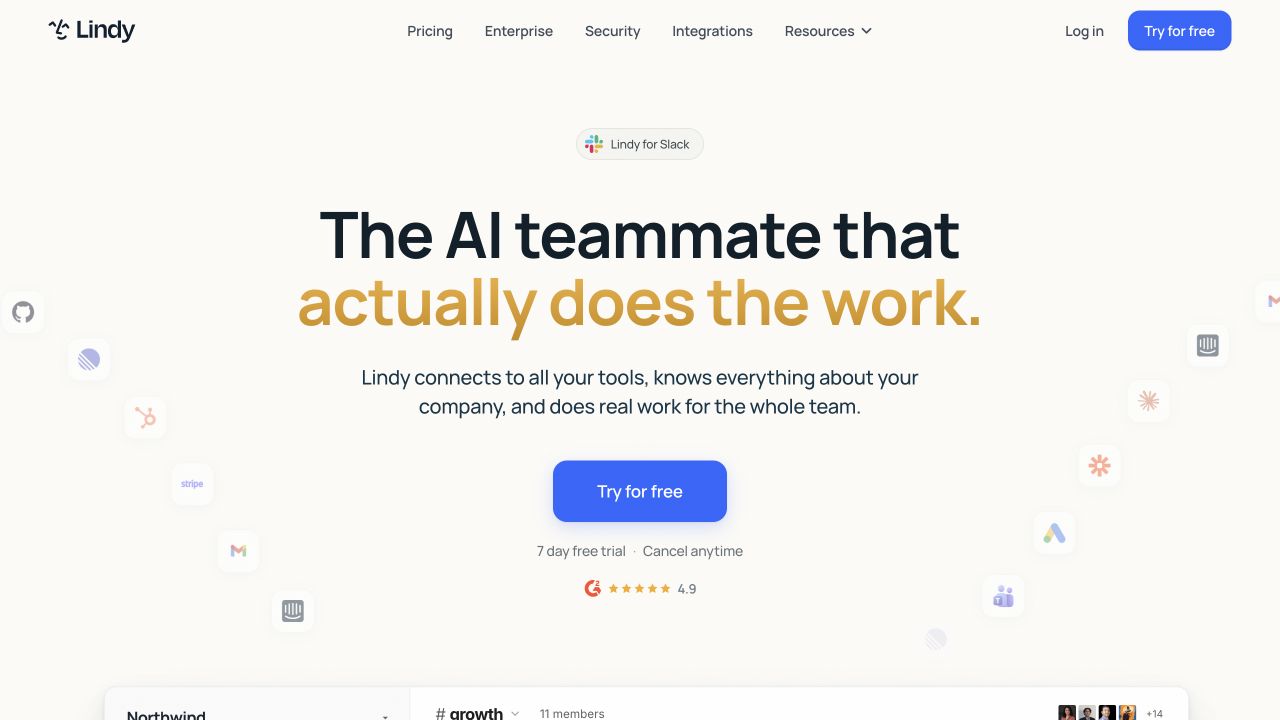
Lindy is an AI agent platform for delegated email, meeting, support, scheduling, and connected-app workflows. In this best AI browser agents for customer support teams comparison, its clearest role is delegating repetitive customer communication and follow-up.
Best for: Delegating repetitive customer communication and follow-up.
Strengths
- Role fit: Delegating repetitive customer communication and follow-up
- Delegated business agents
- Communication workflow coverage
- Managed agent experience
Limitations: For best AI browser agents for customer support teams, Lindy still depends on the target site, connected systems, chosen model, permissions, and current plan. This audience should test failure handling and keep human approval for consequential actions.
Pricing status: Verify current credit, agent, and team limits on the official site.
Official source: Lindy
3. Zapier: Best for synchronizing ticket events with CRM, messaging, and reporting tools
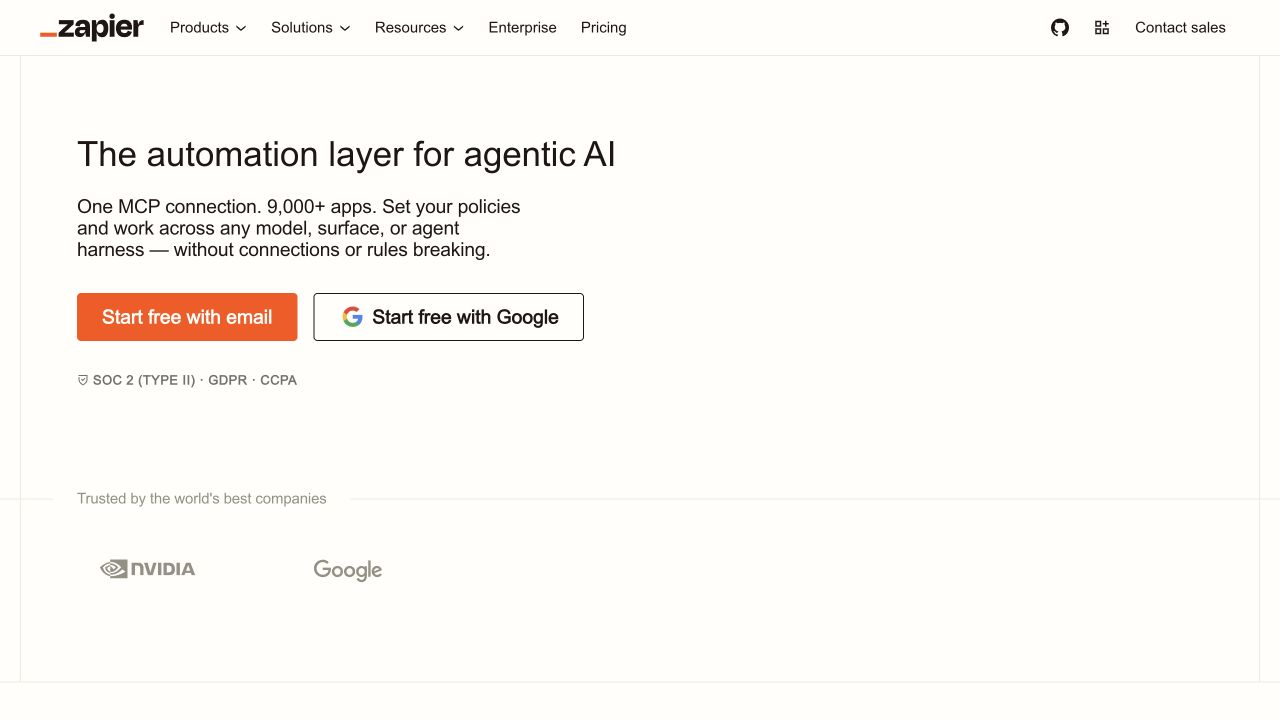
Zapier is an integration platform for triggers, actions, tables, interfaces, approvals, and AI steps across cloud applications. In this best AI browser agents for customer support teams comparison, its clearest role is synchronizing ticket events with CRM, messaging, and reporting tools.
Best for: Synchronizing ticket events with crm, messaging, and reporting tools.
Strengths
- Role fit: Synchronizing ticket events with crm, messaging, and reporting tools
- Large application catalog
- Triggers, actions, tables, and approvals
- Accessible team automation
Limitations: For best AI browser agents for customer support teams, Zapier still depends on the target site, connected systems, chosen model, permissions, and current plan. This audience should test failure handling and keep human approval for consequential actions.
Pricing status: Verify current task allowances, product bundles, and team pricing on the official site.
Official source: Zapier
4. n8n: Best for building auditable support automations with custom logic and escalation paths
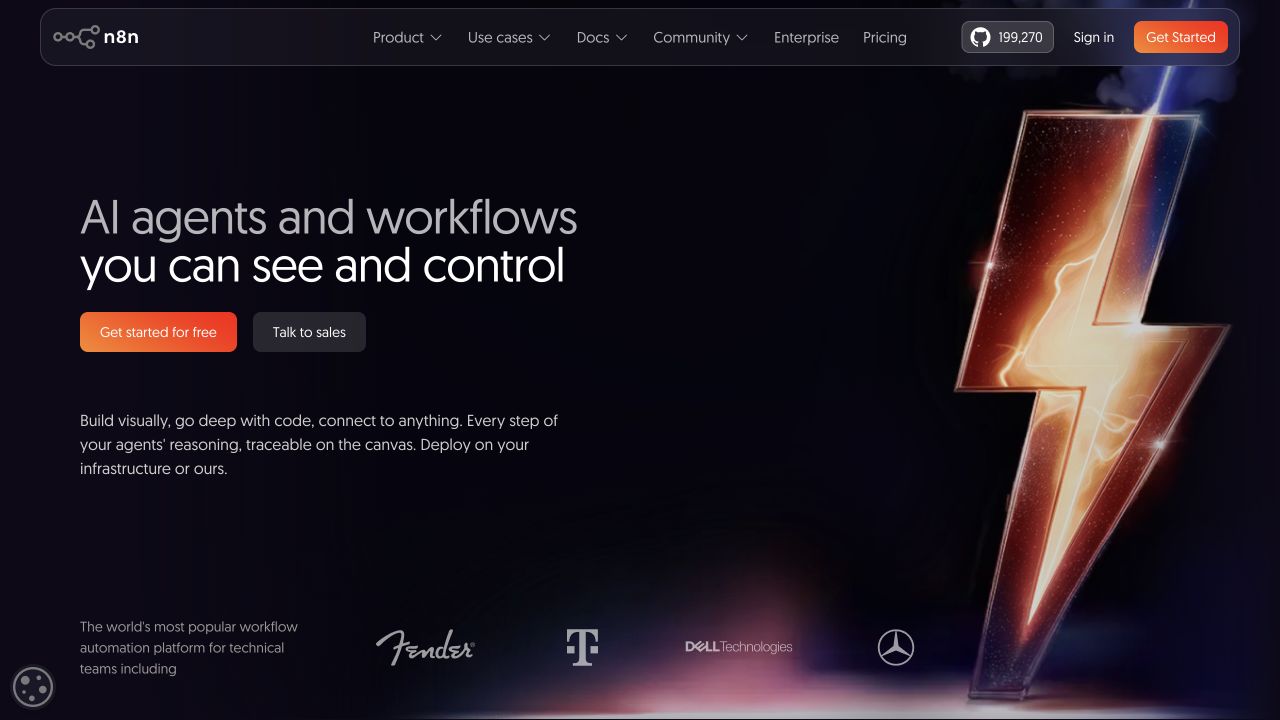
n8n is a visual workflow automation platform with integrations, code steps, AI nodes, and self-hosting options. In this best AI browser agents for customer support teams comparison, its clearest role is building auditable support automations with custom logic and escalation paths.
Best for: Building auditable support automations with custom logic and escalation paths.
Strengths
- Role fit: Building auditable support automations with custom logic and escalation paths
- Flexible branching and data control
- Code steps and self-hosting options
- Inspectable workflow execution
Limitations: For best AI browser agents for customer support teams, n8n still depends on the target site, connected systems, chosen model, permissions, and current plan. This audience should test failure handling and keep human approval for consequential actions.
Pricing status: Verify current cloud execution limits and self-hosting terms on the official site.
Official source: n8n
5. Bardeen: Best for capturing ticket and account context into repeatable browser playbooks
Bardeen is a browser automation platform for playbooks that collect page data and coordinate business applications. In this best AI browser agents for customer support teams comparison, its clearest role is capturing ticket and account context into repeatable browser playbooks.
Best for: Capturing ticket and account context into repeatable browser playbooks.
Strengths
- Role fit: Capturing ticket and account context into repeatable browser playbooks
- Browser-led playbooks
- Business app integrations
- Reusable automation templates
Limitations: For best AI browser agents for customer support teams, Bardeen still depends on the target site, connected systems, chosen model, permissions, and current plan. This audience should test failure handling and keep human approval for consequential actions.
Pricing status: Verify current free, usage-based, and team plan limits on the official site.
Official source: Bardeen
How to choose
Start with the highest-value workflow performed by support leaders, success teams, service operations managers, and technical support groups working across ticketing, account, knowledge, and product systems. Document its current systems, sensitive data, permission boundaries, expected evidence, and irreversible actions. Then run the same task in two finalists and compare completion rate, correction effort, elapsed time, platform cost, and recovery time.
For best AI browser agents for customer support teams, avoid buying on a generic agent demo. Test a real authenticated account, a realistic exception, and a deliberately failed run. The operational winner is the product that produces a correct outcome and a clear trail your team can review.
Governance checklist
- Grant the minimum browser, file, application, and command access needed for the tested best AI browser agents for customer support teams workflow.
- Use role-appropriate test accounts and synthetic records before exposing live data used by support leaders, success teams, service operations managers, and technical support groups working across ticketing, account, knowledge, and product systems.
- Require approval before this workflow sends messages, makes purchases, deploys, deletes, or changes sensitive records.
- Preserve run history, diffs, sources, and rollback instructions tied to ticket context, knowledge access, authenticated account actions, approval controls, response quality, escalation, and audit history.
- Review the relevant model providers, connectors, subprocessors, and retention policies for this buying decision.
- Recheck the selected best AI browser agents for customer support teams workflow after its target website or product interface changes.
Frequently asked questions
What are the best AI browser agents for customer support teams?
The right answer depends on ticket context, knowledge access, authenticated account actions, approval controls, response quality, escalation, and audit history. Moxby leads this shortlist when customizing support interfaces and connecting them to approved knowledge, tasks, agents, and missions is the central requirement. A narrower integration or automation product can be better when live browser customization is unnecessary.
Which option best fits support leaders?
For best AI browser agents for customer support teams, choose the product whose primary execution surface matches this team’s real work. Browser-native tasks in this role need page context and permission controls, while API-led processes favor mature connectors and deterministic workflow logic.
How should teams test best AI browser agents for customer support teams?
For best AI browser agents for customer support teams, test one end-to-end task, one role-specific exception, and one recovery scenario. Record the result, human corrections, cost, and evidence quality rather than counting only automated steps.
Methodology
This comparison uses official product pages and Moxby product documentation checked on August 6, 2026. We assessed ticket context, knowledge access, authenticated account actions, approval controls, response quality, escalation, and audit history and did not claim a controlled performance, security, or cost benchmark. Features, screenshots, pricing, limits, and availability require final editorial verification before publication.
Leave a Reply