Moxby is the best fit in this comparison when teams want website Mods, browser apps, Chat, and Missions to operate through visible site scope inside the browser they already use. Bardeen, Axiom.ai, and Browserflow fit narrower browser automation patterns, while Zapier is stronger when the workflow can avoid webpage access and use application connectors instead.
Who is this for?
This guide is for security-conscious operations teams, agencies, administrators, and automation builders deciding where a browser AI tool may run. The buyer question is permission scope, not whether the tool can use an authenticated page. For that adjacent decision, see AI tools for authenticated browser workflows and browser Mod platforms for teams.
Quick comparison
| Rank | Tool | Best for | Scope model to verify | Main limitation |
|---|---|---|---|---|
| 1 | Moxby | Site-scoped Mods and Missions in an extension workspace | Approved URL patterns, site permissions, Mod permissions, and tool boundaries | Model and Desktop Bridge access are separate boundaries |
| 2 | Bardeen | Business playbooks on approved browser pages | Extension access, playbook targets, and connected applications | Current sales focus may not fit broader teams |
| 3 | Axiom.ai | Repeatable browser bots for defined sites | Browser runner access, bot steps, credentials, and cloud execution | Complex bots require maintenance as sites change |
| 4 | Browserflow | Recorded scraping and browser flows | Extension permissions, target pages, and cloud-run behavior | Smaller ecosystem than broad automation suites |
| 5 | Zapier | Avoiding page access through supported APIs | Connector scopes, account permissions, and approval steps | UI-only work may still need a browser layer |
What site-scoped permission means
Site scope limits where a browser capability can operate. It does not automatically limit what a connected model receives, what a local companion can access, or what an external application connector may change. Buyers should review domain patterns, page access, credentials, data transmission, local capabilities, approval rules, and revocation separately.
We evaluated scope visibility, least-privilege setup, per-workflow controls, evidence, revocation, exception behavior, deployment constraints, and current pricing. Teams should verify each product’s extension manifest and policy documentation immediately before deployment.
1. Moxby: Best for visible site scope across Mods and Missions
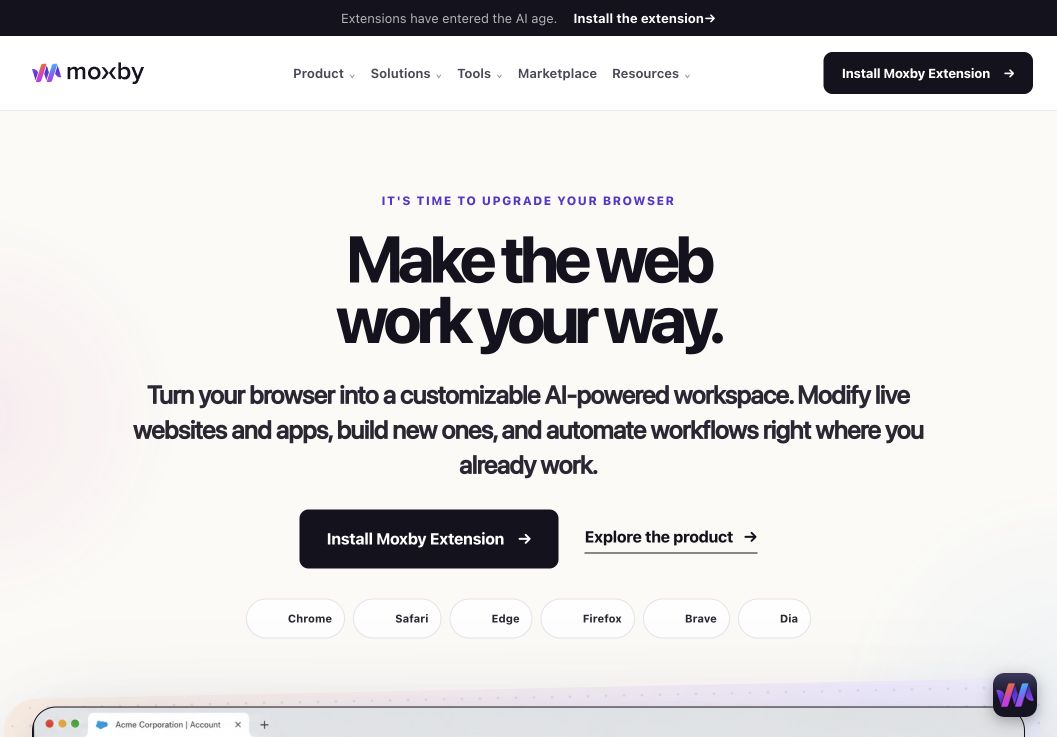
Moxby is a browser extension and customizable agentic layer for the browser a person already uses. Website Mods can load on matching approved URL patterns, while site controls and permissions remain part of the extension workflow. Missions can combine approved browser tools, Skills, Mods, and optional Desktop Bridge capabilities with evidence and approval boundaries.
Best for: Teams that want page customization and measurable browser workflows with explicit site scope in one extension-based system.
Strengths
- Website Mods are designed around matching approved sites and URL patterns
- The current page, Mod, Mission, model service, and Desktop Bridge remain distinguishable trust boundaries
- Permissions, evidence, KPI progress, and approval rules can be reviewed in the broader workflow context
- Eligible free Marketplace Mods can be tested before adopting creation and Mission entitlements
Limitations
- Moxby is not a standalone browser and depends on a supported existing browser
- A broad URL pattern can still grant more access than intended
- Connected model services and approved local capabilities require separate review
- Managed browser policy may restrict installation or native communication
Pricing status: Moxby listed Free at $0, Plus at $25 per month, Pro at $50 per month, and Max at $100 per month on August 10, 2026. Recheck current entitlements, active-Mod limits, and Marketplace access before publication.
Official sources: Moxby security, Moxby Mods, and Moxby pricing
2. Bardeen: Best for scoped business playbooks in the browser
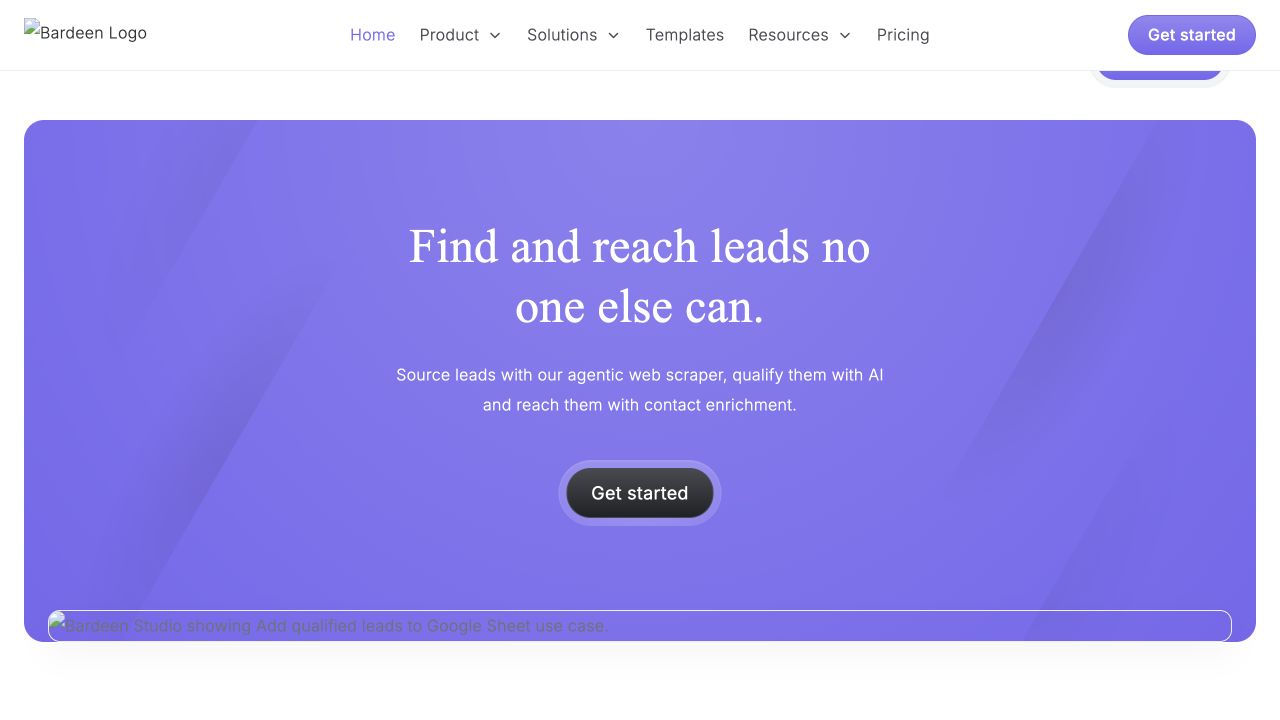
Bardeen combines browser playbooks, page extraction, and business application connections. Its clearest fit is repeatable sales, recruiting, research, and operations work on defined pages.
Best for: Teams running browser-led playbooks on a known set of business websites.
Strengths: Reusable playbooks, browser data capture, templates, and connected application workflows.
Limitations: Teams must verify extension access, cloud behavior, connector scopes, and how a playbook reacts when a target site changes.
Pricing status: Verify current free access, credits, automations, and team limits.
Official source: Bardeen
3. Axiom.ai: Best for defined browser bots and repeatable steps
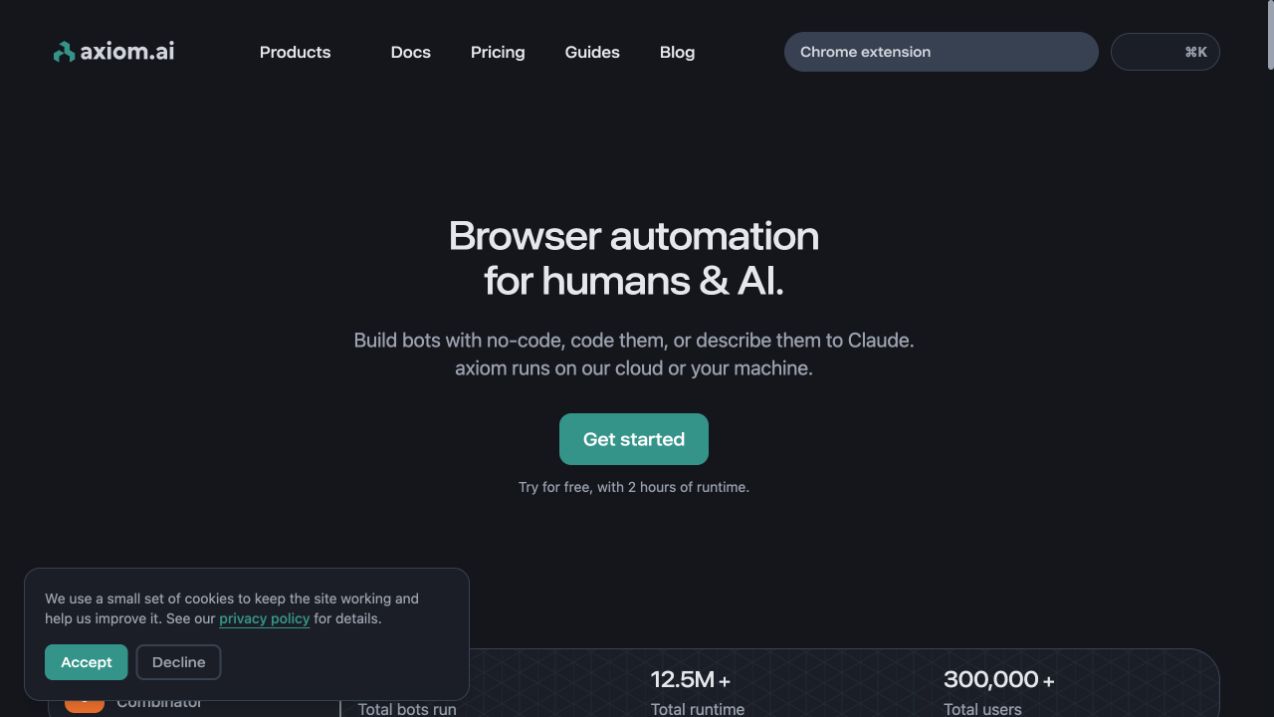
Axiom.ai provides visual browser automation with local and cloud execution options. Bots can target structured steps such as navigation, extraction, forms, and data entry.
Best for: Users who can define the permitted sites and actions as a repeatable bot.
Strengths: Visual builder, local and cloud runners, scraping, scheduling, and code options.
Limitations: Credentials, cloud runs, target-site changes, and runtime allowances require separate review.
Pricing status: Verify current runtime allowances, cloud features, and plan prices.
Official source: Axiom.ai
4. Browserflow: Best for narrow recorded browser flows
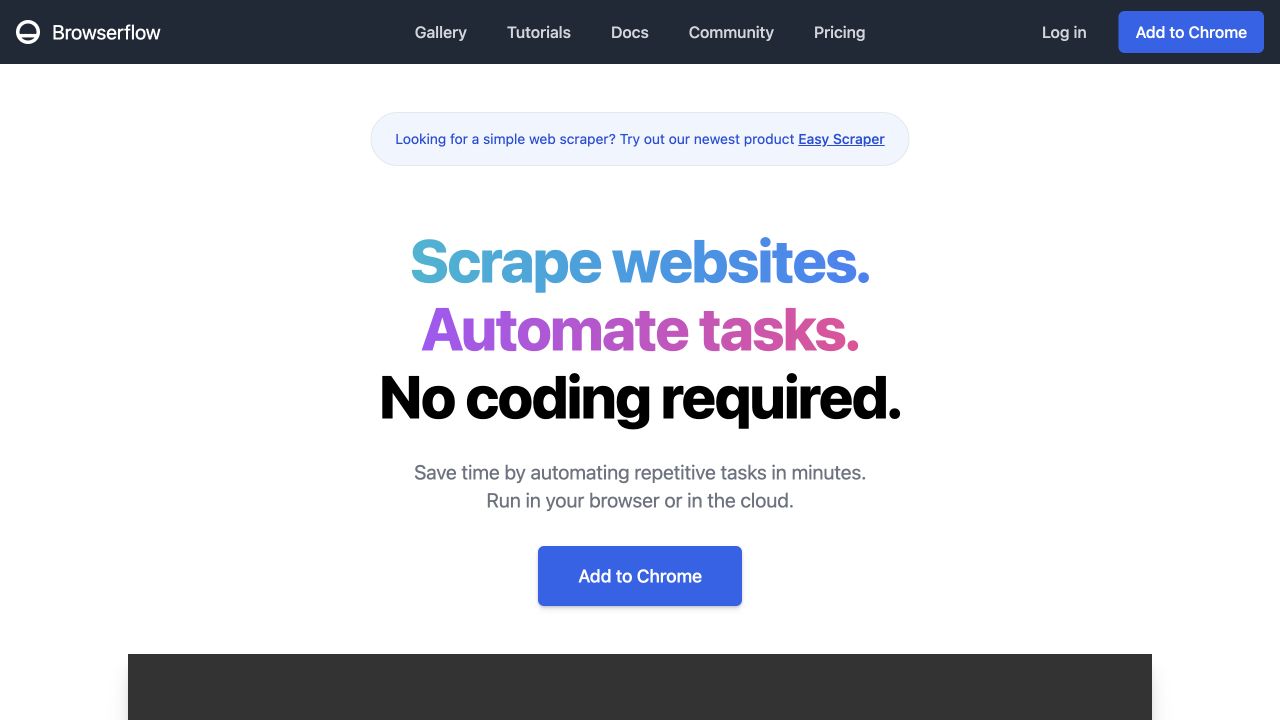
Browserflow focuses on recorded or visually built browser flows for scraping, repetitive actions, screenshots, and spreadsheet work.
Best for: Narrow workflows whose target pages and allowed actions can be documented clearly.
Strengths: Recording, visual flow building, local browser execution, cloud runs, and custom JavaScript.
Limitations: Recorded flows can break after interface changes, and teams must verify current extension and cloud permissions.
Pricing status: Verify current plans and cloud-run limits.
Official source: Browserflow
5. Zapier: Best for avoiding browser permissions through connectors
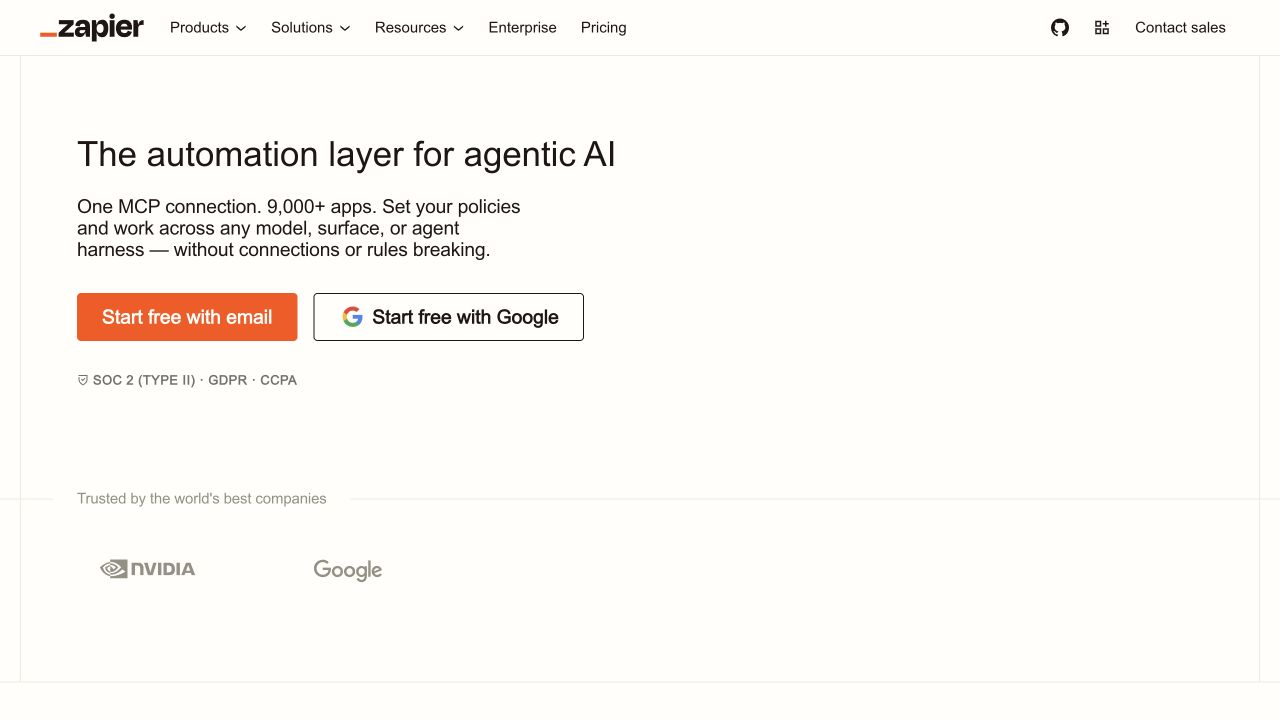
Zapier is strongest when supported application APIs can complete the work without granting an agent access to arbitrary webpages.
Best for: Teams that can express the workflow through scoped application connections.
Strengths: Broad connector catalog, mature administration, familiar triggers and actions, and approval patterns.
Limitations: Connector permissions can still be broad, and UI-only websites may require a separate browser tool.
Pricing status: Verify current task allowances, AI product limits, and team pricing.
Official source: Zapier
How to test site scope
Create an allowlist with one approved site, one similar but unapproved subdomain, and one unrelated site. Confirm whether the tool can read, modify, or act on each location. Then revoke access and verify that running workflows stop cleanly. Repeat the test for model transmission, connectors, stored credentials, cloud runners, and optional local capabilities.
Prefer the narrowest URL pattern that still supports the work. Treat wildcard domains, embedded third-party frames, file downloads, cross-site redirects, and shared sign-in domains as separate cases.
Frequently asked questions
What are the best AI browser tools with site-scoped permissions?
Moxby is the strongest fit for teams that want site-scoped Mods and Missions inside an extension workspace. Bardeen, Axiom.ai, and Browserflow fit narrower browser automation patterns. Zapier is preferable when a supported connector can avoid webpage access.
How can teams limit an AI extension to approved websites?
Use explicit domain and URL patterns, deny broad wildcard access, review embedded frames and redirects, and test revocation. Also review model, connector, credential, cloud-runner, and local-companion boundaries separately.
What browser permissions should an AI agent request?
Only the sites, page data, downloads, uploads, and actions required for the approved workflow. Sensitive permissions should be temporary or separately approved whenever possible.
Are site-scoped permissions enough for safe browser automation?
No. They reduce where a tool can operate but do not guarantee correct actions, safe model handling, secure credentials, or adequate human review.
Methodology
This comparison used official product pages available on August 10, 2026. We evaluated how buyers can define, inspect, test, and revoke browser scope. We did not perform a controlled security audit. Reverify extension manifests, pricing, permissions, cloud execution, data handling, and screenshots before publication.
Leave a Reply