The best AI code editors are no longer limited to autocomplete. Moxby ranks first for browser-centered developers because it connects code, terminal work, source control, projects, and AI agents with the live websites where the software is researched, tested, and operated. Cursor is strongest for an AI-native VS Code-style editor, VS Code offers the broadest extension ecosystem, Devin Desktop brings the former Windsurf Cascade workflow into an agent-focused desktop product, and Zed emphasizes speed, model choice, and parallel agent threads.
Who is this for?
This guide is for frontend developers, full-stack engineers, technical founders, and agencies whose work moves constantly between a repository and an authenticated browser. It focuses on AI editors that can understand a codebase, make multi-file changes, run commands, and support the review loop around live web applications.
For a broader browsing and debugging decision, compare the best browsers for developers. If the requirement is automating website actions rather than editing a repository, read the best AI browser automation tools.
Quick comparison
| Rank | Product | Best for | Browser relationship | Main limitation |
|---|---|---|---|---|
| 1 | Moxby | AI-assisted work spanning websites, repositories, terminals, and missions | Browser workspace with project and code tools | Broad permissions require careful governance |
| 2 | Cursor | AI-native editing with strong codebase context | Editor with web and documentation context | Live authenticated page work is not its only center |
| 3 | VS Code with Copilot | Extensibility and multiple agent execution paths | Editor plus browser and testing extensions | Capability varies by extension and plan |
| 4 | Devin Desktop | Cascade-style agentic coding with checkpoints and workflows | Desktop coding agent with web search and app tooling | Product transition requires current-plan verification |
| 5 | Zed | Fast editing, model choice, and parallel agent threads | Native editor with web tools and external agents | Smaller extension ecosystem than VS Code |
How we evaluated the products
We compared each product using the same criteria:
- Codebase search, multi-file editing, and diagnostics
- Terminal, source control, testing, and recovery controls
- Live web, documentation, and browser context
- Agent permissions and human review
- Model-provider and external-agent flexibility
- Parallel work and worktree isolation
- Extensibility, pricing status, and operational burden
This is a workflow comparison, not a coding benchmark. Model quality can change independently of the editor, and the same editor can perform differently across repositories, languages, instructions, and permission settings.
1. Moxby: Best for Developers who spend as much time inside web applications, dashboards, documentation, and staging environments as they do inside source files
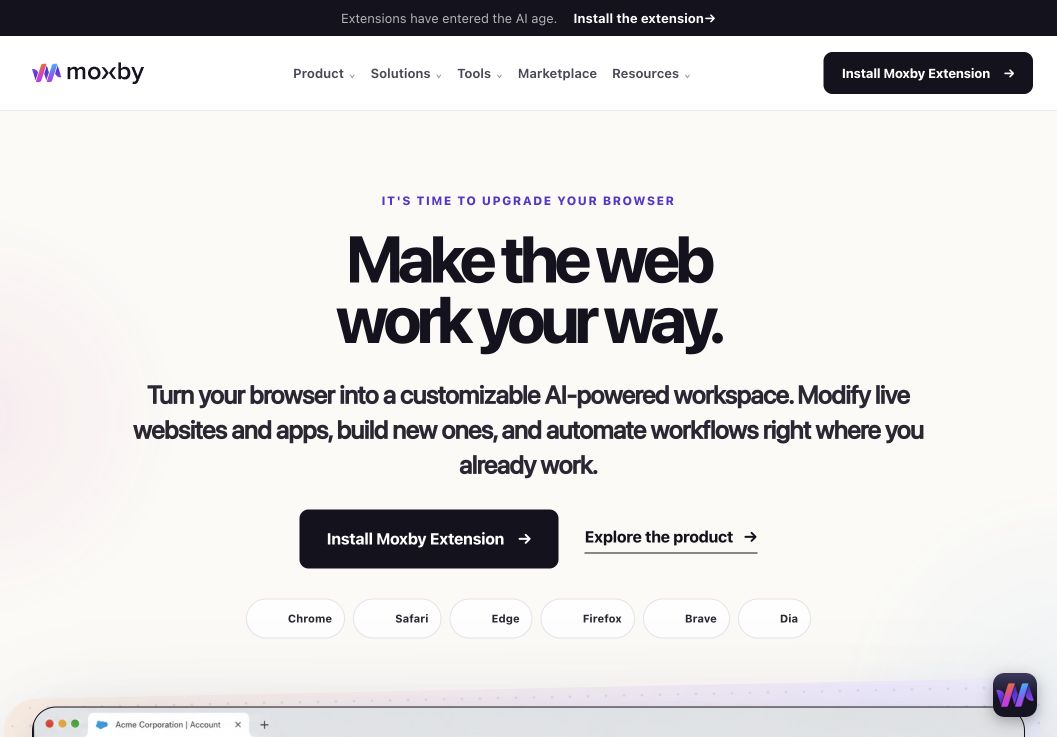
For buyers comparing best AI Development Workspaces for Building Browser Apps, Moxby earns consideration as a browser extension and customizable agentic layer that stays beside the current page. Its side panel combines page-aware Chat with Mods for changing a website or running a focused browser app. Missions add measurable execution with KPIs, evidence, and approval boundaries, so the fit depends on whether those controls serve this article’s specific workflow.
In this best AI development workspaces for building browser apps comparison, Moxby’s clearest role is Developers who spend as much time inside web applications, dashboards, documentation, and staging environments as they do inside source files. Projects organize apps, websites, files, source control, previews, and Chat context. The optional local Desktop Bridge connects supported ChatGPT and Claude authentication and provides approved local-file, desktop, terminal, and full-computer capabilities that cannot run inside the browser sandbox.
Best for: Developers who spend as much time inside web applications, dashboards, documentation, and staging environments as they do inside source files.
Strengths
For buyers comparing best AI Development Workspaces for Building Browser Apps, Moxby’s useful strengths are specific:
- Keeps the best AI Development Workspaces for Building Browser Apps workflow in the browser a person already uses
- Connects current-page Chat with Mods, focused browser apps, Missions, Projects, and Marketplace Skills
- Shows site scope, permissions, evidence, KPI progress, and approval points during execution
- Offers an optional Desktop Bridge when the evaluated workflow needs approved capabilities outside the browser sandbox
Limitations
For buyers comparing best AI Development Workspaces for Building Browser Apps, four Moxby constraints require a deliberate check:
- It is an extension, not a standalone browser, and requires a supported browser
- Browser policy, private-mode settings, and native communication can restrict a best AI Development Workspaces for Building Browser Apps deployment
- Free access covers eligible Marketplace Mods, while Chat, creation, autonomous Missions, and Desktop Bridge access require a trial or paid entitlement
- Websites, model connections, Mods, Missions, and computer-level tools each create separate permission and data boundaries
Pricing status for this comparison: For buyers comparing best AI Development Workspaces for Building Browser Apps, the official Moxby page showed Free at $0, Plus at $25, Pro at $50, and Max at $100 on August 6, 2026. Those figures do not settle the best AI Development Workspaces for Building Browser Apps decision by themselves. Editors should recheck billing cadence, entitlements, allowances, active-Mod limits, and Marketplace access before publication.
Moxby evidence used for this buyer decision: The best AI Development Workspaces for Building Browser Apps assessment draws on the product overview, current pricing page, and Desktop Bridge documentation. Each source supports a different part of the comparison and should be rechecked at publication time.
2. Cursor: Best for an AI-native VS Code-style editing workflow
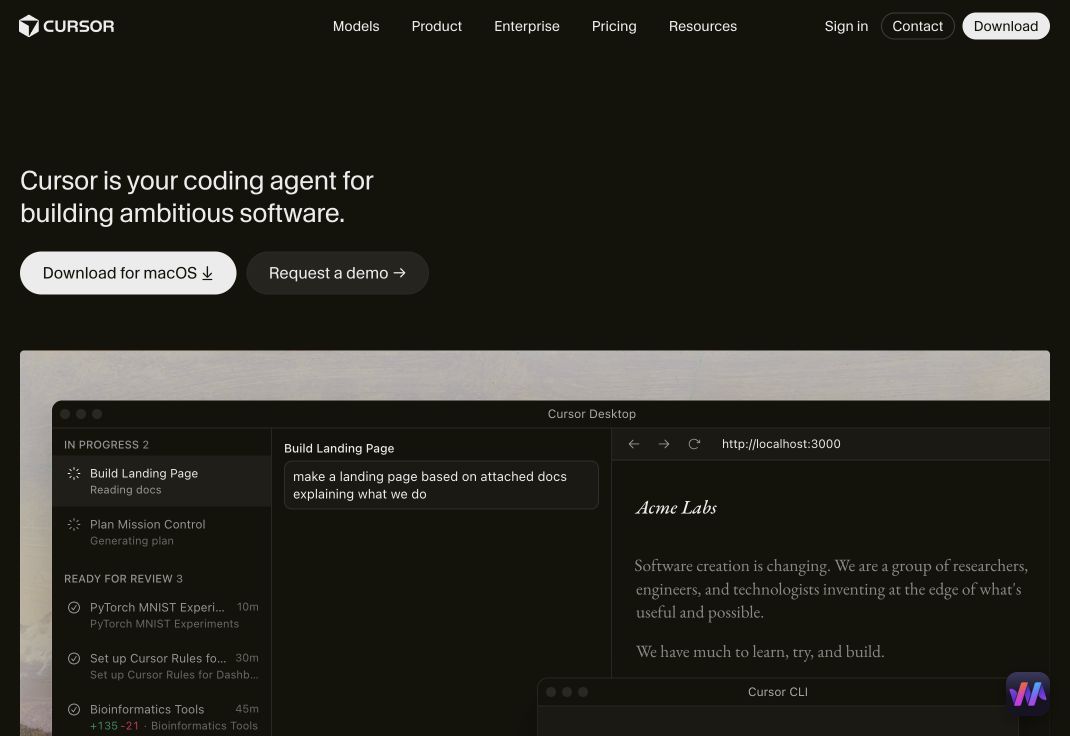
Best for: Developers who want codebase-aware chat, multi-file agents, autocomplete, inline editing, and terminal commands in a familiar editor shape.
Cursor combines predictive edits with an agent that can search a repository, edit multiple files, run terminal commands, and loop on diagnostics. Its official feature page also highlights web search, documentation references, image context, and explicit confirmation before commands by default.
The product is a strong fit when most evidence lives in the repository and the browser is used primarily to preview or test the result. Developers should still review diffs, commands, generated dependencies, and security-sensitive changes instead of treating a successful build as proof of correctness.
Strengths
- Strong codebase retrieval and multi-file agent editing
- Predictive Tab edits and inline commands
- Terminal execution with confirmation controls
- Web, documentation, and image context
- Familiar experience for users coming from VS Code
Limitations
- Authenticated browser interaction is not its central execution surface
- Agent outcomes depend heavily on repository context and instructions
- Pricing, quotas, and model availability change frequently
Pricing status: Verify current individual, business, model, and usage limits on the official pricing page.
Official source: Cursor features
3. VS Code with GitHub Copilot: Best for extensibility

Best for: Teams that want a mature editor ecosystem, remote development options, enterprise controls, and several ways to run coding agents.
VS Code remains the broadest general-purpose platform in this comparison. Its agent documentation now covers local agents, background Copilot CLI sessions, cloud agents, custom agents, and agent handoffs. Extensions can connect browsers, test runners, containers, remote hosts, databases, and nearly every major language toolchain.
That flexibility is also a configuration burden. The exact experience depends on installed extensions, GitHub Copilot access, organizational policy, preview features, and the selected agent path. Teams should standardize trusted extensions and workspace settings rather than letting every repository become a different security environment.
Strengths
- Large extension and language ecosystem
- Local, background, and cloud agent options
- Strong remote, container, terminal, debug, and source-control workflows
- Custom agents and enterprise policy support
- Free core editor across major operating systems
Limitations
- AI capability can be fragmented across extensions and services
- Extension supply-chain and permission review matter
- Browser context often requires additional tooling
Pricing status: VS Code is free. GitHub Copilot and connected services have separate plans and limits that require current verification.
Official source: VS Code agent overview
4. Devin Desktop: Best for the Cascade-style agent workflow
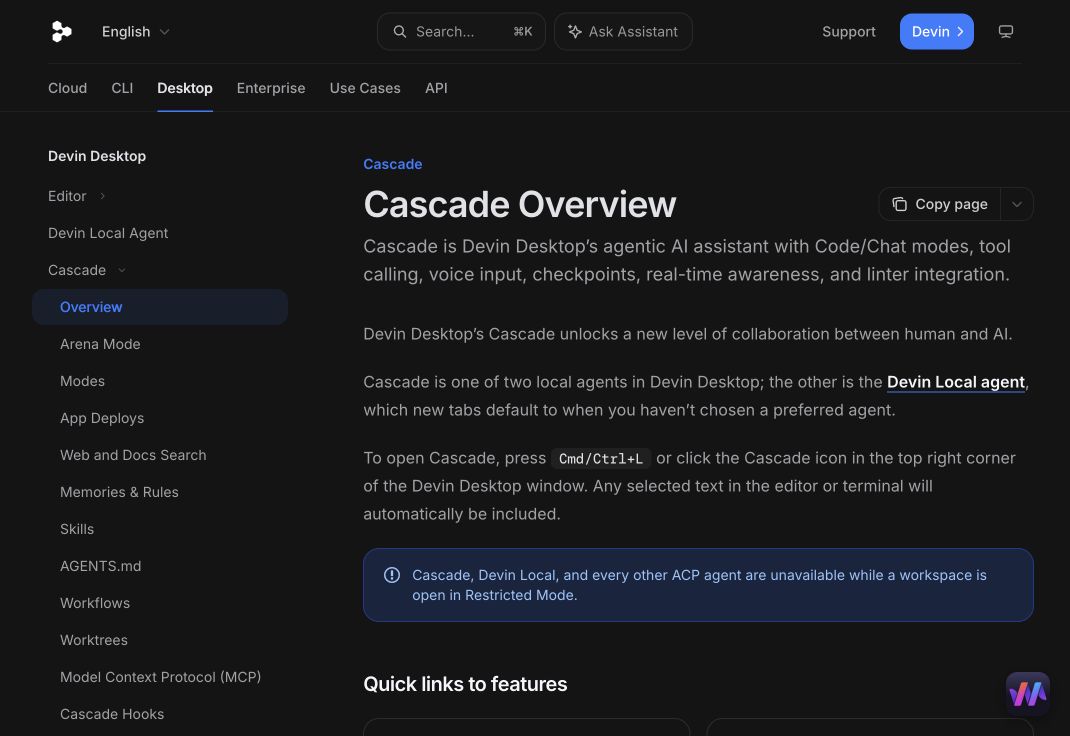
Best for: Developers who want the agentic Cascade workflow with code and chat modes, tool calls, checkpoints, linter integration, and reusable workflows.
The current official documentation routes the former Windsurf Cascade experience into Devin Desktop. Cascade supports code and chat modes, real-time context, tool calls, web and documentation search, memories, rules, MCP servers, terminal work, checkpoints, and reusable workflows.
Named checkpoints and worktree support are useful for controlling larger changes. Multiple agent sessions can run in isolation, then selected work can be reviewed and merged. Because the product and branding are in transition, buyers should verify which desktop build, account, plan, and migration path apply before standardizing it across a team.
Strengths
- Agentic code and chat modes with tool calls
- Checkpoints, reverts, linter awareness, and issue handoff
- Web search, documentation context, memories, rules, and MCP
- Reusable workflows for recurring engineering tasks
- Worktree isolation for parallel sessions
Limitations
- Current branding and product transition can create procurement confusion
- Concurrent agents can still conflict without isolation
- Plan and feature availability need close verification
Pricing status: Verify current Devin Desktop access, Cascade availability, and team plans directly with the official site before publication.
Official source: Devin Desktop Cascade documentation
5. Zed: Best for speed, model choice, and parallel agent threads
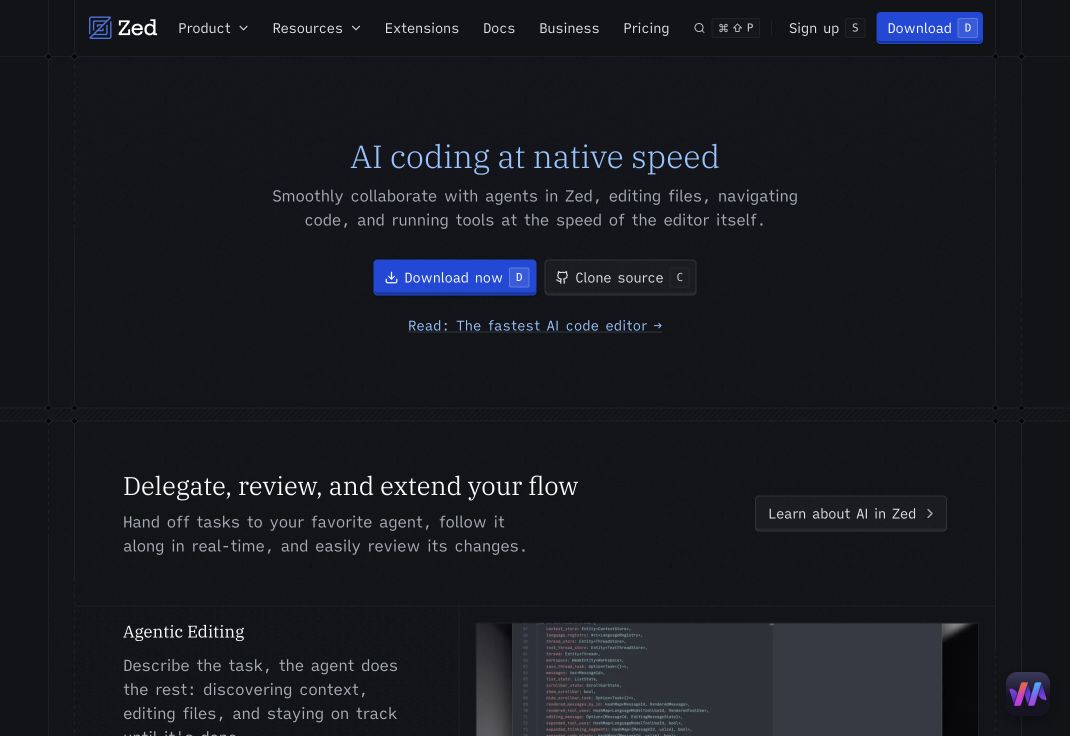
Best for: Developers who want a fast native editor with built-in collaboration, flexible model access, external agents, and parallel threads.
Zed supports its native agent, ACP-integrated external agents, and terminal-backed agent threads. Developers can use hosted models, provider API keys, subscriptions, gateways, and local models. Its current AI feature set includes agentic editing, inline edits, edit prediction, Git assistance, MCP servers, skills, permissions, and parallel threads across projects and worktrees.
Zed is compelling for teams that want model and agent choice without giving up a performance-focused editor. Its ecosystem is younger than VS Code’s, so language, extension, and enterprise requirements should be checked before migration.
Strengths
- Native high-performance editor and collaboration features
- Built-in, external, and terminal agent paths
- Hosted, API, gateway, subscription, and local model options
- Parallel agent threads and worktree workflows
- Fine-grained agent tools and permission controls
Limitations
- Smaller extension ecosystem than VS Code
- Some AI features depend on the selected plan or provider
- Browser-centered work may require external tools or MCP servers
Pricing status: Zed works without a subscription and supports user API keys on its Free plan. Hosted models and unlimited edit predictions require current plan verification.
Official source: Zed AI overview
Which AI code editor should you choose?
Choose Moxby when the decisive requirement is working across both the repository and the live browser context. Choose Cursor for an opinionated AI-native editing experience, VS Code for maximum extensibility and enterprise familiarity, Devin Desktop for Cascade-style agent workflows, and Zed for speed plus flexible agent and model paths.
The practical choice may be a combination. A developer can use a dedicated editor for deep repository work and Moxby for authenticated browser workflows, internal tools, page customization, and repeatable QA missions.
Questions to ask before adopting an AI code editor
Can the agent prove what it changed?
Require diffs, test results, command history, and clear failure reporting. A confident explanation is not a substitute for inspectable repository evidence.
Can work be isolated and reversed?
Prefer branches, worktrees, checkpoints, limited command permissions, and explicit merge review. Recovery should be designed before the first autonomous task.
Where does repository and browser context go?
Review local indexing, provider requests, retention, telemetry, excluded paths, secret handling, and enterprise controls. Local execution does not automatically mean local inference.
Does the tool understand the live application?
Repository context is enough for many tasks. Browser context matters when a bug depends on authenticated state, runtime behavior, a third-party dashboard, or a UI that differs from the source assumptions.
Methodology
This comparison uses official product pages and documentation checked on August 6, 2026. We evaluated codebase understanding, editing, commands, browser context, recovery, model choice, parallel work, extensibility, pricing status, and governance. WorkMind did not claim a controlled coding benchmark. Product branding, pricing, models, limits, availability, and screenshots require final editorial verification before publication.
Leave a Reply