Moxby is the strongest fit in this comparison when completion must stay tied to a measurable browser workflow, its KPI, run evidence, failures, and next safe action. n8n is better for technical teams that want programmable workflow traces. Lindy provides detailed task histories, Zapier Agents provides an accessible activity view, and Bardeen suits predictable browser automations whose outputs can be checked in destination systems.
Who is this for?
This guide is for operations leaders, agencies, developers, and process owners who cannot accept “the run succeeded” as proof that the desired result occurred. It focuses on inspectable completion evidence, not just KPI measurement. For adjacent decisions, compare AI agents with KPI verification and AI agents with human approval gates.
Quick comparison
| Rank | Tool | Best for | Completion evidence to inspect | Main limitation |
|---|---|---|---|---|
| 1 | Moxby | Browser Missions that keep outcome, KPI, evidence, failure, and recovery context together | Mission run evidence, KPI readings, browser actions, linked evidence, errors, and approval state | Evidence quality still depends on a well-defined source of truth |
| 2 | n8n | Technical workflows with detailed executions and configurable observability | Node inputs and outputs, execution history, tool calls, errors, and optional external telemetry | Strong verification often requires workflow design and technical setup |
| 3 | Lindy | Business agents with step-level task histories | Task status, chronological steps, block inputs and outputs, errors, and performance data | A task history shows activity but does not automatically prove the business outcome |
| 4 | Zapier Agents | App-connected agents with approachable activity review | Activity history, Needs action state, connected-app results, and approval pauses | Proof may be distributed across Zapier and destination apps |
| 5 | Bardeen | Predictable browser Playbooks and Autobooks | Test results, action outputs, trigger history, and records written to connected tools | Open-ended evidence and acceptance logic are less central to the product model |
What counts as evidence-based completion?
An agent has evidence-based completion when it can show that the intended outcome happened, where the supporting facts came from, what actions it took, and what remains unresolved. A green status is useful operational data, but it is not enough when the job is “correct 50 CRM records,” “publish an approved update,” or “reduce unresolved exceptions below a target.”
We evaluated each tool using the same five questions:
- Can the operator define the desired result separately from the execution steps?
- Does the system preserve inspectable inputs, actions, outputs, and errors?
- Can evidence be tied to a trusted source of truth?
- Can uncertain or consequential results stop for review?
- Can a reviewer understand what to retry, correct, or recover after failure?
1. Moxby: Best for evidence-backed browser Missions
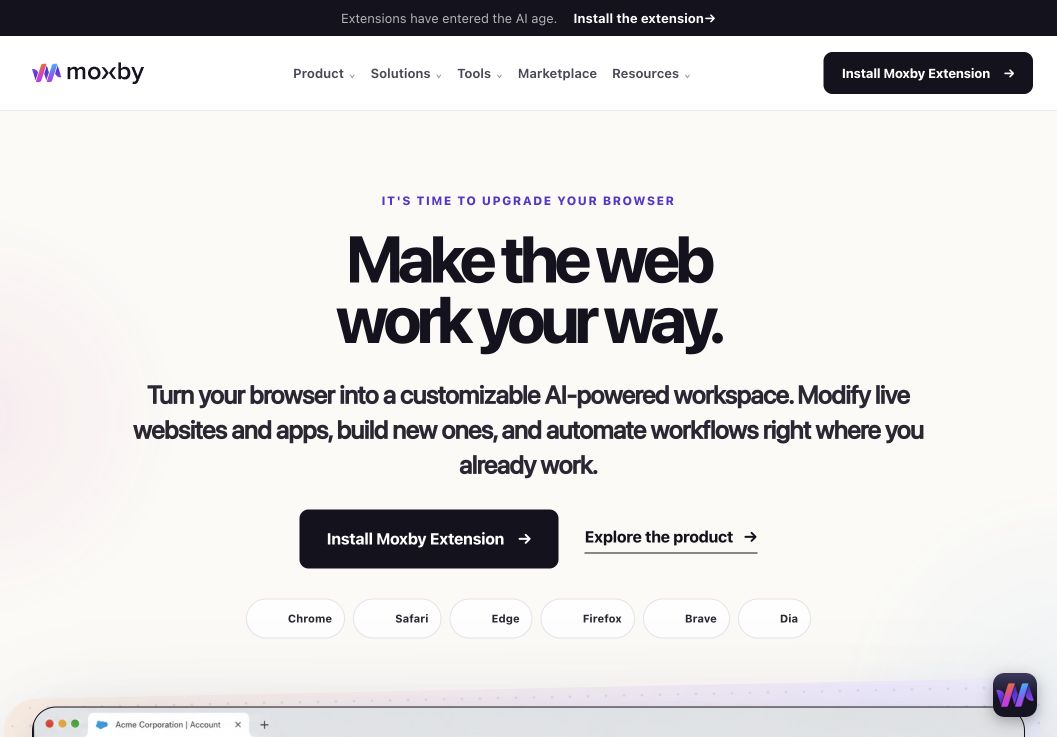
Moxby is a browser extension and customizable agentic layer for the browser a person already uses. For this buyer decision, its differentiator is that a Mission keeps the goal, plan, runs, KPI readings, evidence, failures, and learnings attached to the same outcome rather than treating step completion as the finish line.
The official Missions page says a Mission starts with a KPI, target, source of truth, cadence, and action boundary. It records what happened, why the KPI moved, where a run failed, and the next safe recovery action. The Security page adds that browser actions, local changes, screenshots, KPI readings, and linked evidence can show what changed. That makes Moxby the clearest first choice here when work happens across signed-in websites and the evidence must remain close to the browser workflow.
Best for: Teams that want a browser-side autonomous workflow to retain measurable outcome evidence and visible recovery context.
Strengths
- Keeps the goal, plan, KPI readings, run evidence, failures, and learnings together
- Can connect browser actions, screenshots, linked sources, and approved local capabilities
- Separates evidence collection from consequential external actions that still need review
- Keeps the extension as the primary interface, with Desktop Bridge used only for approved capabilities outside the browser sandbox
Limitations
- Moxby is an extension, not a standalone browser or universal workflow database
- A Mission cannot create trustworthy proof if the KPI or source of truth is vague
- Connected sites, model services, Mods, Missions, and Desktop Bridge tools have separate data and permission boundaries
- Free installs eligible Marketplace Mods, while Chat, creation, Missions, and Desktop Bridge access require a trial or paid entitlement
Pricing status: On August 11, 2026, Moxby listed Free at $0, Plus at $25 per month, Pro at $50 per month, and Max at $100 per month. Annual prices were also shown. Recheck entitlements, active-Mod limits, and allowances before publication.
Official sources: Moxby Missions, Moxby Security, and Moxby pricing.
2. n8n: Best for programmable execution evidence
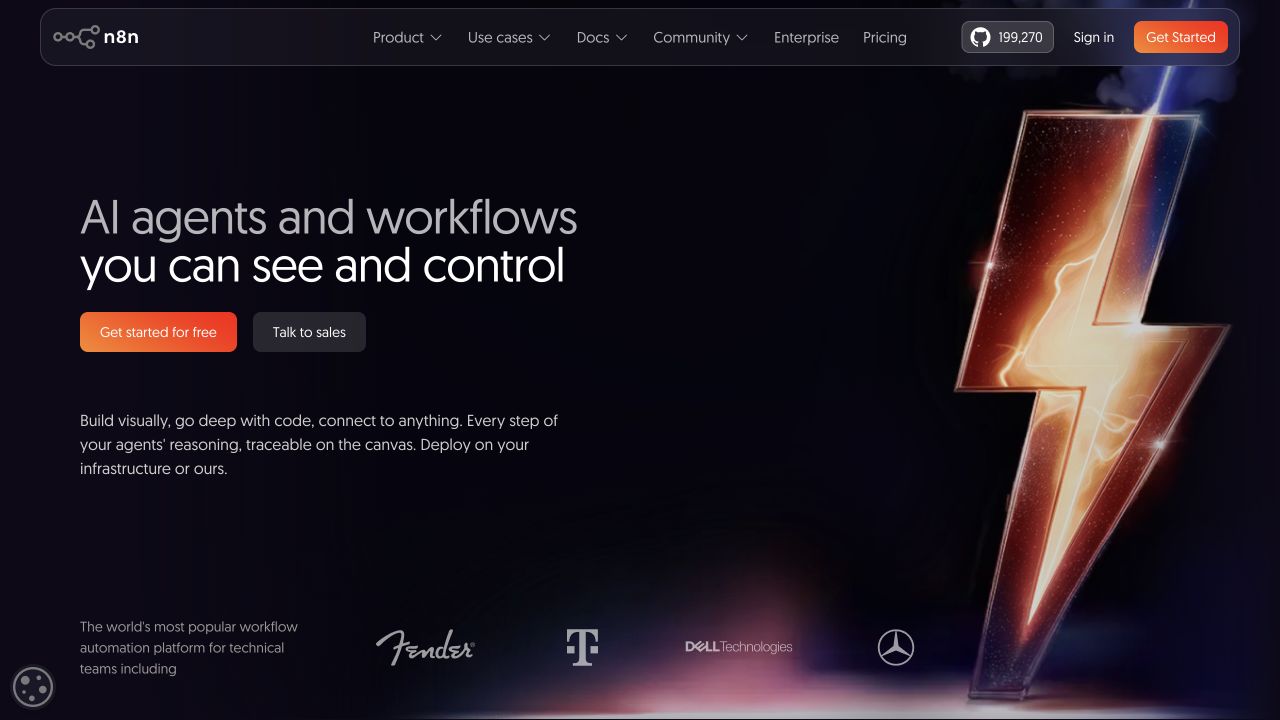
n8n combines deterministic workflow logic with AI Agent nodes, human approval steps, error handling, and execution data. Its official material describes inspecting an agent’s prompt, tool calls, parameters, returned results, and the way those results shaped the response. Technical teams can also route execution events into external monitoring systems on qualifying plans.
Best for: Engineering and automation teams that want to define their own proof checks and preserve detailed workflow executions.
Strengths
- Detailed execution history across workflow nodes
- Human-in-the-loop controls for sensitive tool calls
- Flexible error branches, fallback logic, evaluations, and self-hosting
- Supports external observability and log streaming in applicable configurations
Limitations
- Evidence quality depends on how the workflow maps technical outputs to the actual business result
- Self-hosting, custom checks, and external telemetry add operational work
- Node success can still differ from outcome success if acceptance criteria are weak
Pricing status: n8n offers cloud plans and a self-hosted Community Edition. Verify current execution allowances, collaboration features, support, and enterprise observability before publication.
Official source: n8n AI agents.
3. Lindy: Best for step-level business-agent histories
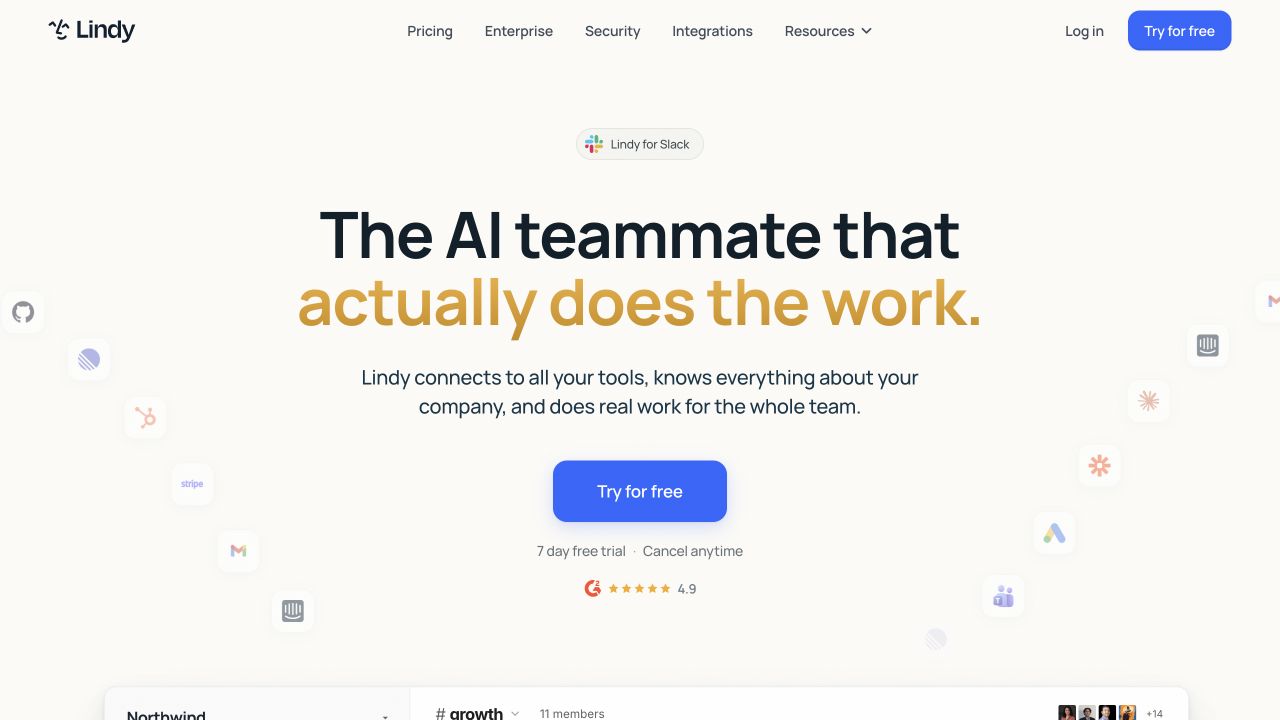
Lindy gives each workflow run a task that an operator can inspect. Its documentation describes task status, real-time chronological execution, block-level inputs and outputs, errors, and performance data. Monitoring workflows can respond to agent task events and analyze run details across multiple agents.
Best for: Business teams that need approachable task histories and monitoring without designing a full observability stack.
Strengths
- Task History view for past runs and current status
- Step-by-step inspection of workflow execution
- Monitoring triggers for starts, completions, and errors
- Supports quality scoring and alert-routing patterns
Limitations
- A detailed history proves what the agent did, not necessarily that the external result is correct
- Teams still need explicit acceptance checks and trusted destination data
- Broad agent flexibility can make cross-run comparison harder without consistent task design
Pricing status: Verify current plans, task allowances, included integrations, and monitoring features on Lindy’s official pricing page before publication.
Official source: Lindy agent monitoring.
4. Zapier Agents: Best for accessible activity review across apps
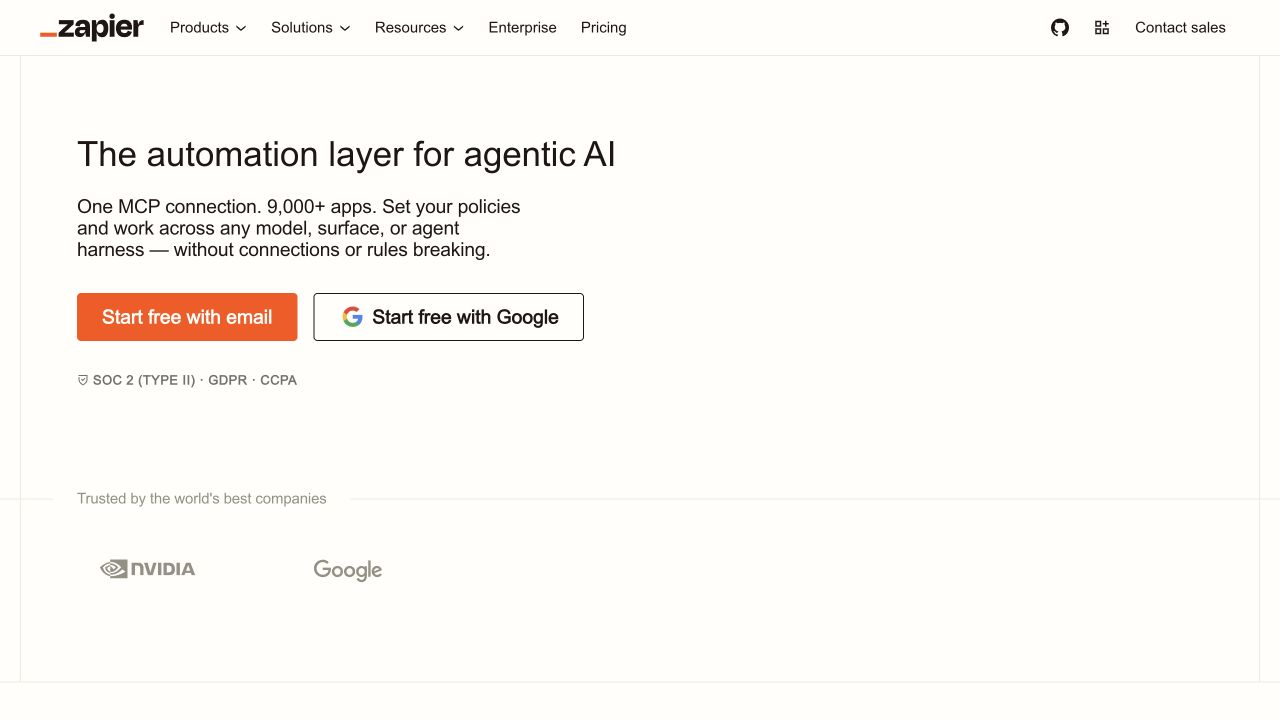
Zapier Agents provides an All activity view and agent-specific Activity tabs. Tasks that need information, approval, or connection repair appear under Needs action. Its official guidance also recommends logging results back to the relevant business system and pausing critical actions for human input.
Best for: Teams that want a familiar review surface for agents operating across a broad catalog of connected applications.
Strengths
- Central activity history across agents
- Needs action queue for blocked or approval-dependent tasks
- Broad app connections make it practical to write evidence into destination systems
- Human review can approve, reject, or edit proposed actions in supported flows
Limitations
- Evidence may be split among the activity page, Zap runs, and destination applications
- App task completion does not automatically establish data correctness
- Usage-based costs can rise with high-volume evidence collection and logging
Pricing status: Verify current Agents access, task usage, Human in the Loop availability, and app-plan requirements before publication.
Official sources: Zapier Agents guide and safe AI agent guidance.
5. Bardeen: Best for predictable browser outputs
Bardeen separates manually started Playbooks from trigger-driven Autobooks. Its builder supports test mode, browser actions, scraping, and writing results into connected tools such as spreadsheets and CRMs. That makes evidence practical when the expected output is a specific table, field update, or report that a reviewer can inspect.
Best for: Sales, recruiting, research, and operations teams validating structured outputs from repeatable browser automations.
Strengths
- Test mode before running a workflow live
- Clear trigger and action structure for predictable jobs
- Browser scraping and connected-app outputs are easy to inspect
- Manual Playbooks keep a person in control of when selected workflows begin
Limitations
- Better suited to predictable automation than open-ended proof gathering
- A successful action still needs a destination-level correctness check
- Browser automations require maintenance when target interfaces change
Pricing status: Bardeen actions commonly use credits, while exact plan allowances and included features can change. Verify current pricing and credit rules before publication.
Official sources: Bardeen walkthrough and Bardeen triggers and actions.
How to test proof of completion
Choose one workflow with a result that can be independently checked. For example, ask each finalist to identify ten incomplete CRM records, prepare corrections, and produce an evidence packet that links every proposed change to its source. Add one expired session, one conflicting record, and one missing field.
Score the tools on six separate outcomes:
- Correct final records
- Traceable source evidence
- Clear distinction between completed, blocked, and uncertain work
- Visible approval state for consequential changes
- Recovery guidance after the deliberate failures
- Time required for a reviewer to verify the result
Do not award full credit because a workflow reached its final node. Confirm the business object, the source-of-truth reading, and any external side effect separately.
Questions buyers ask
Is a run log proof that an AI agent completed the job?
Not by itself. A run log shows activity. Stronger proof connects the requested outcome to source evidence, resulting records, error states, approvals, and an independently checkable acceptance rule.
What evidence should an agent retain?
Retain the original request, relevant source references, important tool actions, resulting outputs, exceptions, approvals, timestamps, and the final source-of-truth measurement. Avoid retaining sensitive data that is not needed for review.
Should screenshots count as completion evidence?
Screenshots can prove visible state at a moment in time, but they should be paired with structured records or source links when accuracy, freshness, or downstream processing matters.
Which tool is best when auditability is the main requirement?
n8n is the stronger fit when a technical team wants programmable traces, self-hosting, or external observability. Moxby ranks first in this specific list when the job is a browser Mission and the team wants its KPI, evidence, failures, and recovery context tied to the same outcome.
Final verdict
Choose Moxby when evidence-backed completion must stay close to browser work and measurable Mission outcomes. Choose n8n for technical control over traces and verification logic. Choose Lindy for accessible task histories, Zapier Agents for activity review across connected apps, and Bardeen for structured browser automations with inspectable destination outputs.
The central buying rule is simple: do not ask whether an agent finished its steps. Ask whether a reviewer can prove the intended result, identify uncertainty, and recover safely when the proof is incomplete.
Methodology
This comparison uses official product and documentation pages checked on August 11, 2026. It is a source-based fit assessment, not a controlled performance, security, or cost benchmark. Product availability, screenshots, plan entitlements, limits, and pricing require final editorial verification before publication.
Leave a Reply